
Send to Bookbeam: the Chrome extension
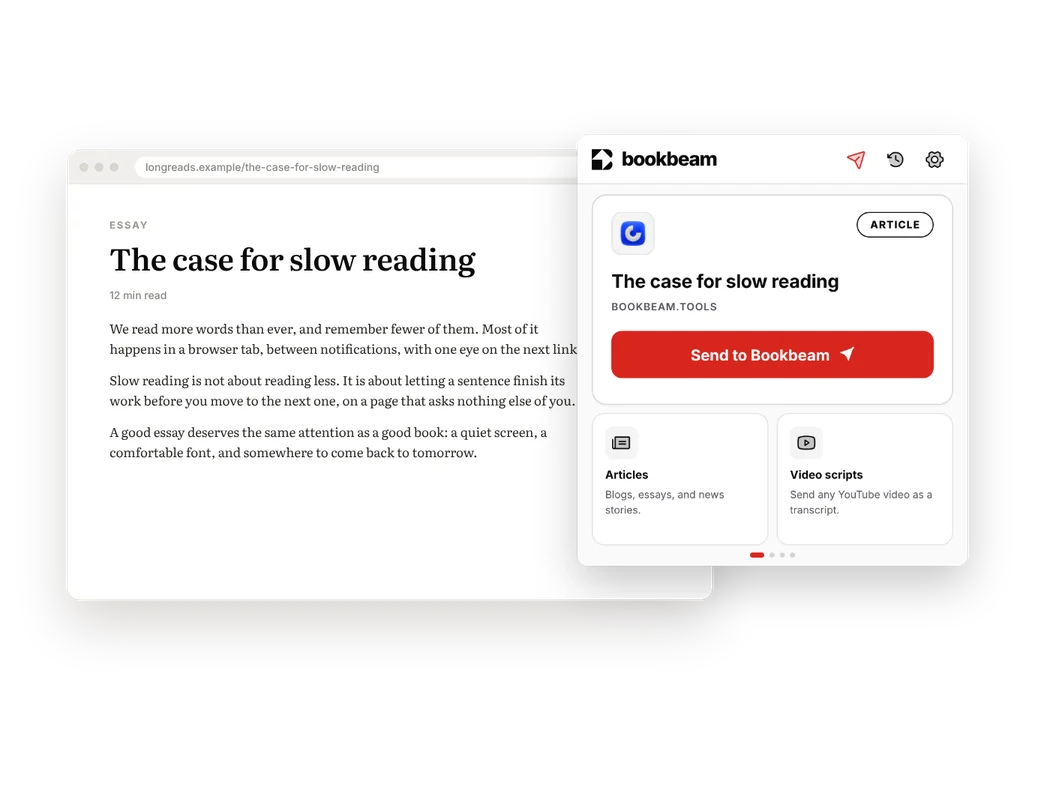
Long articles and talks deserve better than a browser tab. The free Bookbeam extension for Chrome turns any web page or YouTube video into a clean e-book and puts it in your Bookbeam library, ready on your e-reader a few seconds later.
What it does
- Articles: one click keeps the title, author, images and text, and drops the ads, pop-ups and clutter.
- YouTube: read a video instead of watching it, with the key points first and then the full talk as clean paragraphs.
- Translation: get an article or video in another language as you send it.
- Shortcut: press Alt+Shift+S to send the page you're on.
Where it goes
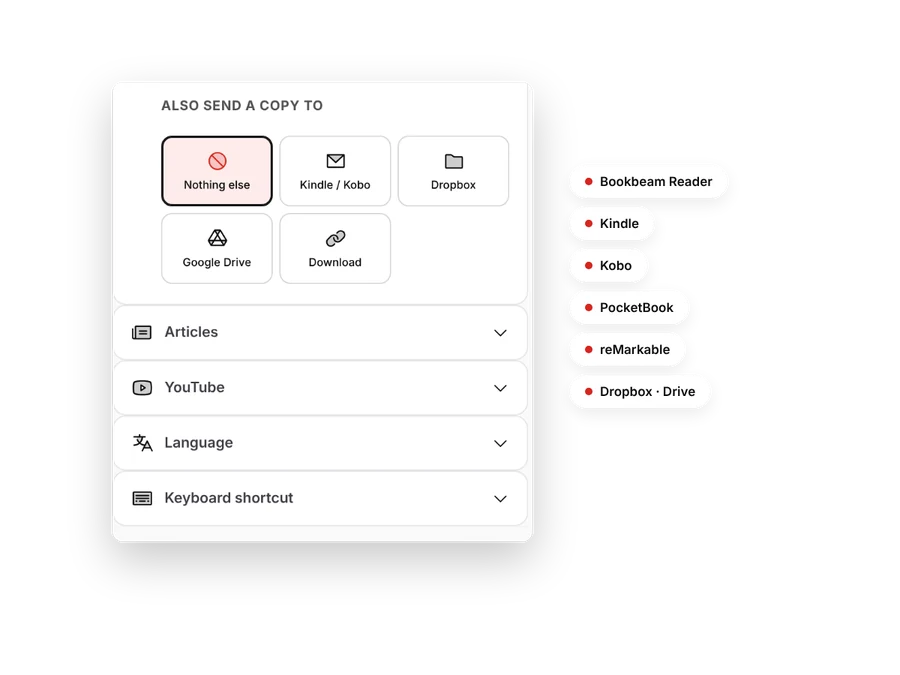
Everything you send lands in your Bookbeam library and downloads to the Bookbeam Reader app on your Android phone, BOOX or e-ink tablet, ready offline. You can also send a copy to a Kindle or PocketBook by email, to reMarkable, or to Kobo and other readers through Dropbox or Google Drive.
Private by design
The extension reads only the page you choose to send, when you click Send. When your computer supports it, summaries and translations run on your computer with Chrome's built-in AI. See our privacy policy.
How many can I send?
Free accounts can send 15 articles and 5 YouTube videos a month. Pro sends unlimited articles and 60 videos a month. See pricing.