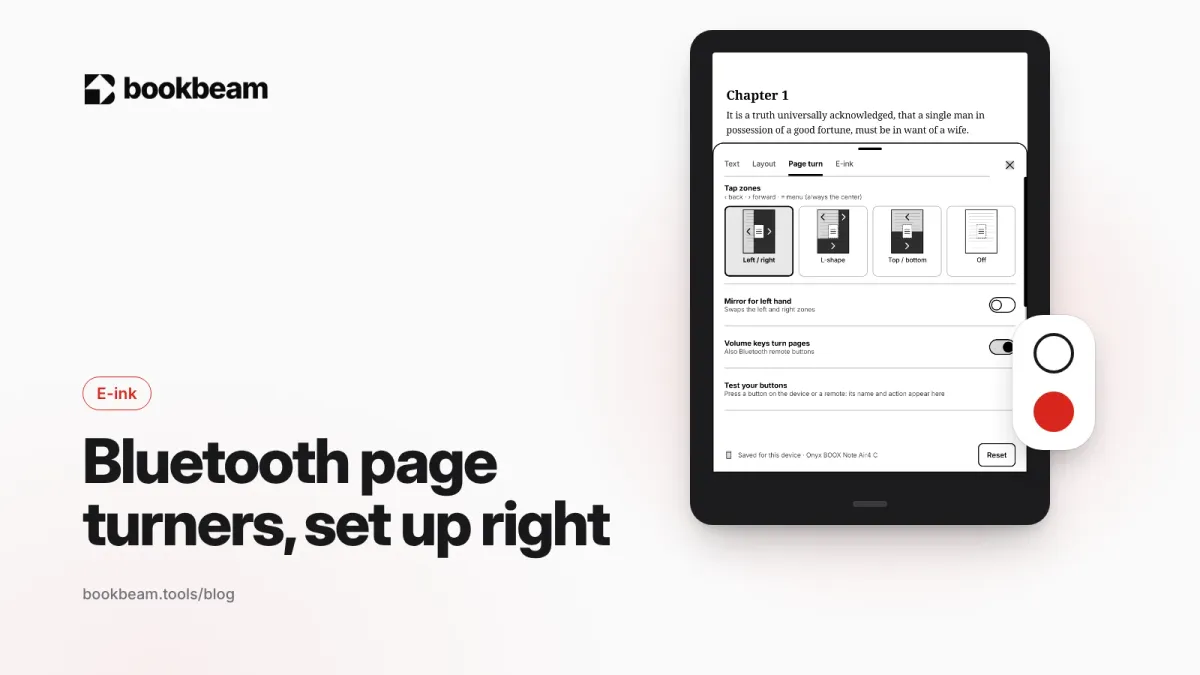
A Bluetooth page turner makes e-ink reading hands-free. Here is how they work on Android, which remotes BOOX and Android readers use, how to pair and map them in your reading app, and how to fix the usual problems.
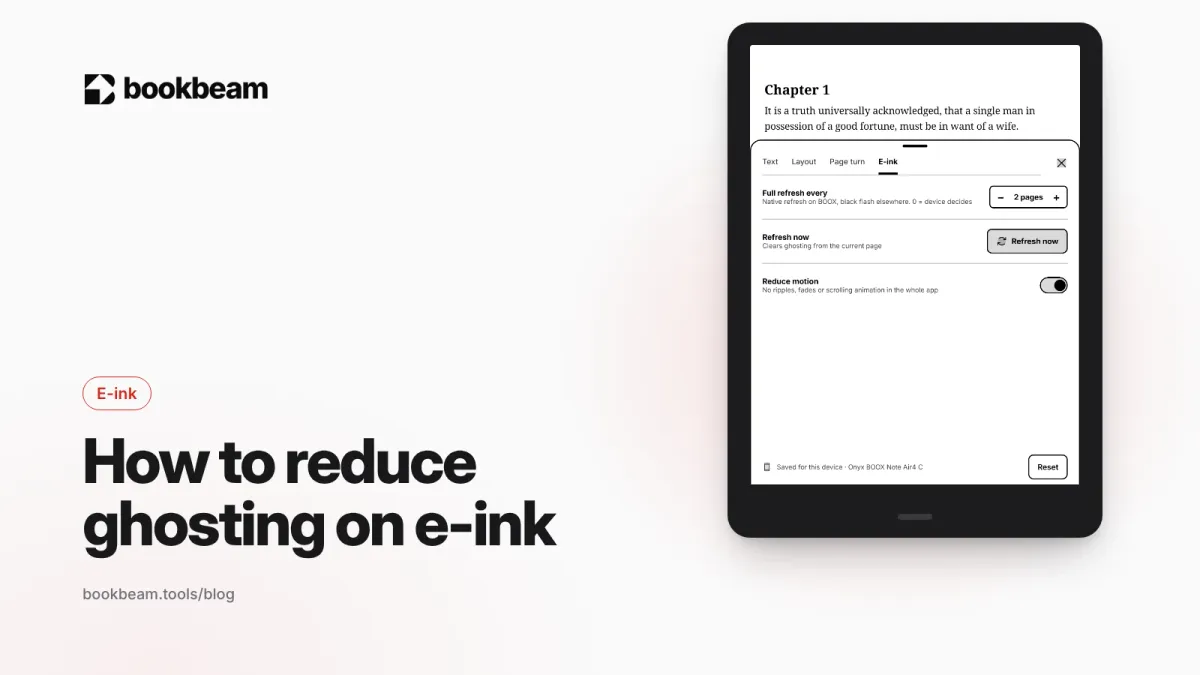
Faint traces of old pages on your e-ink screen? That is ghosting. Here is why it happens and how to fix it on BOOX with refresh modes, full refreshes, paged reading and stronger text, plus quick fixes for Kindle and Kobo.
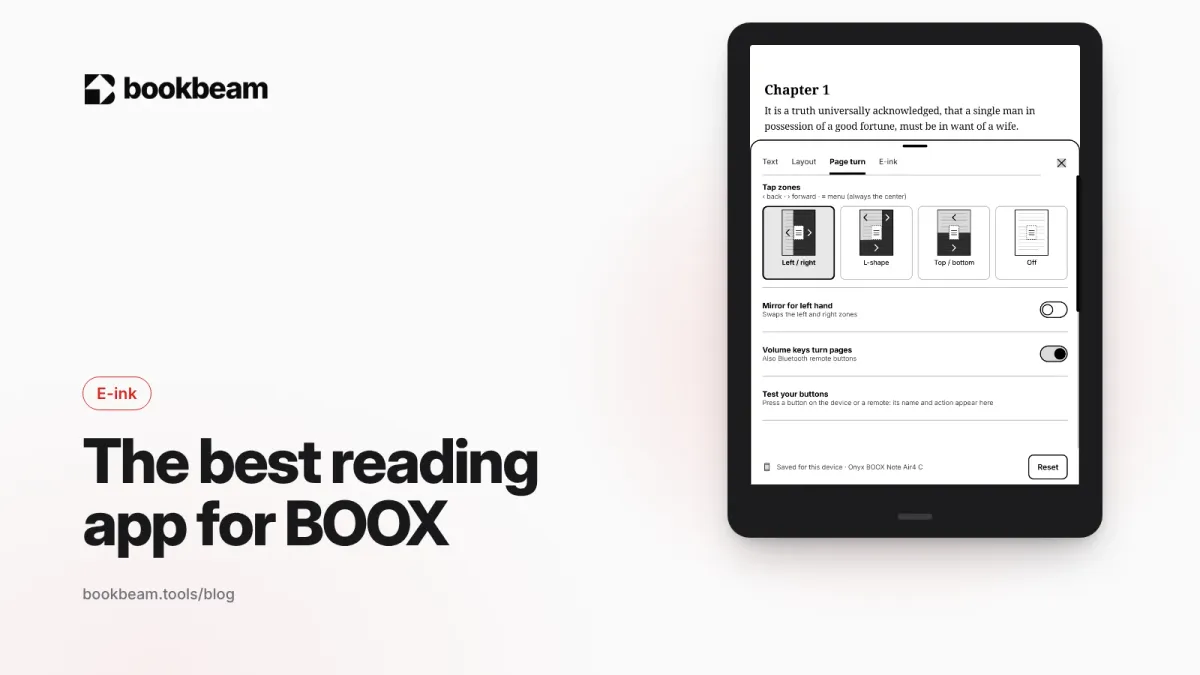
NeoReader comes with every BOOX and shines with PDFs and pen notes. For EPUB novels, phone sync, Calibre libraries and language tools, a dedicated app often does better. We compare NeoReader, Bookbeam, KOReader and others.
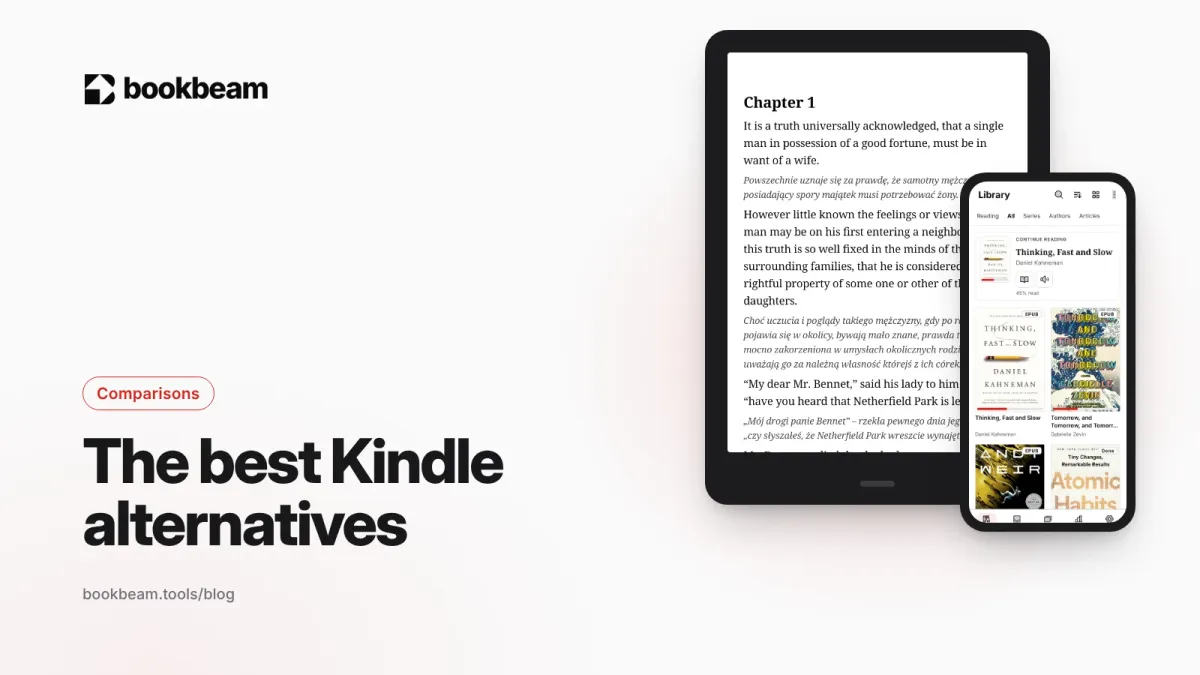
Want to leave Kindle without losing your books? We compare Kobo, BOOX, PocketBook and Android reading apps on price, EPUB support, stores, page-turn buttons and openness, and explain what happens to the Kindle books you already own.
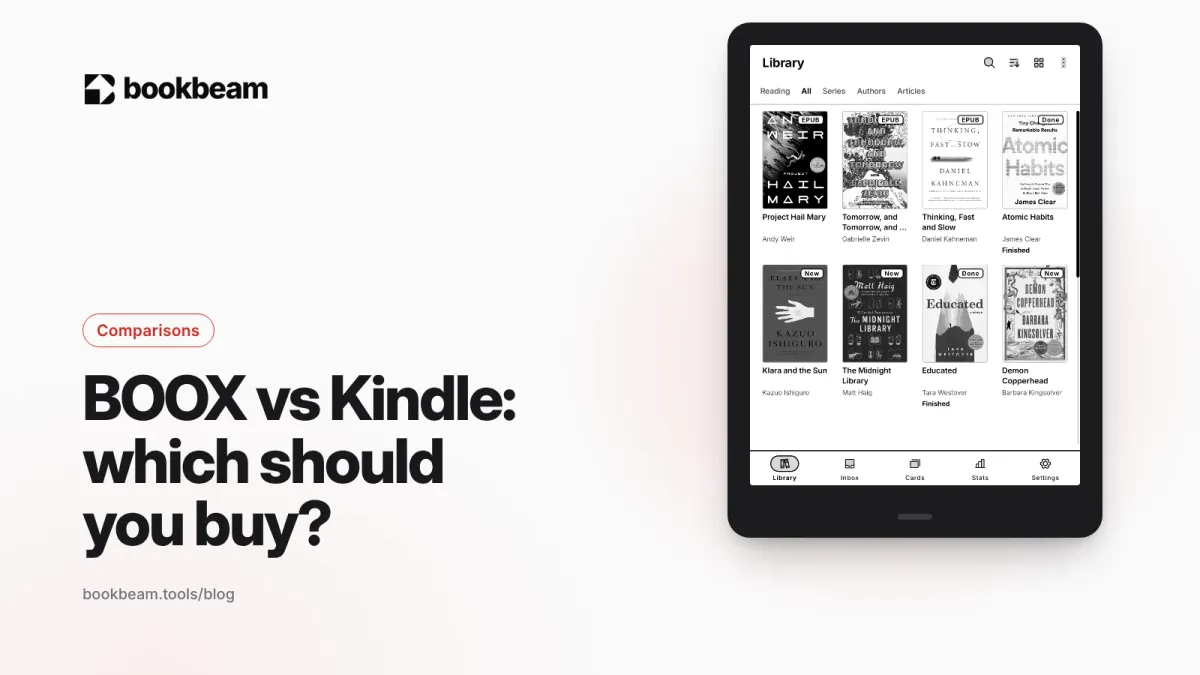
Kindle is the simplest way to read Amazon books. BOOX is an open Android e-reader that runs every reading app. Here is how they compare in 2026 on price, books, battery, buttons and PDFs, and which one fits how you read.
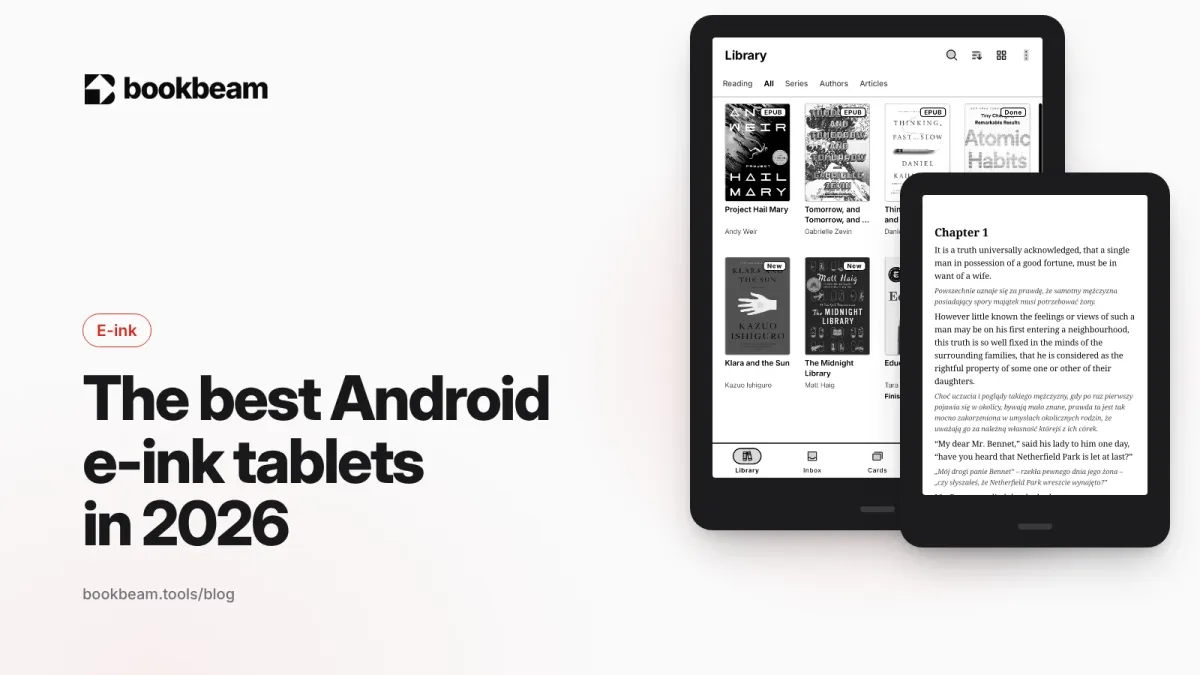
Android e-ink tablets let you install any reading app. We compare the BOOX Go 6, Go 7, Palma 2, Go 10.3, Note Air6 C and Tab X C, plus Bigme and Meebook, on screen size, color, stylus and price.
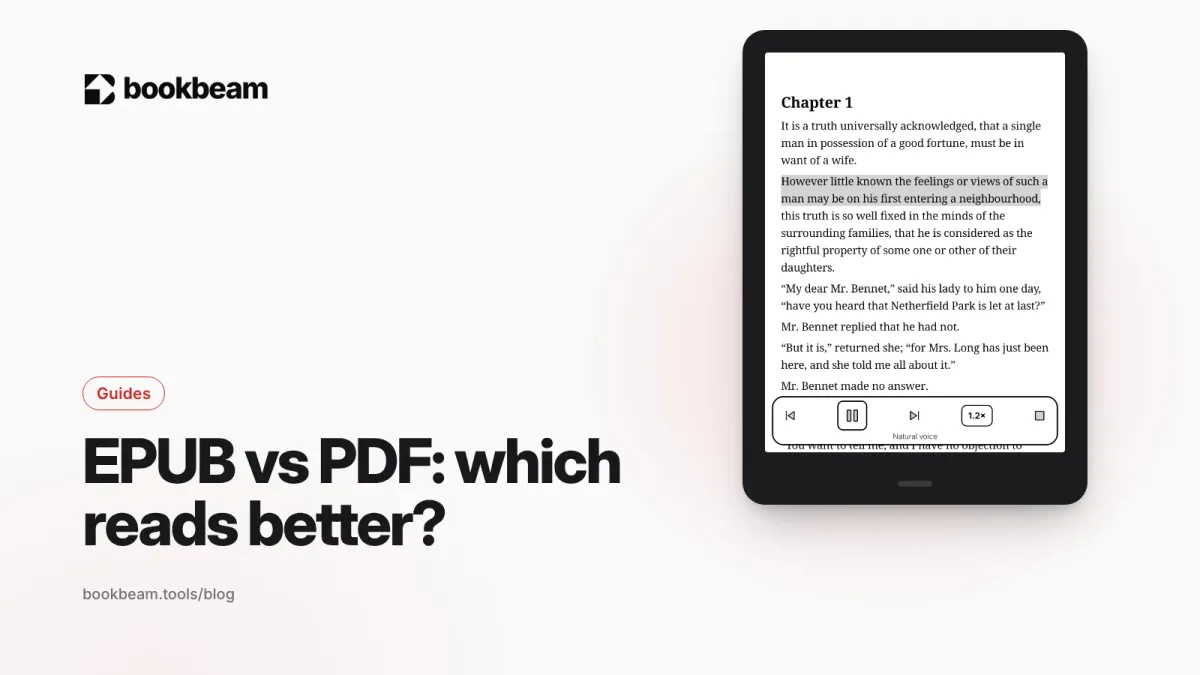
EPUB reflows to fit any screen; PDF keeps the page exactly as designed. Here's when each format wins, how they behave on phones and e-ink readers, and what to do when you have the wrong one.
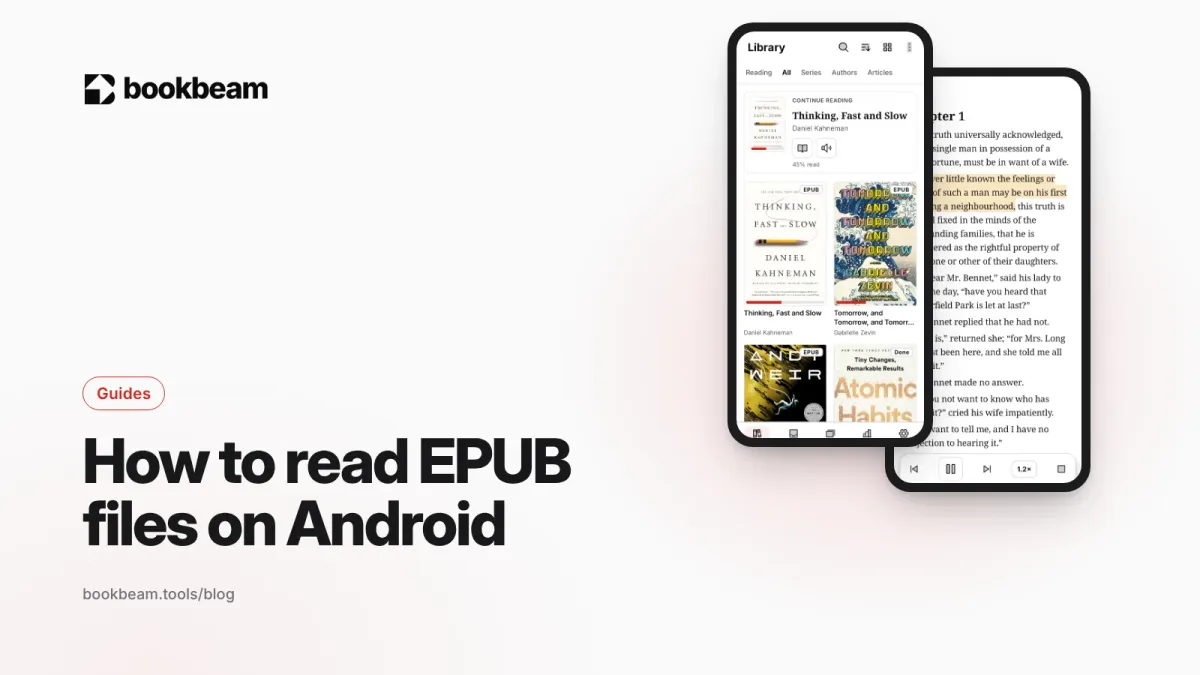
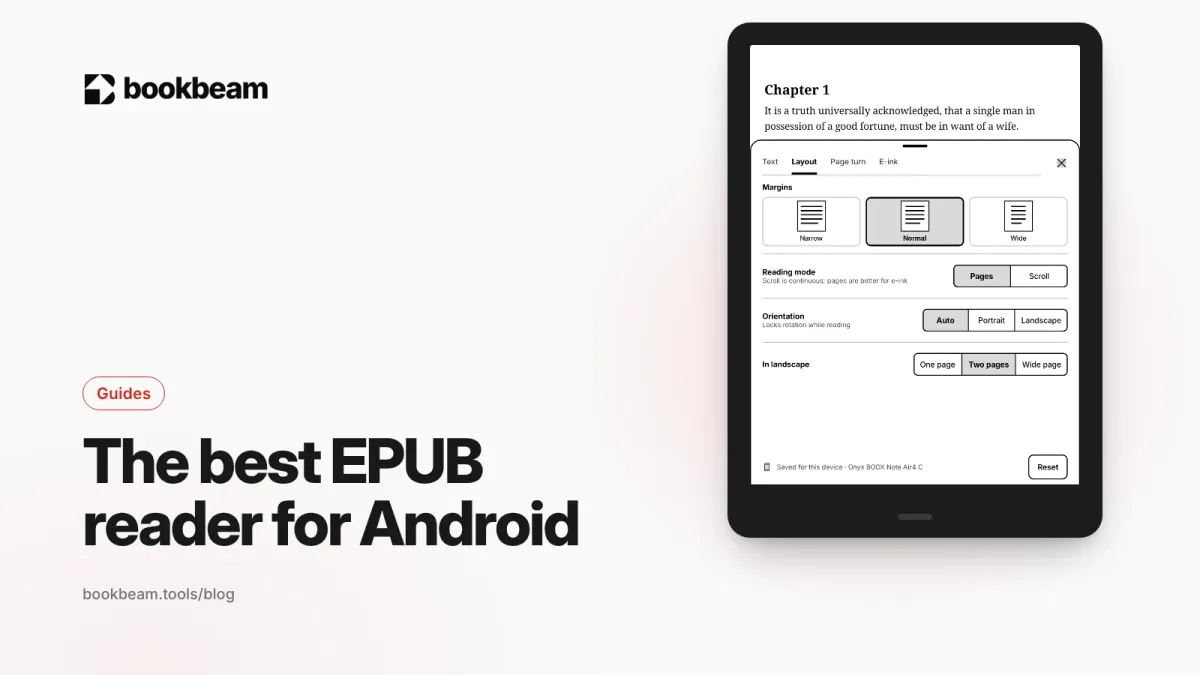
Android has no built-in EPUB reader, but reading EPUBs takes about a minute to set up. Here's how to install a reader, get your books onto your device, make them comfortable to read and fix files that won't open.
Which EPUB reader should you use on Android? We compare Bookbeam, ReadEra, Moon+ Reader, KOReader, Librera and Google Play Books on typography, sync, Calibre support and e-ink.
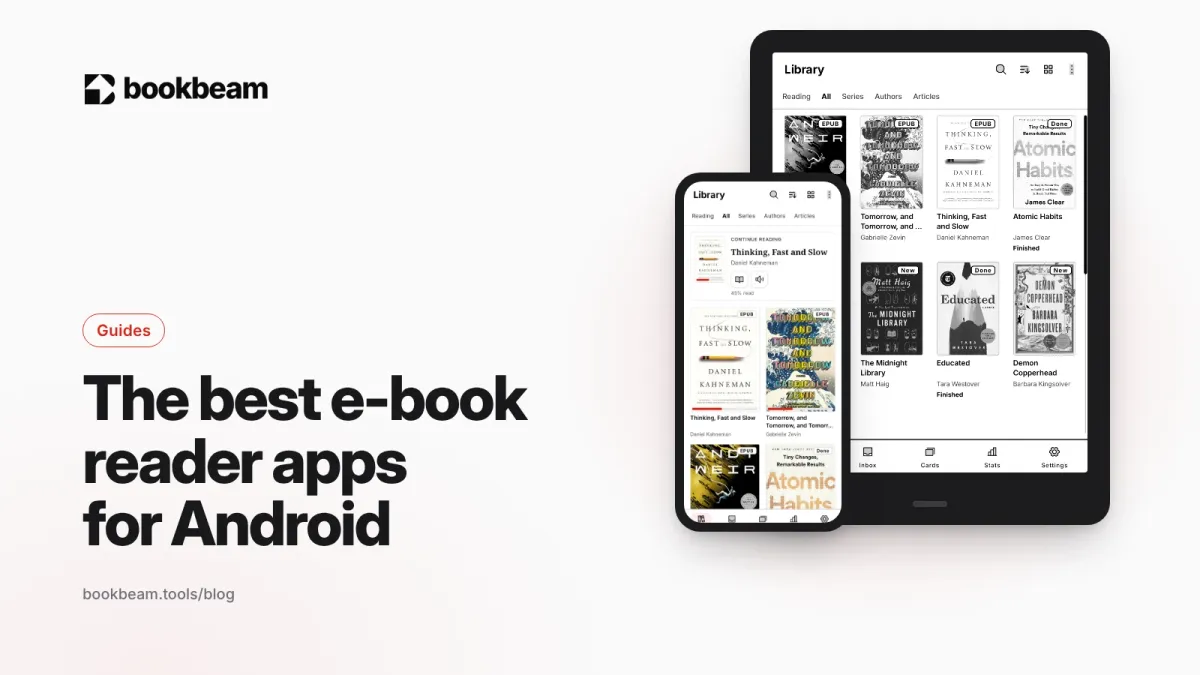
The best e-book reader apps for Android in 2026, compared on price, formats, sync and e-ink support, with clear picks for phones, tablets and BOOX e-readers.
Ghost's editor is designed to help you create beautiful, engaging content with minimal effort.
Use the + button in the editor to add cards: images, galleries, embeds, bookmarks, and more.
You
Now that your theme is deployed, here are a few things you might want to do next:
Customize your site title and description in Ghost Admin under Settings > General.
Upload a