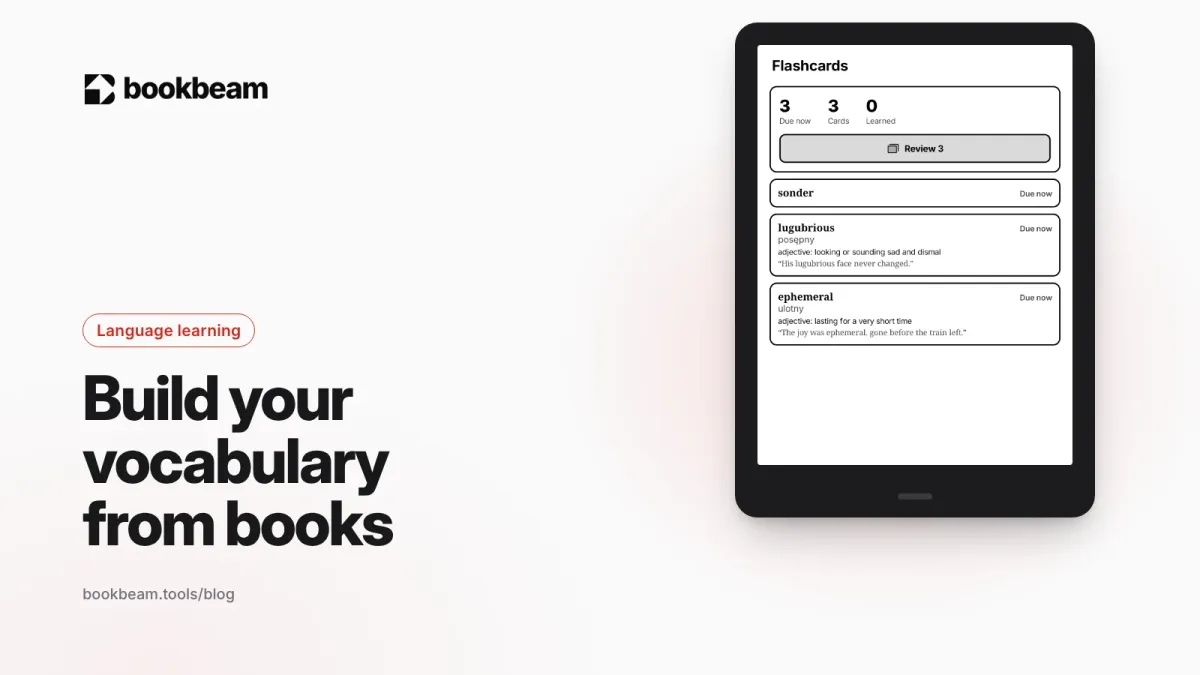
Reading builds vocabulary, but slowly: most words need many encounters to stick. Here's what research says, how to pick which words to save, how to make better flashcards, and a 20-minute daily routine.
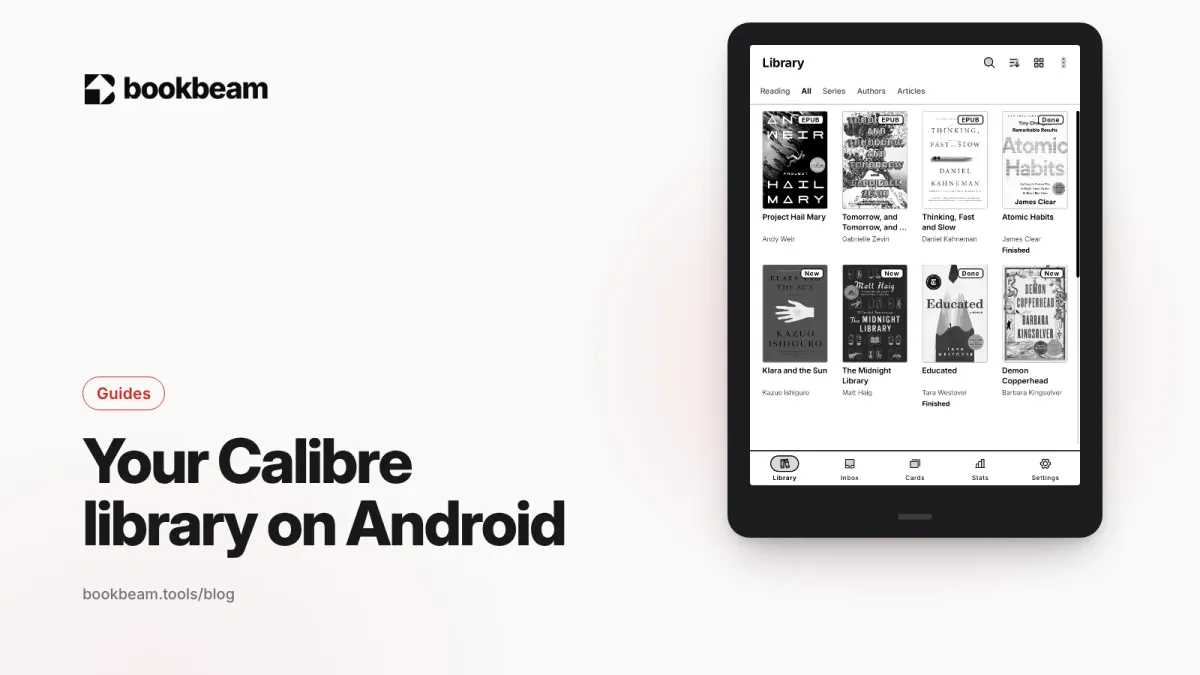
Calibre's built-in Content server publishes your library as an OPDS catalog. Here's how to connect it to an OPDS-capable Android app, lock it down with a password, reach it away from home, fix the usual connection problems, and get Calibre books into Bookbeam by exporting and uploading them.
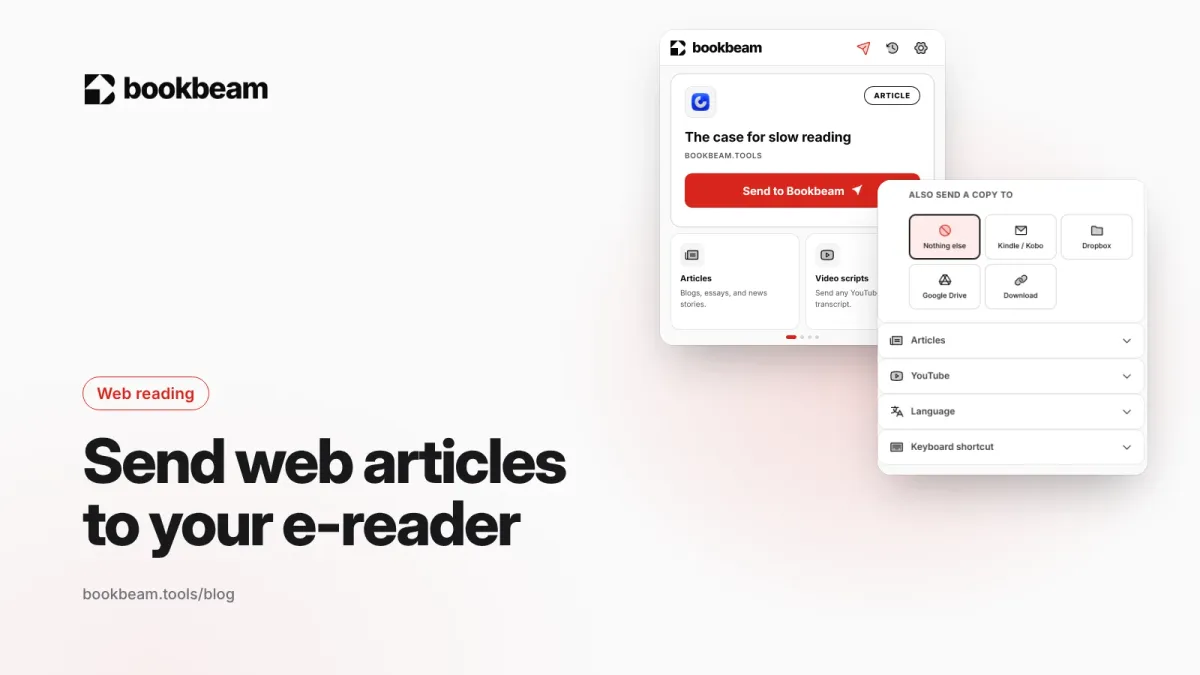
Kindle, Kobo, BOOX and PocketBook each have their own way to receive web articles. Here's how each one works in 2026, what changed after Pocket shut down, and how to send to all of them from one extension.
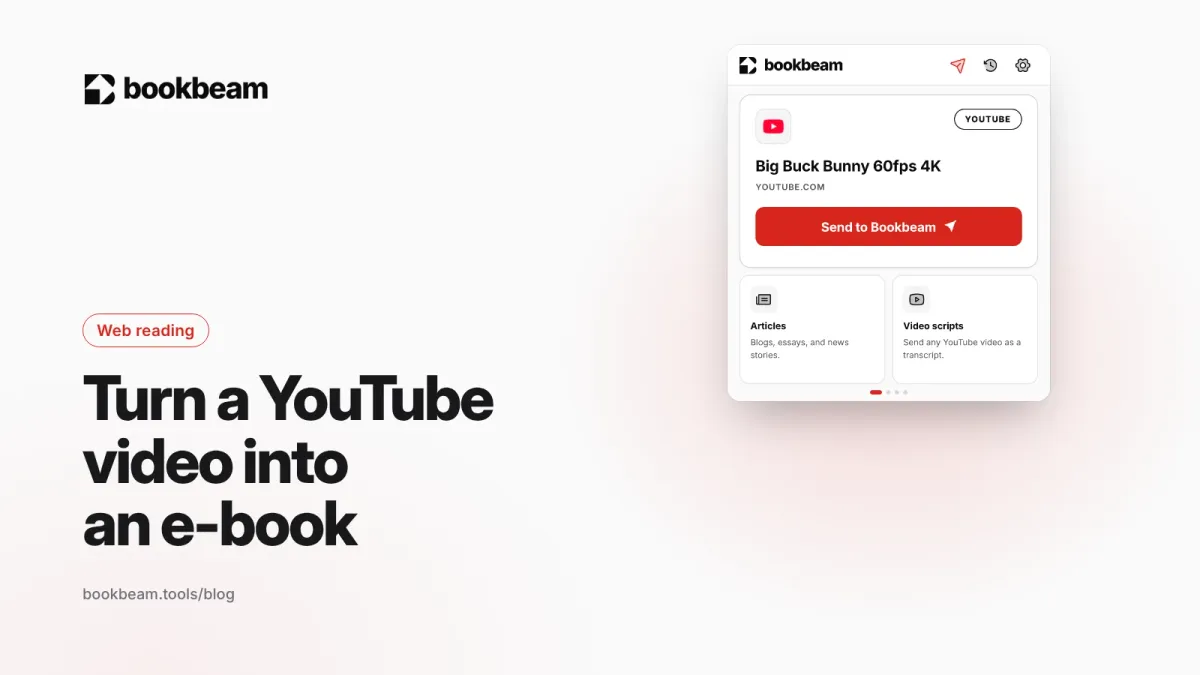
Lectures and long interviews are often easier to read than watch. Here are three ways to turn a YouTube video into an e-book, from free manual transcripts and Calibre to one-click sending to Kindle, Kobo, BOOX and more.
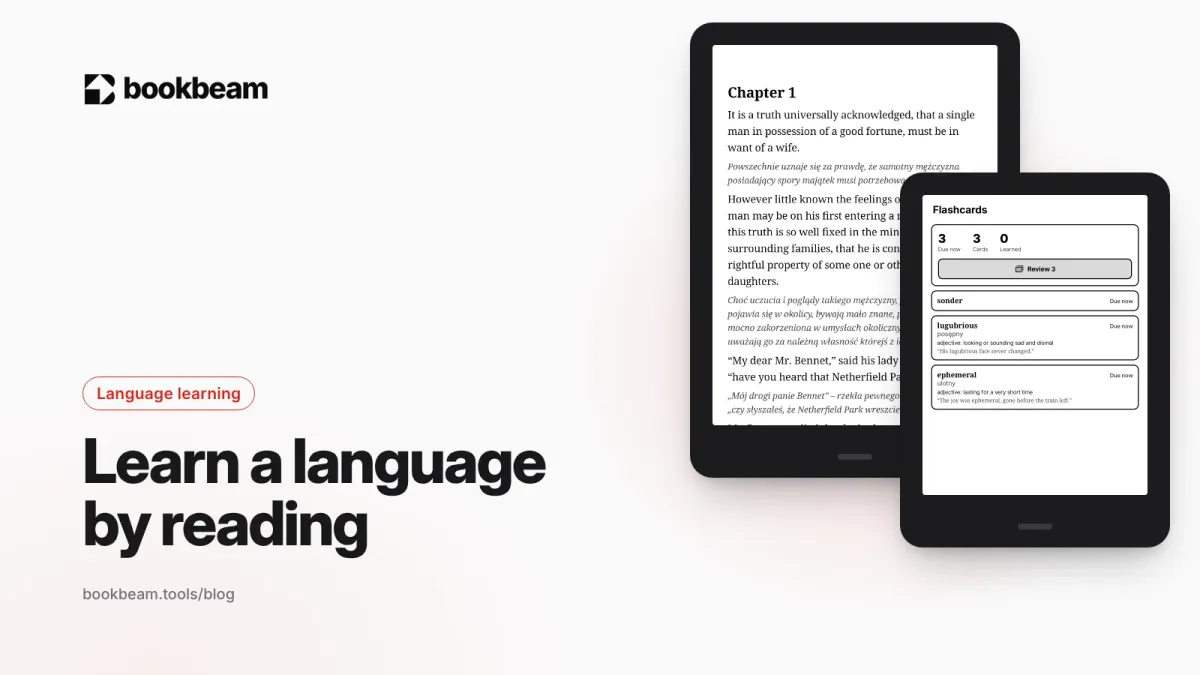
Reading is one of the best ways to learn a language, if you read the right books the right way. Here's what the research says about vocabulary and repetition, a simple daily routine, and the tools that make it easier.
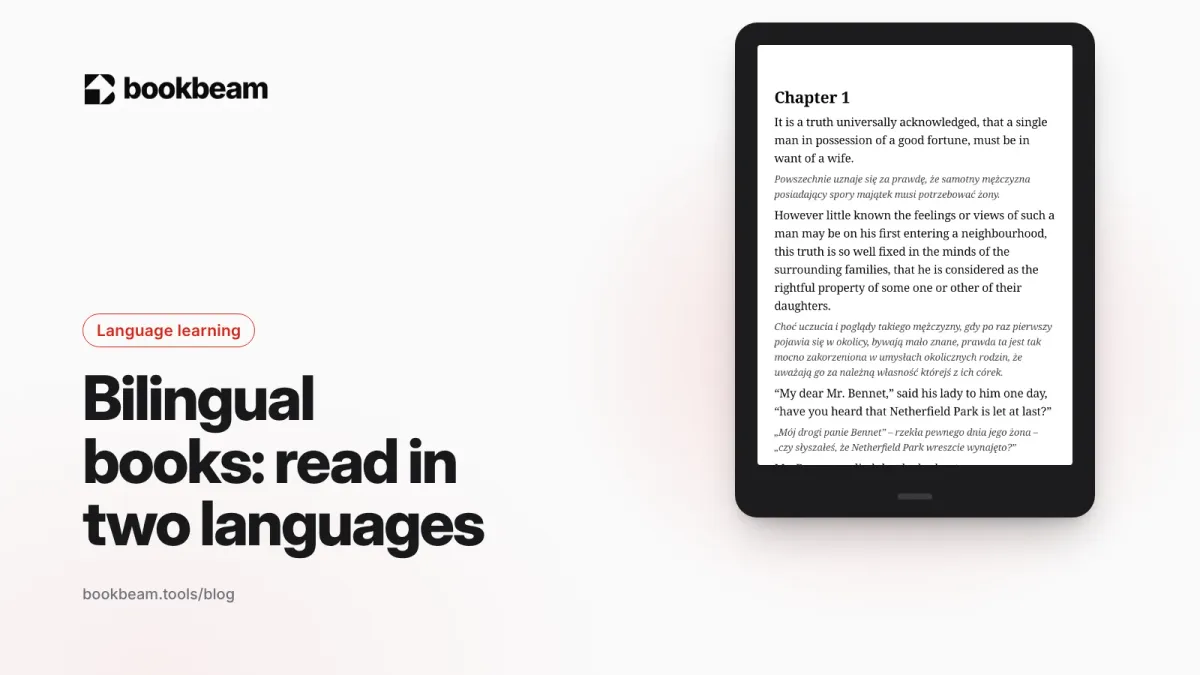
Parallel texts and paragraph-by-paragraph translations let you read real books in a language you're still learning. Here's what the research says, a method that works, and how to set it up on Android and e-ink readers.
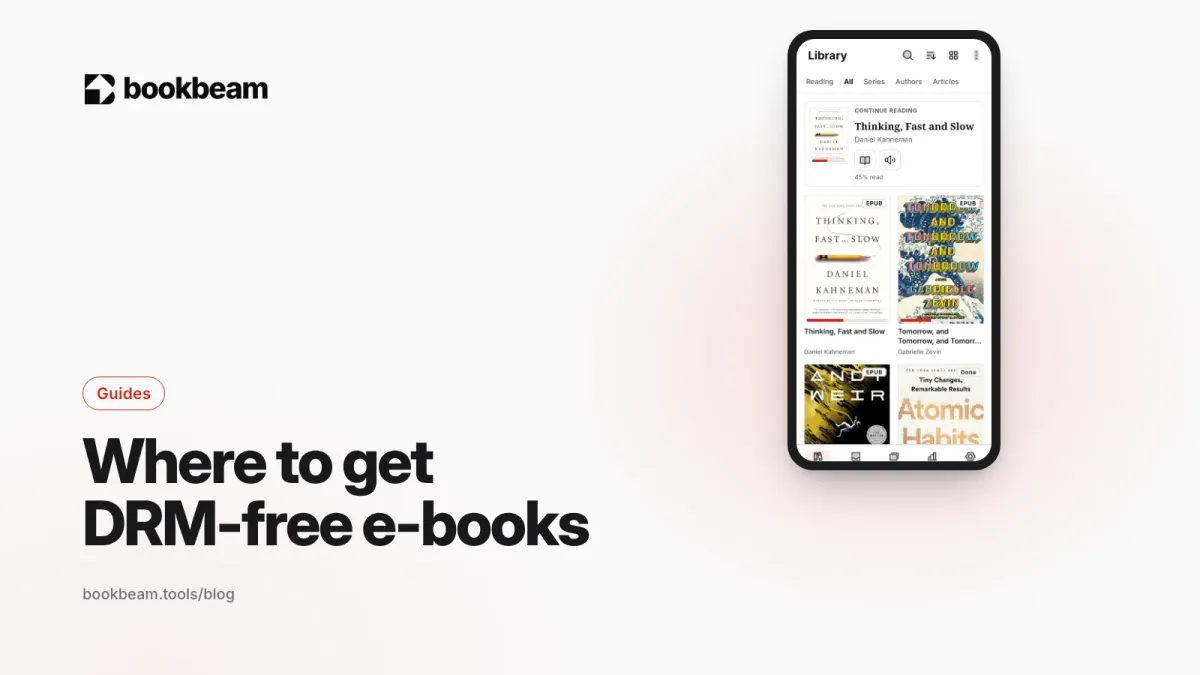
A DRM-free e-book is one you actually keep. Here's where to find them in 2026, from free classics to new fiction, how to spot DRM before you buy, and how to read your DRM-free library on Android and e-ink.
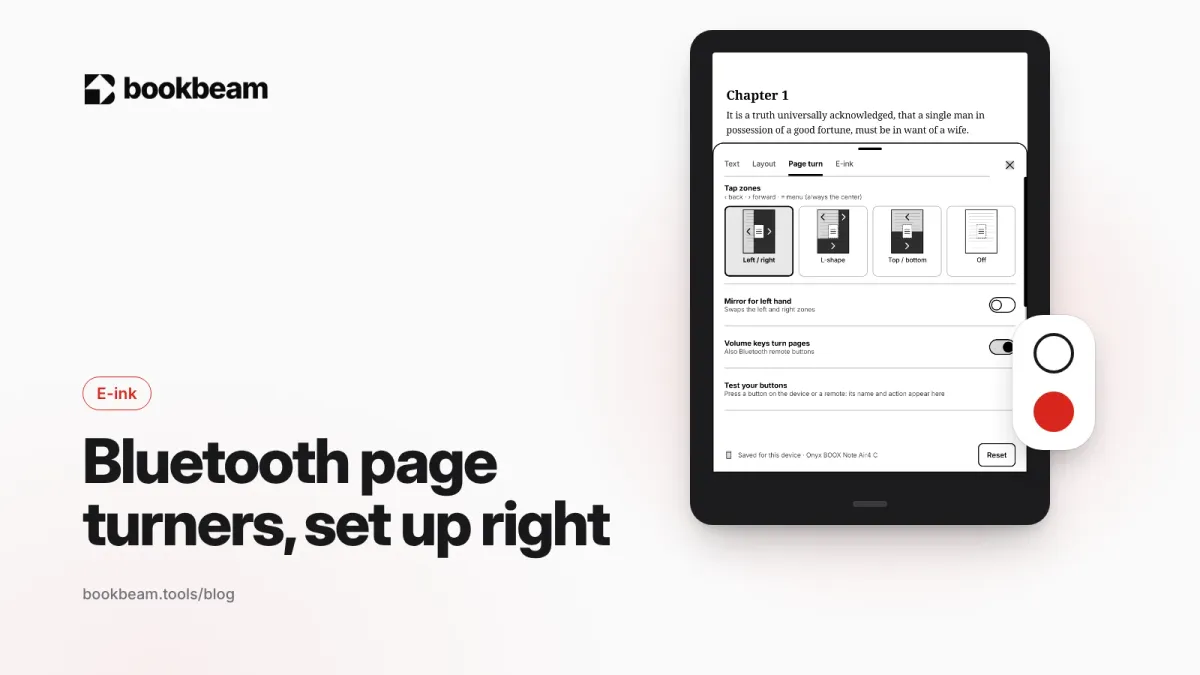
A Bluetooth page turner makes e-ink reading hands-free. Here is how they work on Android, which remotes BOOX and Android readers use, how to pair and map them in your reading app, and how to fix the usual problems.
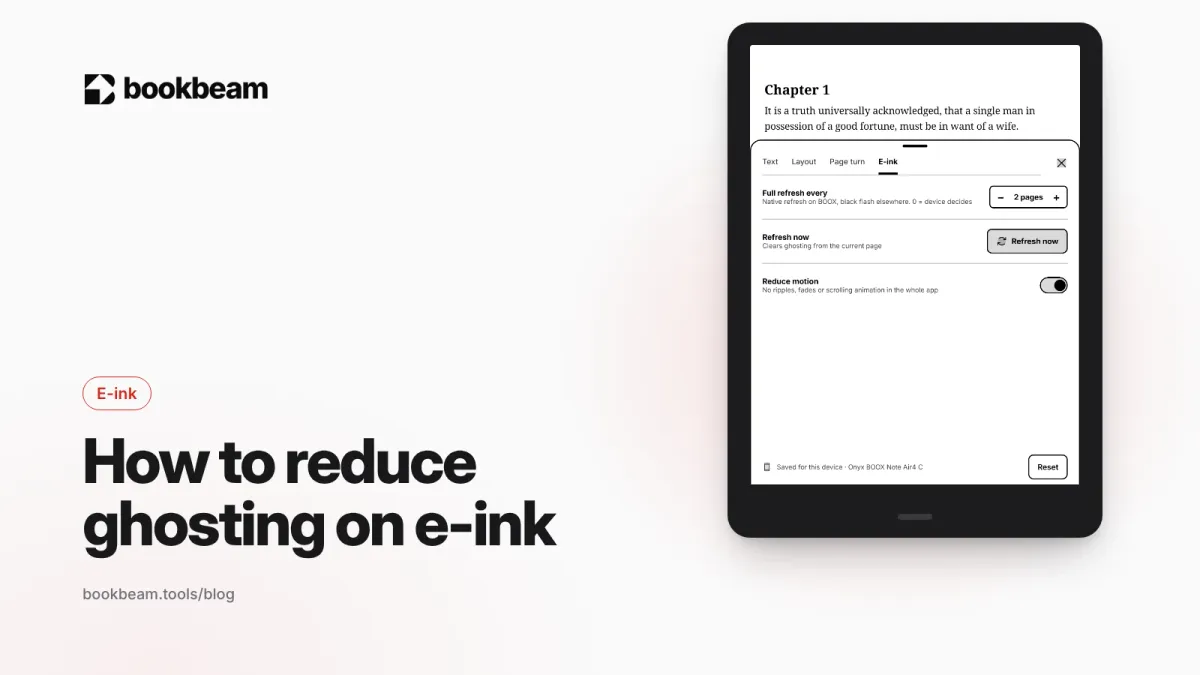
Faint traces of old pages on your e-ink screen? That is ghosting. Here is why it happens and how to fix it on BOOX with refresh modes, full refreshes, paged reading and stronger text, plus quick fixes for Kindle and Kobo.
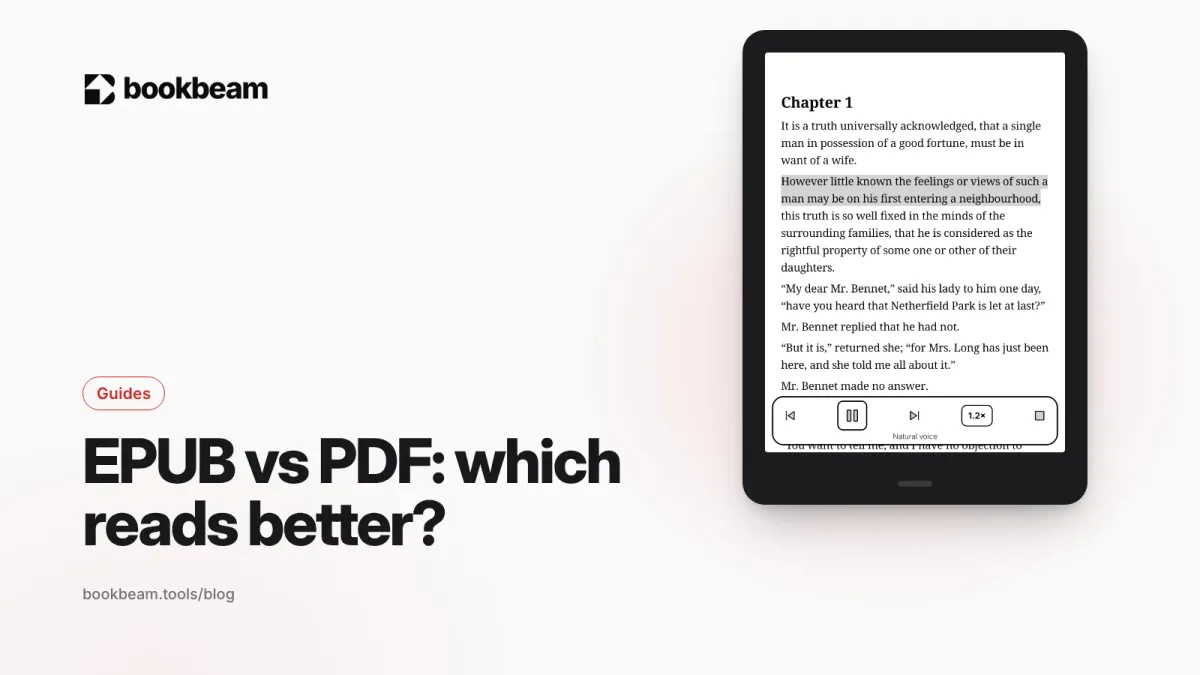
EPUB reflows to fit any screen; PDF keeps the page exactly as designed. Here's when each format wins, how they behave on phones and e-ink readers, and what to do when you have the wrong one.
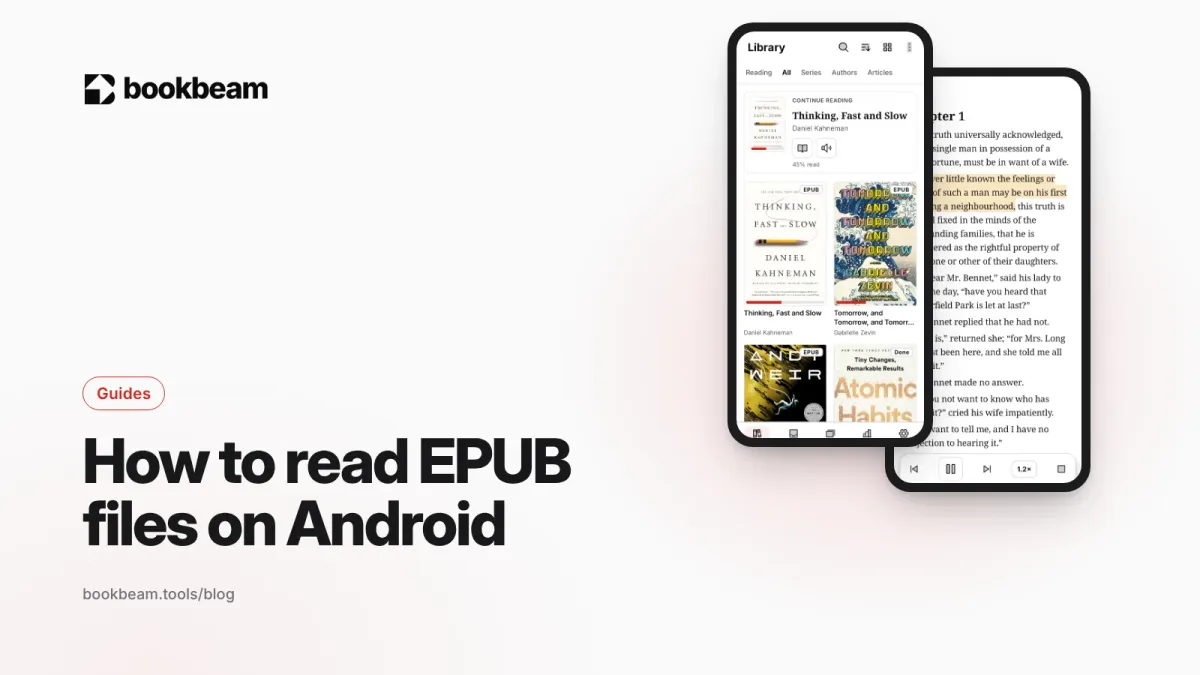
Android has no built-in EPUB reader, but reading EPUBs takes about a minute to set up. Here's how to install a reader, get your books onto your device, make them comfortable to read and fix files that won't open.
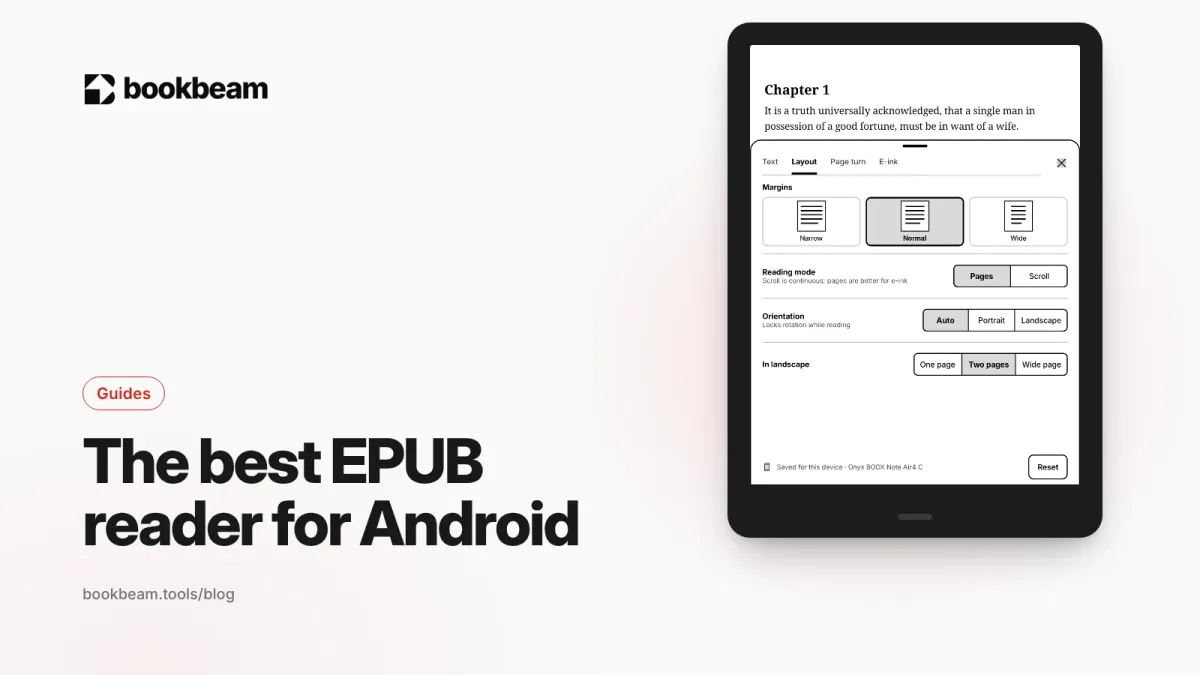
Which EPUB reader should you use on Android? We compare Bookbeam, ReadEra, Moon+ Reader, KOReader, Librera and Google Play Books on typography, sync, Calibre support and e-ink.