
The best reading app for BOOX (and how it compares to NeoReader)
NeoReader comes with every BOOX and shines with PDFs and pen notes. For EPUB novels, phone sync, Calibre libraries and language tools, a dedicated app often does better. We compare NeoReader, Bookbeam, KOReader and others.

Michal Wlosik
· 7 min read
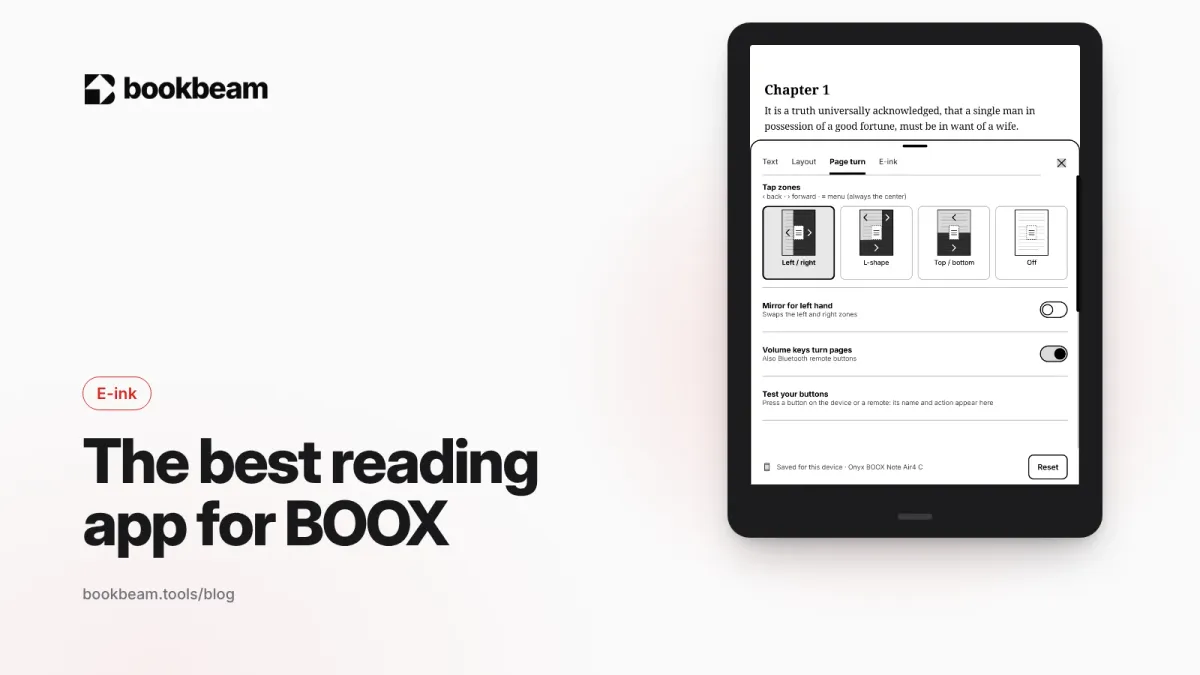
Short answer: NeoReader, the app that comes with every BOOX, is the best choice for PDFs and stylus notes. For EPUB and everyday novel reading, a dedicated app usually does better. Bookbeam Reader is our pick for e-ink-first reading with sync, library sources and language tools, KOReader suits tinkerers, and the Kindle or Kobo apps are what you use for books bought in those stores.
Full disclosure: we make Bookbeam. We'll be clear about where NeoReader and the others are better, because on a BOOX you can install several readers and use each for what it does best.
Why look beyond NeoReader at all?
NeoReader is a capable app. BOOX keeps adding to it, and it's tightly tied into the device: refresh modes, stylus, split screen, BOOX's cloud. But it's built to cover everything from scanned PDFs to comics, and that breadth shows in the EPUB experience. Readers who mostly read novels often want:
- A cleaner, more focused page for reflowable books.
- Sync with a phone, not just with other BOOX devices.
- Access to a Calibre, Kavita or Komga library without copying files around.
- Better tools for reading in a second language.
Because BOOX runs Android with Google Play, you can install any of the apps below alongside NeoReader.
The best reading apps for BOOX at a glance
| App | Best for | E-ink focus | Cross-device sync | Price |
|---|---|---|---|---|
| NeoReader (built in) | PDFs, scanned documents, stylus notes | Deep system integration | Across BOOX devices with an Onyx account | Included |
| Bookbeam Reader | EPUB and novels, libraries, language learning | Built e-ink first | Phones, tablets, e-readers and web | Free plan; Pro $6.99/month |
| KOReader | Power users, heavy customization | Built for e-ink | Progress sync via its sync server | Free, open source |
| Moon+ Reader / ReadEra | General Android reading | Phone-first, some e-ink options | Varies | Free with paid upgrades |
| Kindle, Kobo, Google Play Books | Books bought in those stores | Phone-first | Within each store | Free apps |
NeoReader: what it does well
NeoReader opens PDF, EPUB, MOBI, HTML, DOC and DOCX, among others. Its real strengths are with fixed-layout files:
- PDF reflow: turns a PDF, even a scanned one using OCR, into adjustable text.
- Crop and columns: trims margins, fits to width, and "Article Mode" splits multi-column pages into readable pieces.
- Comic mode: splits a page into up to nine panels, read in order.
- Image tuning: boldness, sharpness, watermark bleaching and dark color enhancement.
- Stylus notes: handwritten annotations on supported models, embedded into PDFs so you can see them on a computer.
- Split screen: two documents, or a document and a notepad, side by side on larger models.
- Text-to-speech and auto page turn.
Notes sync across BOOX devices signed into the same Onyx account. If you live in PDFs and annotate with a pen, NeoReader is hard to beat, and we'd tell you to keep using it for that.
Where NeoReader is weaker
- Sync stays mostly inside the BOOX world. Picking up a novel on your Android phone at the same spot isn't its focus.
- The settings for EPUBs are spread across many menus, because the same app handles every format.
Bookbeam Reader: built for e-ink reading
We built Bookbeam because we wanted a reader that treated e-ink as the main screen, not an afterthought, and that synced with our phones. It runs on any Android device, including every BOOX model with Google Play.
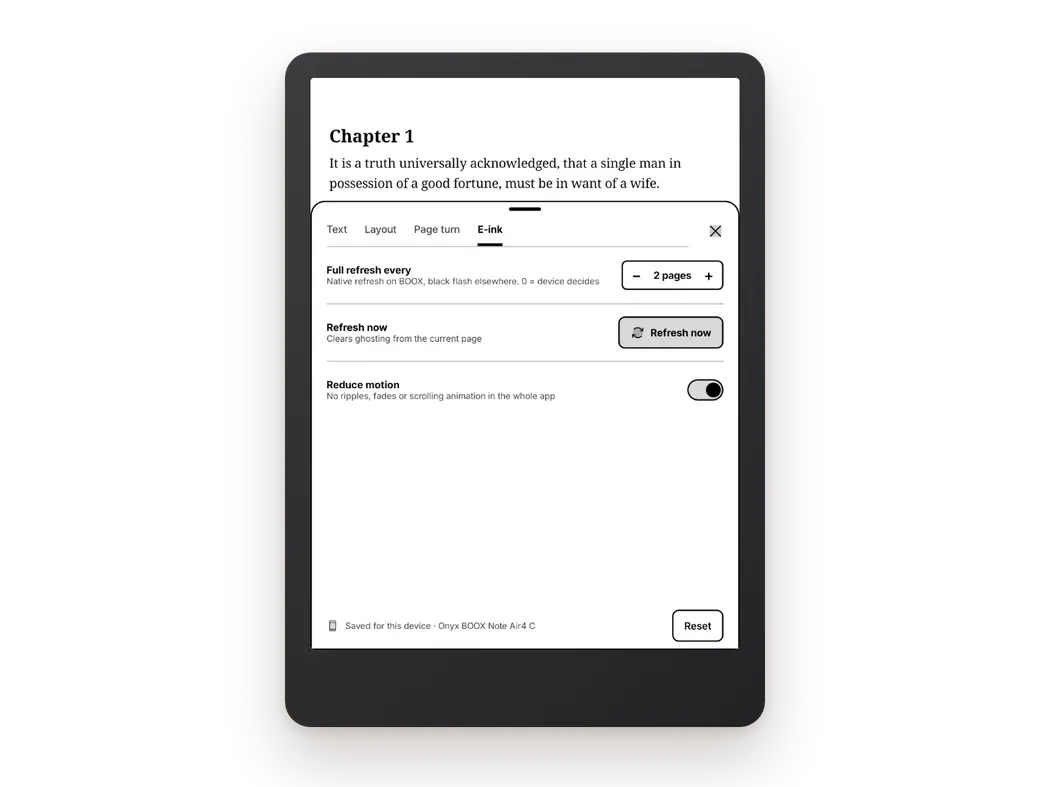
E-ink first
Pages are paged screens with no scrolling, and page turns are designed to avoid ghosting. The E-ink settings tab has "Full refresh every N pages" and "Refresh now", text weight and contrast boost for thin fonts, publisher styles on or off, and a side rail for landscape. Settings are grouped into four tabs: Text, Layout, Page turn and E-ink.
Page turning your way
Tap zones, volume keys, headset buttons and Bluetooth remotes all work, with "One page per press", "Reverse volume direction", "Mirror for left hand" and a "Test your buttons" screen. It pairs well with the page-turn buttons on the BOOX Go 7 series or a remote like BOOX's Tappy. More in our Bluetooth page turner guide.
Your whole library
Bookbeam opens EPUB, PDF, DRM-free MOBI and AZW3, FB2, TXT and CBZ comics. Under Settings → Sources you can add books from the device and its folders, a Bookbeam Inbox, Audiobookshelf and KOReader sync, and you can upload books to the web library at books.bookbeam.tools. OPDS catalogs aren't supported yet; if you run Calibre, export the books and upload them, and see how to use your Calibre library on Android.
Sync beyond BOOX
Progress, highlights, notes and your library sync across devices, and there's a free web library at books.bookbeam.tools. Read on the BOOX at home, continue on your phone on the train.
Reading and language tools
Long-press a word for dictionary and translation, then "Add to flashcards" or "Save looked-up words". Bookbeam can also hand off to GoldenDict, ColorDict or the BOOX dictionary. The Book guide lists people, places and terms, either "So far" (spoiler-free) or "This chapter". On Pro and Lifetime, bilingual reading shows a translation under every paragraph in 50+ languages, on-device so it works offline. Read aloud uses natural cloud voices with "Follow along" sentence highlighting, or the free offline device voice.
A better reader for your BOOX. Bookbeam is designed for e-ink first, with page turns that keep ghosting down.
Where Bookbeam is weaker
- It can't open DRM books, such as Kindle Store purchases. Use the store's own app for those.
- For stylus annotation on PDFs, NeoReader's pen tools are deeper.
- For scanned PDFs that need OCR reflow, NeoReader is the better tool.
NeoReader vs Bookbeam, side by side
| Feature | NeoReader | Bookbeam Reader |
|---|---|---|
| EPUB, MOBI, PDF | Yes | Yes (MOBI and AZW3 without DRM) |
| FB2, CBZ comics | Varies by firmware | Yes |
| PDF reflow with OCR | Yes | No |
| Stylus handwriting on pages | Yes, on supported models | No; typed highlights and notes |
| Full refresh control | Yes, through its refresh settings | "Full refresh every N pages" plus "Refresh now" |
| OPDS catalogs (Calibre, Kavita, Komga) | Check your firmware | No (not yet) |
| Sync | Notes across BOOX devices; annotations viewable on BOOX's website and app | Progress, highlights, notes and library across any Android device, plus a free web library |
| Price | Included with BOOX | Free plan; Pro $6.99/month or $59.99/year; Lifetime $129 |
Feature sets change with each BOOX firmware update, so check your device's version of NeoReader if one row matters a lot to you.
Other good options
KOReader
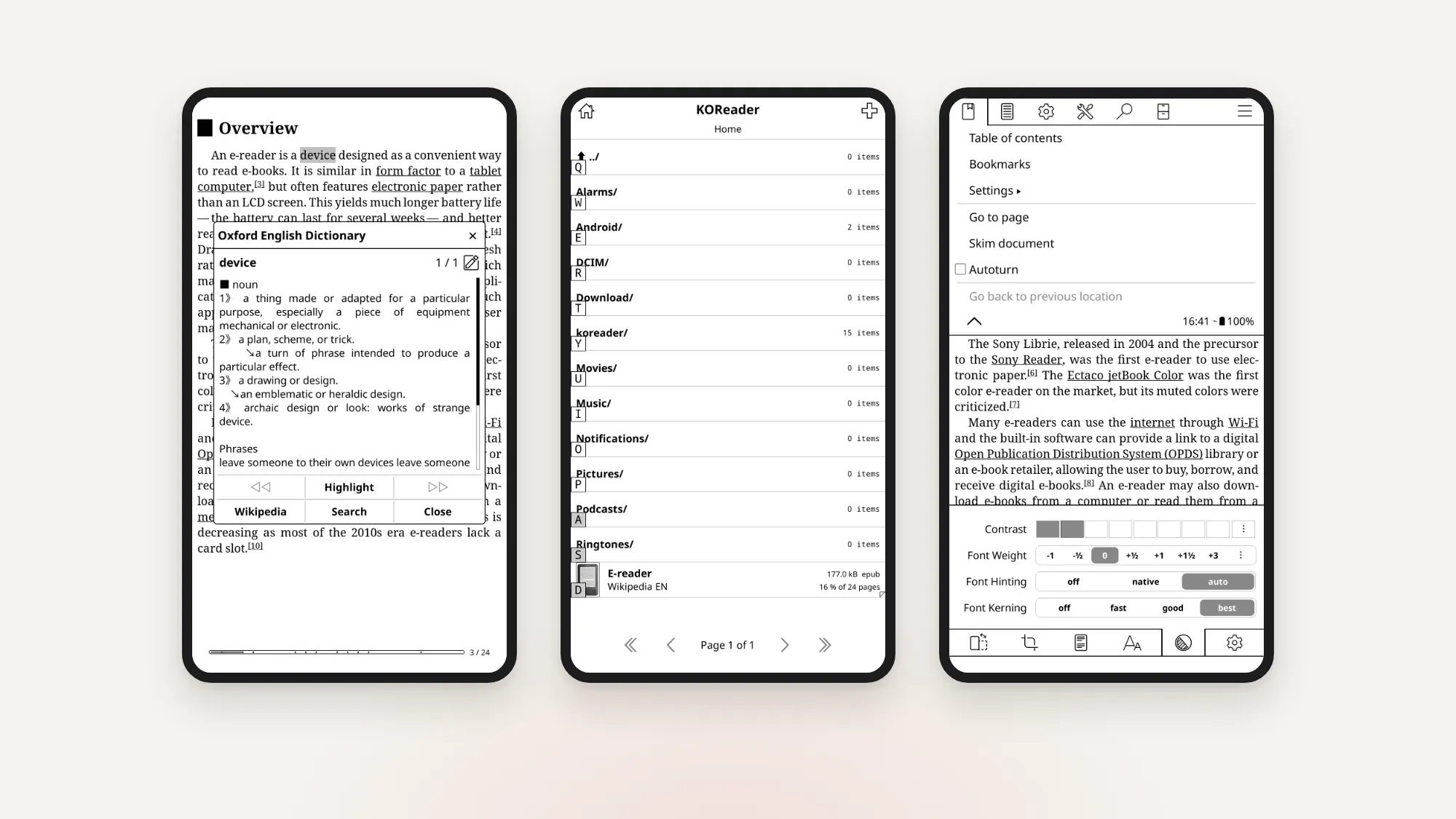
KOReader is a free, open-source reader designed for e-ink devices. It's very strong on PDFs and DjVu, endlessly configurable, and loved by tinkerers. The interface takes time to learn. Bookbeam supports KOReader sync, so you can keep both in use. We compare it more in KOReader alternatives for Android.
Moon+ Reader and ReadEra
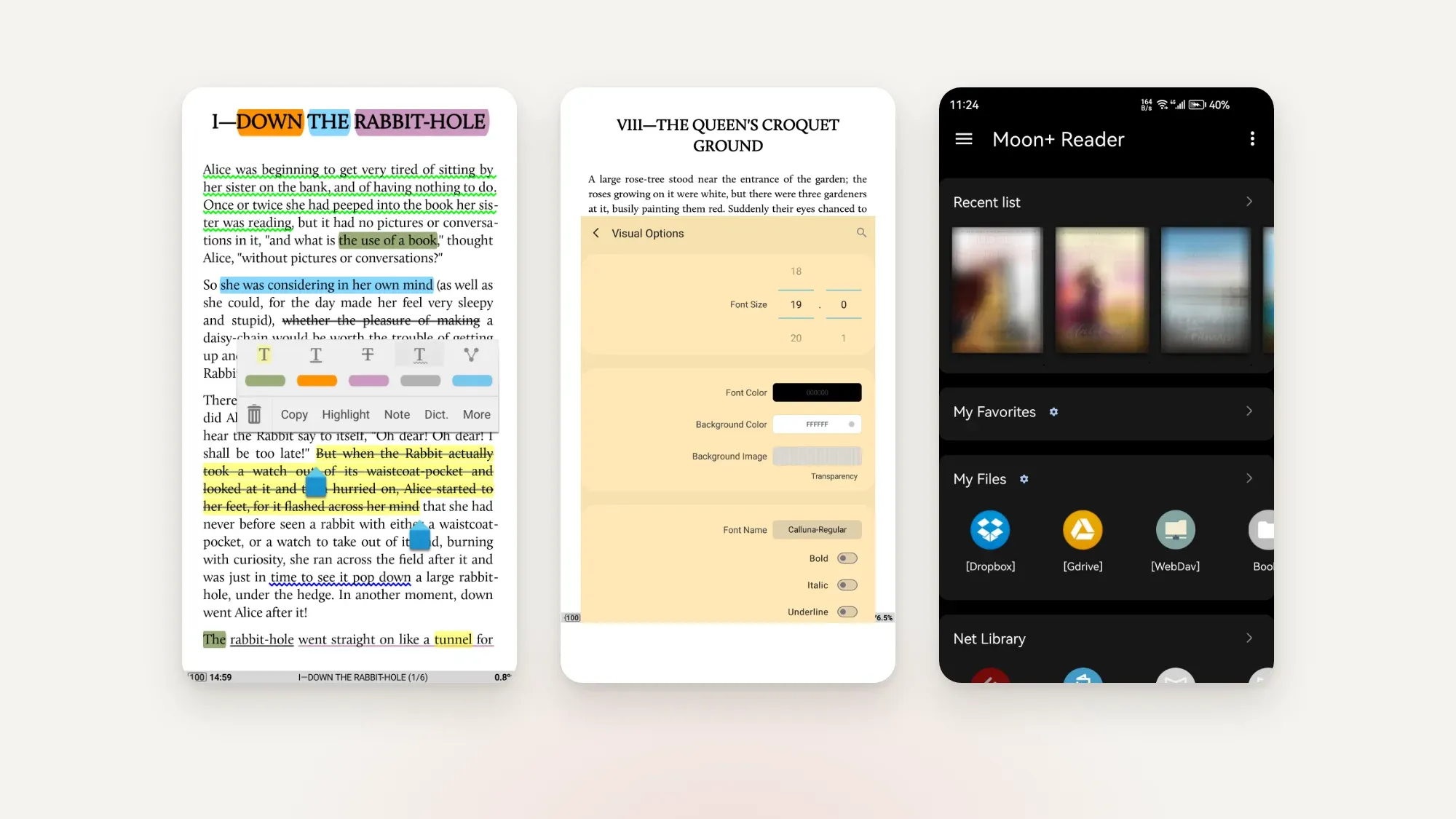
Both are popular general Android readers with lots of settings. They were built for phones and tablets first, so on e-ink you'll want to switch off animations and pick a refresh mode that suits them. We go head to head in Moon+ Reader vs ReadEra vs Bookbeam.
Store apps: Kindle, Kobo, Google Play Books
If you bought a book in a store with DRM, that store's app is how you read it. They run on BOOX from Google Play. Set them to BOOX's HD refresh mode for the clearest text.
How to set up a reading app on your BOOX
- Install the app from Google Play. On a new BOOX you may need to turn on Google Play in the device settings first.
- Set the app's refresh mode. On current BOOX firmware that's Control Center → EinkWise → Refresh modes, and you can set it per app. For reading, HD mode gives the crispest text.
- In the app, turn off page-turn animations and pick a full-refresh interval. In Bookbeam this is in Reader menu → Settings → E-ink.
- Map your page-turn buttons or remote. In Bookbeam, Settings → Page turn, then "Test your buttons".
- Connect your library: add a folder or Audiobookshelf under Settings → Sources, or upload books at books.bookbeam.tools.
If you see faint leftovers of previous pages, our guide on how to reduce ghosting on BOOX covers the fixes.
Try Pro free for 7 days. Every new account gets the full Bookbeam Pro trial, no card needed.
Our recommendation
- Mostly PDFs and handwritten notes: keep NeoReader as your main app.
- Mostly EPUB novels, an Audiobookshelf library, or reading on your phone too: Bookbeam.
- Love tweaking every setting: KOReader.
- Kindle or Kobo purchases: their own apps.
Many BOOX owners end up with two: NeoReader for PDFs, and a dedicated reader for books. For every option on Android, phone or e-ink, see our hub: the best e-book reader apps for Android in 2026.
FAQ
Is NeoReader good?
Yes, especially for PDFs, scanned documents and stylus annotation. For EPUB novels and syncing with a phone, many readers prefer a dedicated app.
Can I install other reading apps on a BOOX?
Yes. BOOX devices run Android with Google Play, so you can install Bookbeam, KOReader, the Kindle app and others alongside NeoReader.
Can Bookbeam use the BOOX dictionary?
Yes. Long-press a word for Bookbeam's own dictionary and translation, or open it in GoldenDict, ColorDict or the BOOX dictionary.
Can I read Kindle books in Bookbeam on my BOOX?
No. Kindle Store books are DRM-protected. Install the Kindle app on your BOOX for those, and use Bookbeam for DRM-free books and your own files.
What's the best refresh mode for reading apps on BOOX?
HD mode for reading. Save the faster modes for scrolling apps and browsing.
The bottom line
NeoReader is the right tool for PDFs and pen work. For books, a reader built around e-ink and your whole library makes a BOOX much nicer to live with. Try Bookbeam alongside NeoReader: every new account gets a 7-day Pro trial with no card, and the free plan stays free.
Start reading with Bookbeam. Free to download, no ads, and a 7-day Pro trial on every new account.
Written by
Keep reading
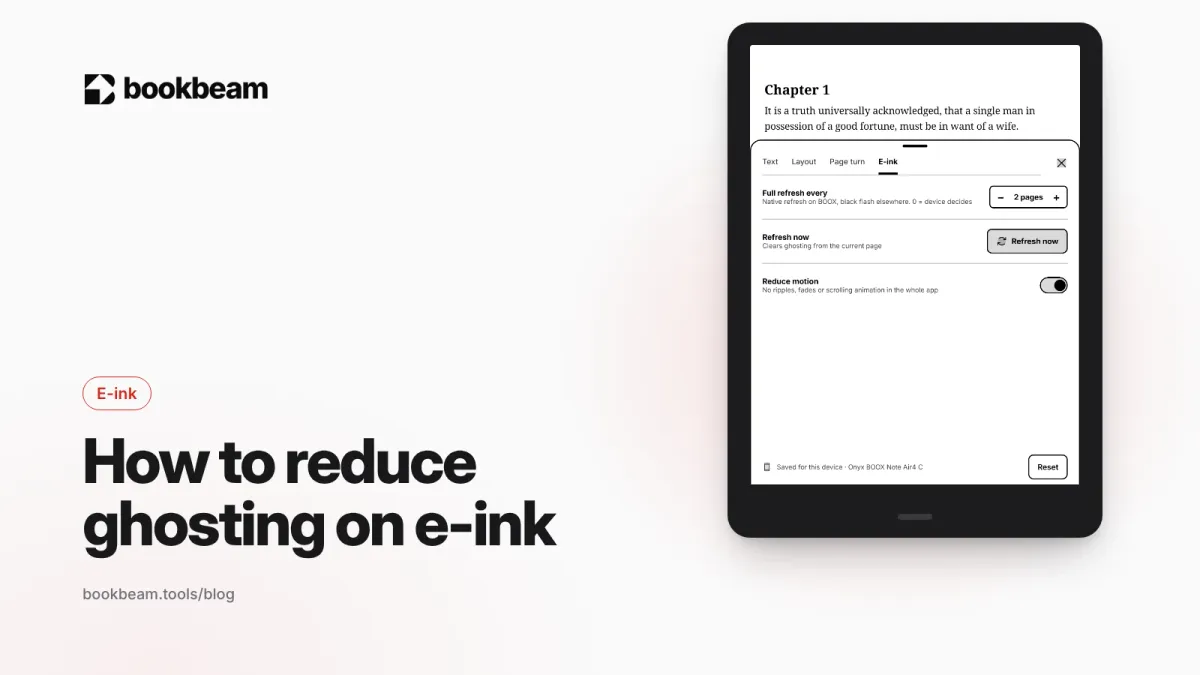
How to reduce ghosting on BOOX and other e-ink screens
Faint traces of old pages on your e-ink screen? That is ghosting. Here is why it happens and how to fix it on BOOX with refresh modes, full refreshes, paged reading and stronger text, plus quick fixes for Kindle and Kobo.
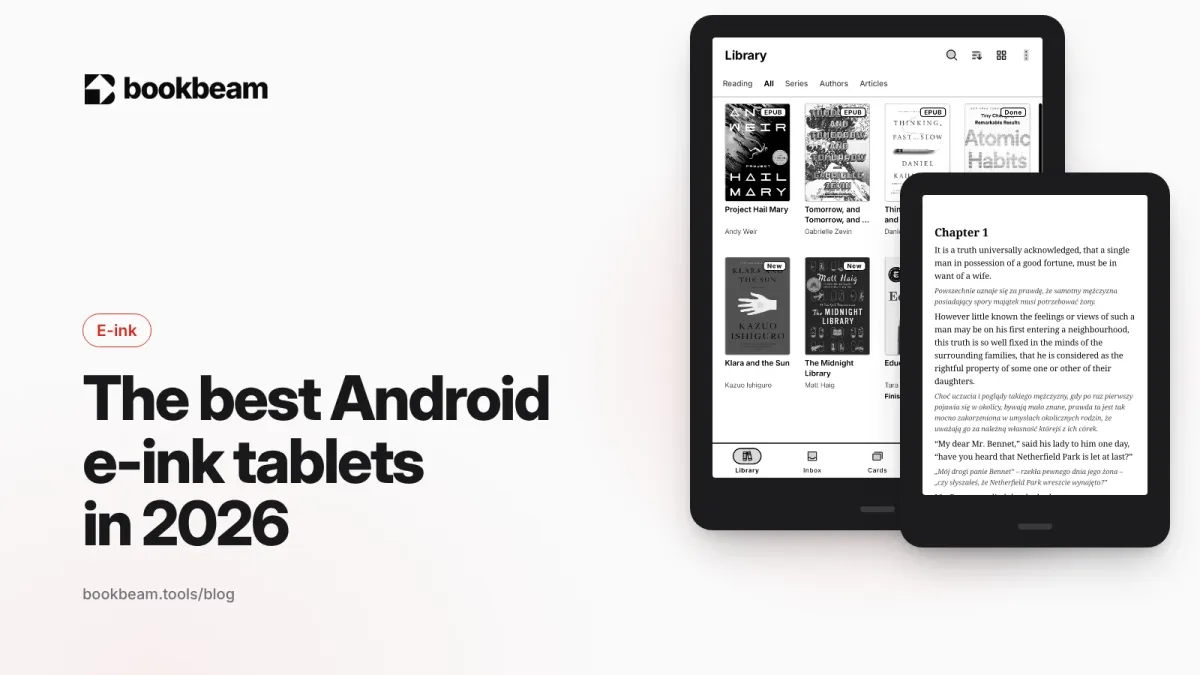
The best Android e-ink tablets in 2026
Android e-ink tablets let you install any reading app. We compare the BOOX Go 6, Go 7, Palma 2, Go 10.3, Note Air6 C and Tab X C, plus Bigme and Meebook, on screen size, color, stylus and price.
Questions or thoughts? Share them below.