
Moon+ Reader vs ReadEra vs Bookbeam
Three popular Android e-book readers, three different philosophies. We compare Moon+ Reader, ReadEra and Bookbeam on price, formats, e-ink, sync, read aloud and language tools, including where each one wins.

Michal Wlosik
· 7 min read
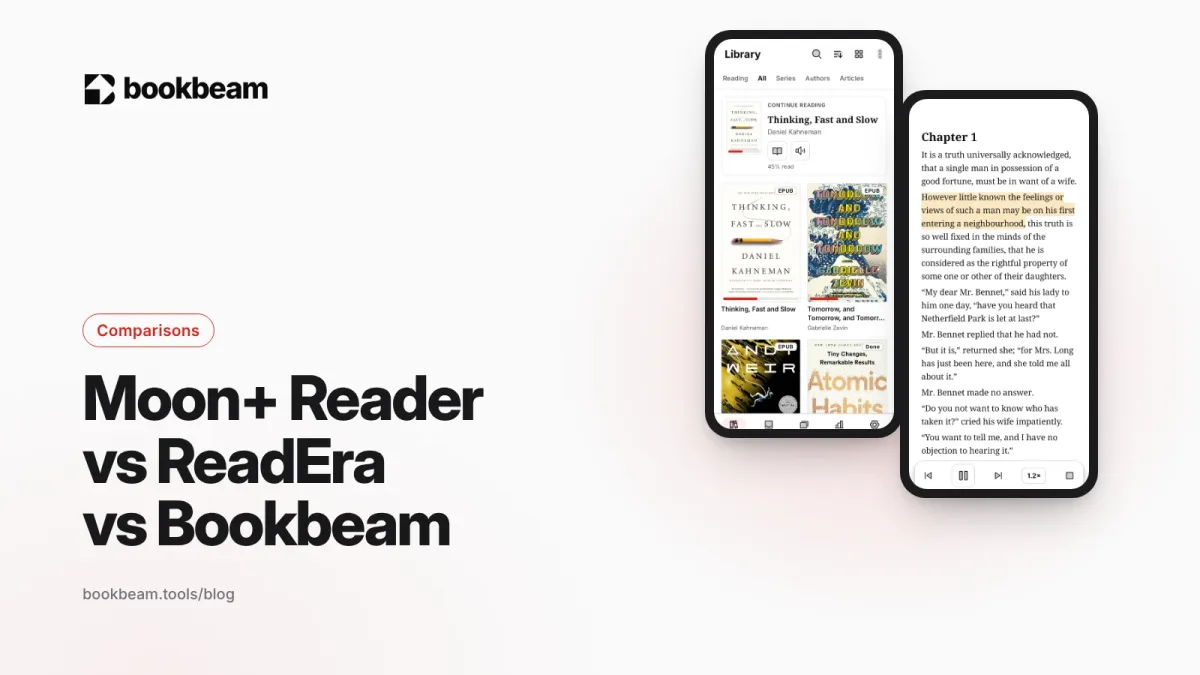
Short answer: pick Moon+ Reader if you love tweaking every setting and want the widest format support, ReadEra if you want a clean, ad-free reader for files already on your phone, and Bookbeam if you read on an e-ink device or across several devices and want sync, read aloud and language tools built in. All three are good apps; they're built for different readers.
Full disclosure: we make Bookbeam. We've tried to be straight about where Moon+ Reader and ReadEra do better, because they genuinely do in places. Features below were checked against each app's own description in November 2026.
Moon+ Reader vs ReadEra vs Bookbeam at a glance
| Moon+ Reader | ReadEra | Bookbeam Reader | |
|---|---|---|---|
| Price | Free with ads; one-off Pro upgrade | Free, no ads; one-off Premium upgrade | Free; Pro $6.99/month or $59.99/year; Lifetime $129 |
| Account needed | No | No | Yes, for sync and the web library |
| Formats | EPUB, PDF, MOBI, AZW3, FB2, DjVu, CBZ, CBR, DOCX, TXT, HTML and more | EPUB, PDF, MOBI, AZW3, FB2, DjVu, CBZ, CBR, DOC, DOCX, RTF, ODT, TXT | EPUB, PDF, MOBI/AZW3 (no DRM), FB2, TXT, CBZ |
| E-ink settings | General display settings; animations to switch off | Minimal | Dedicated E-ink tab: full refresh every N pages, Refresh now, contrast boost |
| Sync | Dropbox or WebDAV backup and position sync | Google Drive (Premium) | Built in: progress, highlights, notes, library; free web library |
| Online catalogs | OPDS, Calibre server | Not advertised | No OPDS (not yet); Audiobookshelf, KOReader sync, web library uploads |
| Read aloud | Text-to-speech (listed under Pro) | Device voices; background playback in Premium | Free device voice offline; natural cloud voices with sentence highlighting |
| Language tools | Dictionary and translation | Installed dictionaries | Dictionary and translation, flashcards, bilingual reading (Pro/Lifetime) |
| Ads | Yes, in the free version | None | None |
Price: what you actually pay
Moon+ Reader is free with ads. Moon+ Reader Pro is a separate, one-time purchase on Google Play that removes ads and unlocks extra features. It goes on sale regularly, so it's worth waiting for a discount if you're not in a hurry.
ReadEra is free, without ads and without registration, and the free version covers everyday reading. ReadEra Premium is a one-time purchase that you can install on all your devices. Check Google Play for the price in your country.
Bookbeam has a free plan (2 devices, 1 GB library storage, about 15 minutes of natural voice a month, 15 articles and 5 YouTube videos a month). Pro costs $6.99 a month or $59.99 a year and adds 5 devices, 25 GB, 1.5 hours of natural voice a month, bilingual reading, unlimited articles and 60 videos a month. Lifetime is $129 once, with 5 devices, 10 GB, bilingual reading, unlimited articles and 30 videos a month; natural voice comes from Voice Packs (5 hours for $14.99, never expires). Every new account gets a 7-day Pro trial with no card needed.
Verdict: if you just want to read files on one phone and never pay a subscription, ReadEra and Moon+ Reader are cheaper. Bookbeam's paid plans make sense when you use cloud sync, natural voices or bilingual reading, which are ongoing services.
Formats and file support
Moon+ Reader and ReadEra both open more formats than Bookbeam. If you have DjVu scans, CBR comics or Word documents, either of them will handle those, and Bookbeam won't. ReadEra also reads books inside ZIP and RAR archives, and Moon+ Reader handles archives too.
Bookbeam covers the formats most readers use: EPUB, PDF, DRM-free MOBI and AZW3, FB2, TXT and CBZ comics. None of the three opens DRM-protected Kindle store purchases.
Reading on e-ink: BOOX and other Android e-readers
This is where the three differ most. Moon+ Reader and ReadEra were designed for phone and tablet screens first. Both run on BOOX and other Android e-readers, but you'll want to switch off page-turn animations and auto-scroll effects, which don't suit e-ink.
Bookbeam was built e-ink first. Pages are paged with no scrolling, page turns are designed to avoid ghosting, and the E-ink settings tab offers "Full refresh every N pages," "Refresh now," text weight and contrast boost, and a switch for publisher styles. In landscape, a side rail keeps the controls beside the text. For physical buttons, Bookbeam supports tap zones, volume keys, Bluetooth page turners and headset buttons, with "One page per press," "Reverse volume direction," "Mirror for left hand" and a "Test your buttons" screen. Moon+ Reader Pro supports Bluetooth and headset page control too.
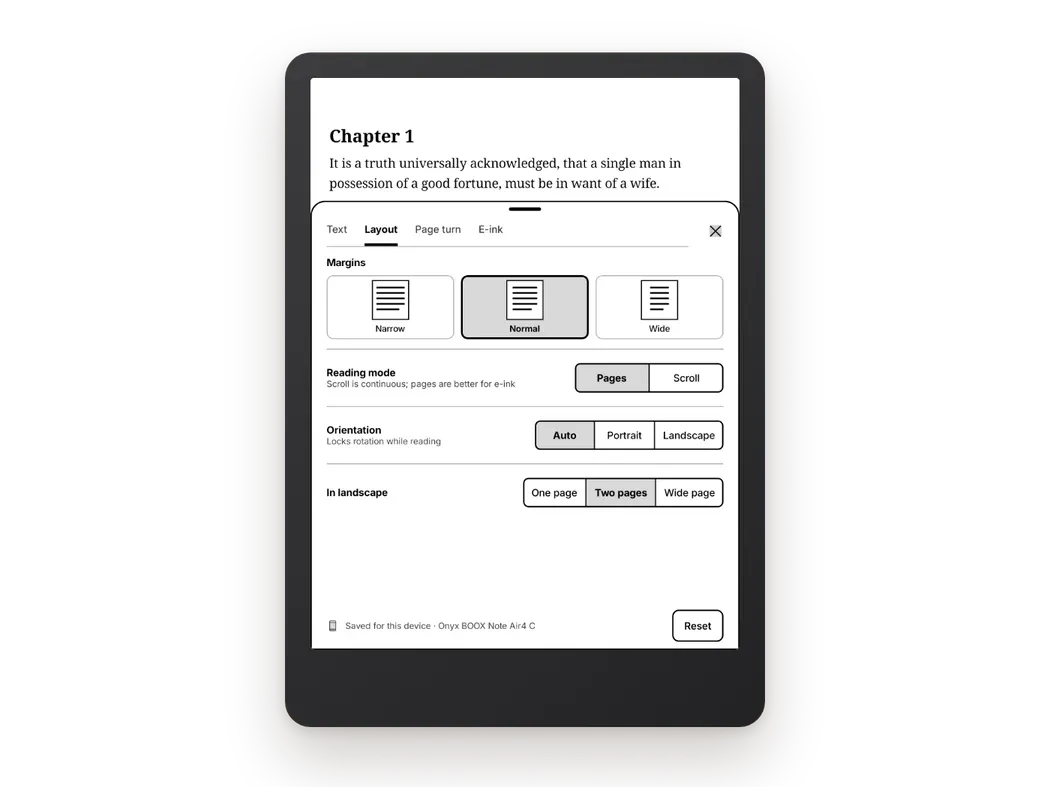
If you're reading on a BOOX, also see the best reading app for BOOX.

Try the third option. Bookbeam Reader is ad-free, e-ink first, and adds read-aloud and bilingual reading.
Customization
Moon+ Reader wins this one. It has one of the deepest settings menus of any Android reader: fonts, line spacing, colors and themes, page-turn animations, auto-scroll modes, a reading ruler, a blue light filter, reading statistics and a customizable reader bar. If you enjoy setting up your reader exactly how you like it, nothing here beats it.
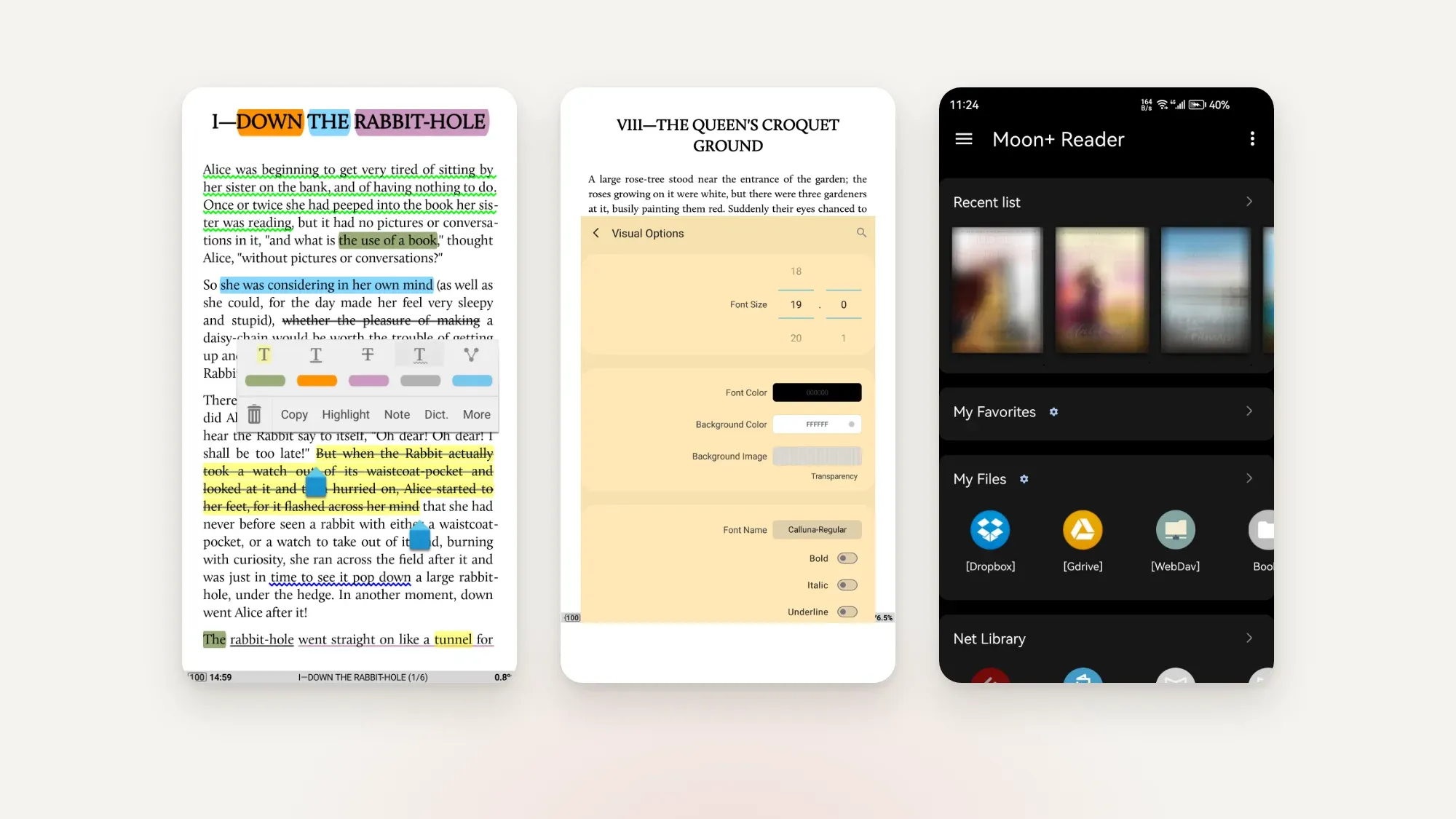
ReadEra keeps things deliberately simple, with the essentials and not much more. Bookbeam sits in between: its Text, Layout, Page turn and E-ink tabs cover what matters for comfortable reading, without hundreds of toggles.
Library, sources and sync
ReadEra is great at finding books already on your device. It scans for them automatically and sorts them by author, series and collection. Premium adds sync of books, progress, bookmarks and quotes through your own Google Drive.
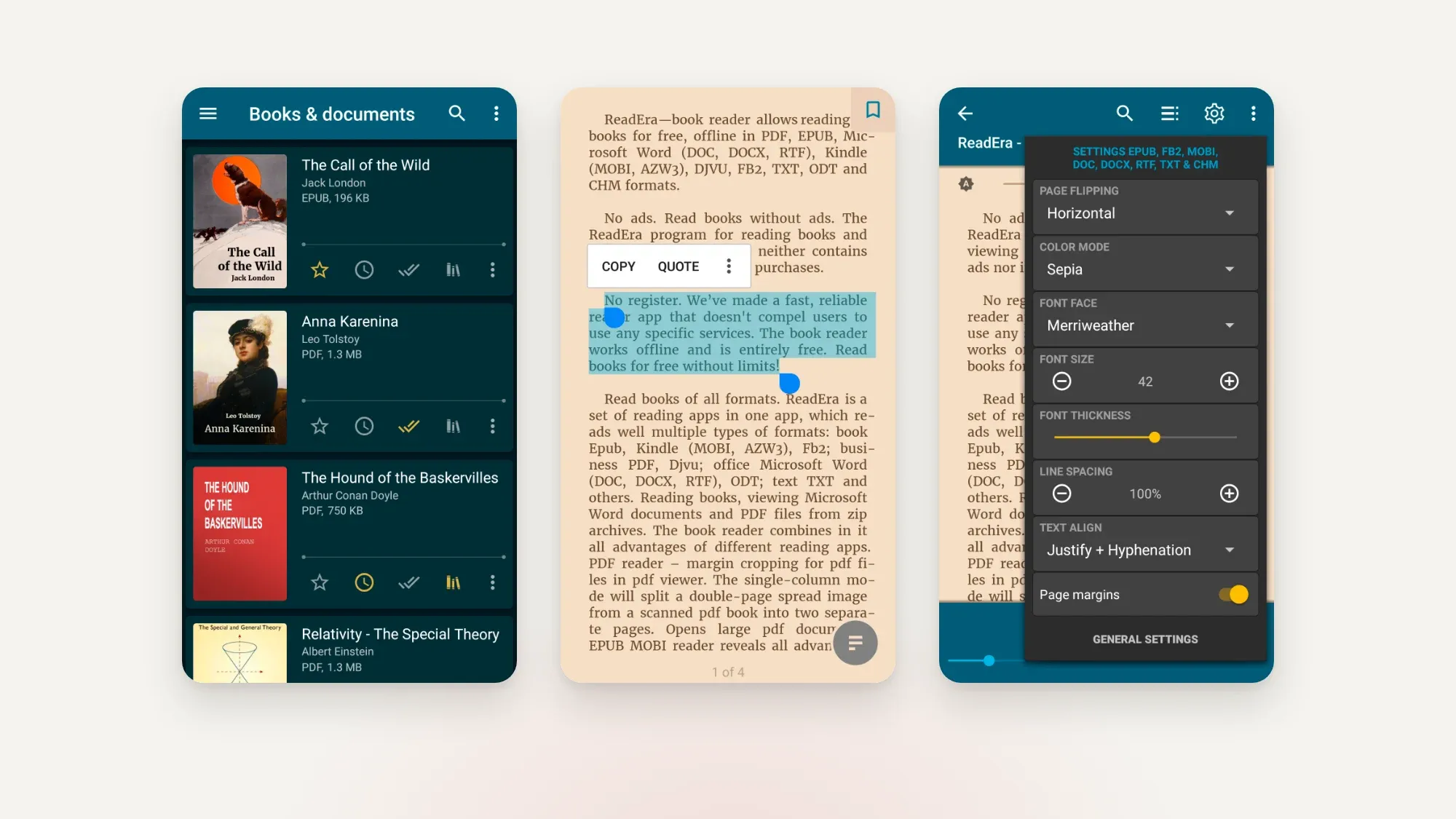
Moon+ Reader has a built-in file manager, supports OPDS online libraries and Calibre servers, and backs up and syncs reading positions through Dropbox or WebDAV.
Bookbeam has a broad set of sources (Settings → Sources): files and folders on the device, the Bookbeam Inbox, Audiobookshelf and KOReader sync. It doesn't support OPDS catalogs yet. Sync is built in and covers progress, highlights, notes and the library itself, and there's a free web library at books.bookbeam.tools. The Send to Bookbeam Chrome extension adds web articles and YouTube videos as readable e-books. If you use Calibre, export your books and upload them to the web library; here's how to use Calibre on Android.
The trade-off: Bookbeam's sync needs an account, while ReadEra and Moon+ Reader work without one.
Read aloud
All three can read to you with your device's text-to-speech voices. Moon+ Reader lists text-to-speech among its Pro features. ReadEra Premium adds background playback with the screen locked.
Bookbeam's device voice works offline and is free. It also offers natural-sounding cloud voices with "Follow along," which highlights each sentence as it's read. Free accounts get about 15 minutes of natural voice a month, Pro gets 1.5 hours, and Voice Packs add more. For a deeper look, see the best text-to-speech e-book readers for Android.
Dictionary, translation and language learning
Moon+ Reader includes dictionary lookup and translation, and ReadEra can look words up in any dictionary installed on your device. Both are solid for the occasional unknown word.
Bookbeam goes further for learners. Long-press a word for a dictionary and translation, then tap "Add to flashcards" or keep a list with "Save looked-up words." It can also hand off to GoldenDict, ColorDict or the BOOX dictionary. The Book guide shows people, places and terms, either "So far" (spoiler-free) or for "This chapter." On Pro and Lifetime, bilingual reading puts a translation under every paragraph in 50+ languages, on-device so it works offline. More in bilingual books: how to read in two languages at once.
Privacy and ads
The free Moon+ Reader shows ads; Pro removes them. ReadEra has no ads and no registration. Bookbeam has no ads, no third-party analytics SDKs in the app, and never sells your data, though it does need an account for sync.
Which should you choose?
- Choose Moon+ Reader if you want maximum customization, the broadest format list and a one-off price, and you mainly read on a phone or tablet.
- Choose ReadEra if you want a free, ad-free, no-account reader that tidies up the books already on your device.
- Choose Bookbeam if you read on a BOOX or other e-ink device, switch between devices, want natural voices, or are learning a language.
Still weighing other apps? Our hub on the best e-book reader apps for Android covers KOReader, Librera and the store apps, and we have a separate list of KOReader alternatives.
One library, every device. Bookbeam syncs your books, progress, highlights and notes between phone, tablet and e-reader.
FAQ
Is Moon+ Reader better than ReadEra?
It depends on what you want. Moon+ Reader is far more customizable and supports OPDS catalogs, but the free version has ads. ReadEra is simpler, ad-free and needs no account.
Is ReadEra really free?
Yes. ReadEra's free version has no ads and no registration. ReadEra Premium is an optional one-time purchase that adds Google Drive sync, custom fonts and more library views.
Which is best for BOOX?
All three run on BOOX. Bookbeam is the one built for e-ink, with paged screens, a full-refresh interval and contrast controls. With Moon+ Reader and ReadEra, turn off animations for the best results.
Can any of them open Kindle books?
Not Kindle store purchases, which carry DRM. All three open DRM-free MOBI and AZW3 files.
Does Bookbeam work without an account?
You need an account for sync across devices and the web library. Every new account starts with a 7-day Pro trial, no card needed.
Try it on your own books
The fairest test is your own library on your own device. Moon+ Reader and ReadEra are free to install, and so is Bookbeam, with 7 days of Pro to try bilingual reading, natural voices and sync before you decide.
Give it a week. Run Bookbeam alongside your current app and keep whichever you reach for.
Written by
Keep reading
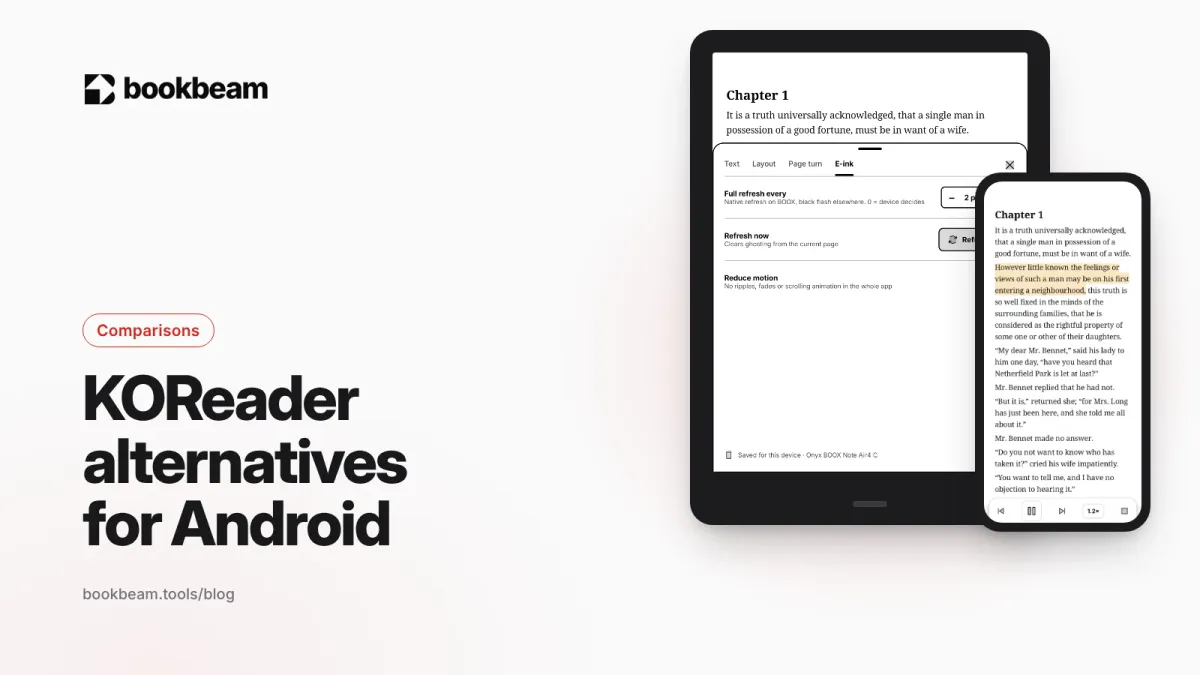
KOReader alternatives for Android
Love KOReader's e-ink focus but not its learning curve? Here are the best Android alternatives in 2026, including two that sync with KOReader, plus an honest look at where KOReader still wins.
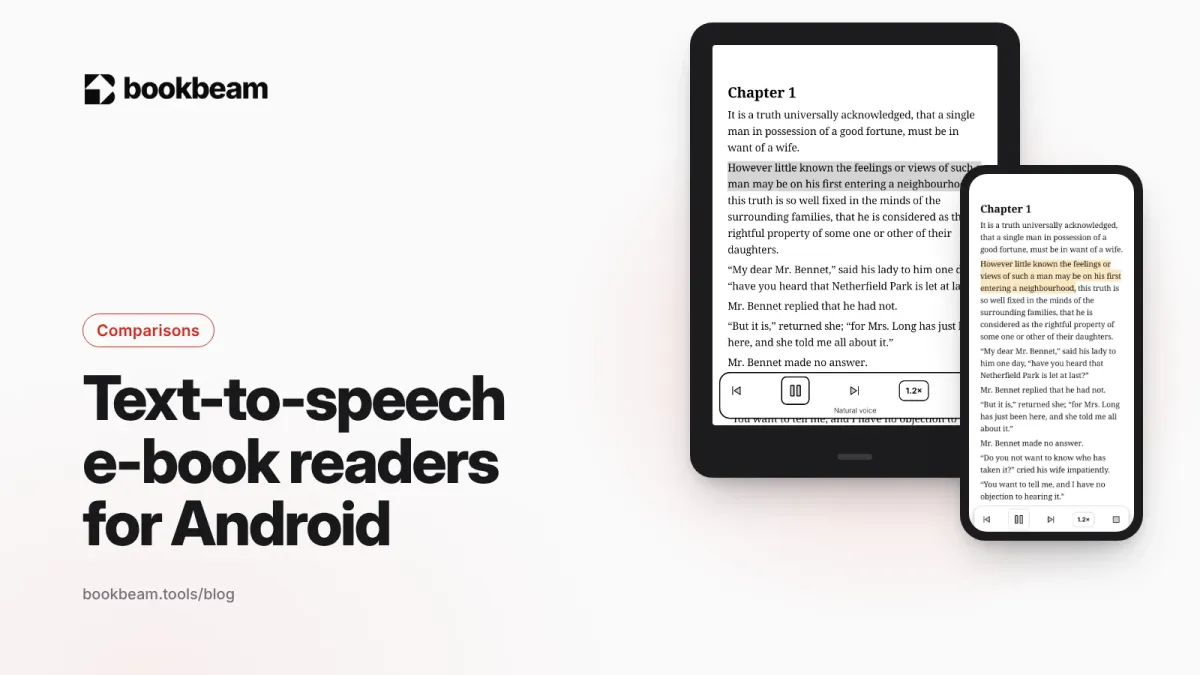
The best text-to-speech e-book readers for Android
Want your e-books read aloud on Android? We compare Bookbeam, @Voice Aloud Reader, Moon+ Reader, Speechify, ReadEra and Google Play Books on voices, formats, offline use and price, so you can pick the right one.
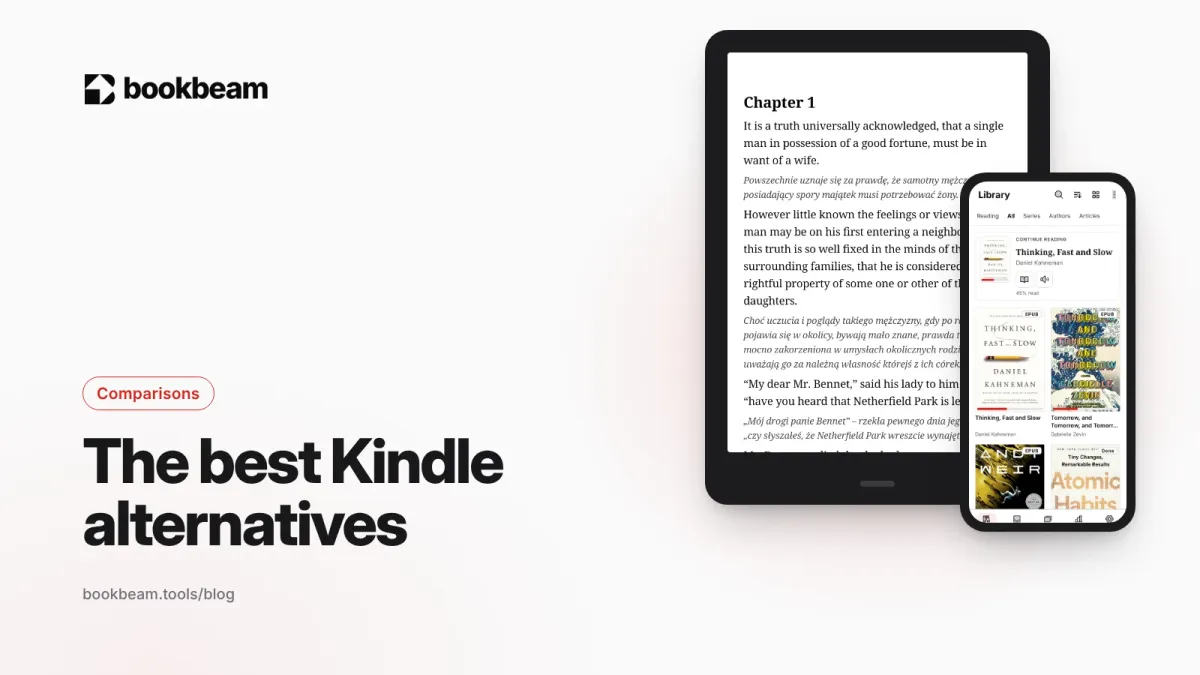
The best Kindle alternatives in 2026
Want to leave Kindle without losing your books? We compare Kobo, BOOX, PocketBook and Android reading apps on price, EPUB support, stores, page-turn buttons and openness, and explain what happens to the Kindle books you already own.
Questions or thoughts? Share them below.