
The best text-to-speech e-book readers for Android
Want your e-books read aloud on Android? We compare Bookbeam, @Voice Aloud Reader, Moon+ Reader, Speechify, ReadEra and Google Play Books on voices, formats, offline use and price, so you can pick the right one.

Michal Wlosik
· 7 min read
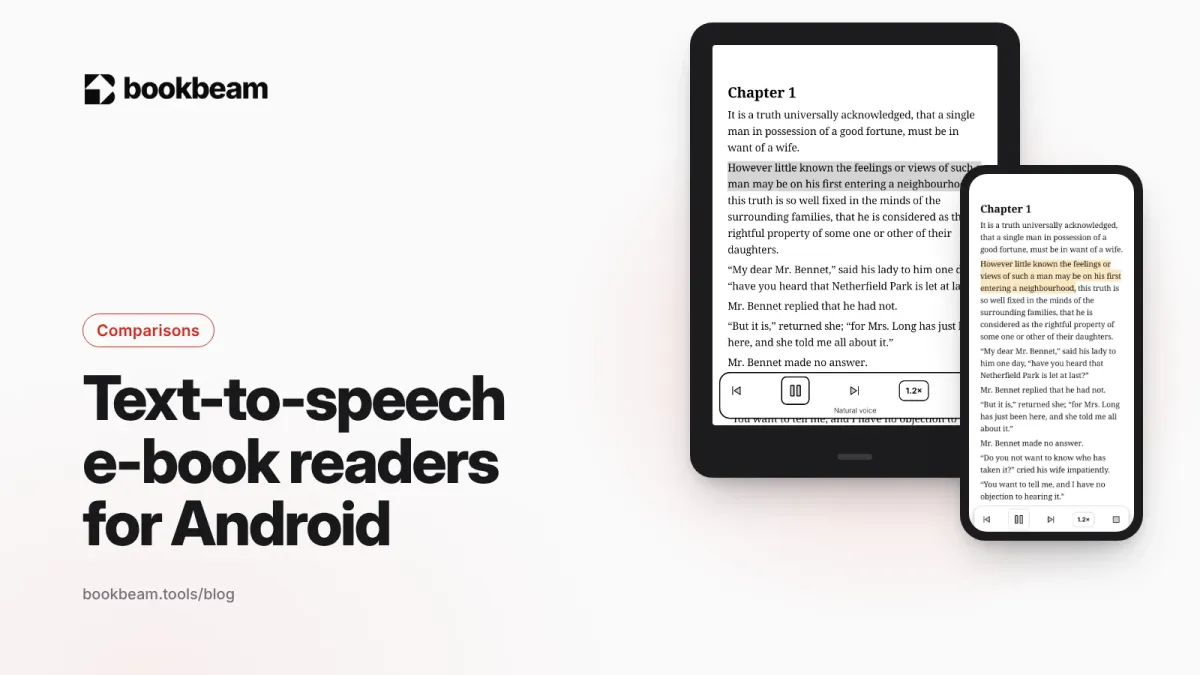
Short answer: for listening to your own e-books on Android, @Voice Aloud Reader is the best free all-rounder, Moon+ Reader is great if you already read in it, Speechify has the most polished AI voices at a high price, and Bookbeam Reader gives you natural voices with sentence highlighting plus a free offline voice, built for e-ink. Which is best depends on whether you care most about voice quality, price or reading along.
Full disclosure: we make Bookbeam. We'll be fair to the others, including where they're better.
What to look for in a text-to-speech e-book reader
- Voice quality. Android's built-in voices are clear but flat. Cloud "natural" or AI voices sound much more human, but usually cost money and need a connection.
- Format support. EPUB is the big one. PDF, MOBI and TXT matter too if your library is mixed.
- Follow along. Highlighting the sentence being read helps you keep your place, and it's useful for language learners and readers with dyslexia.
- Background playback. Listening with the screen off or while using other apps.
- Sleep timer and headset controls. For bedtime listening and pausing from your earbuds.
- Offline use. Device voices work without a connection. Cloud voices don't.
- Price model. One-time purchase, subscription or usage-based minutes.
The best text-to-speech e-book readers for Android compared
| App | Voices | Formats | Price | Best for |
|---|---|---|---|---|
| Bookbeam Reader | Natural cloud voices + free offline device voice | EPUB, PDF, MOBI, AZW3, FB2, TXT (DRM-free) | Free; Pro $6.99/mo or $59.99/yr | Reading along, e-ink devices |
| @Voice Aloud Reader | Any installed TTS engine | EPUB, PDF, AZW3, FB2, TXT, HTML, web pages | Free with ads; paid upgrade removes them | Free listening to anything |
| Moon+ Reader | Any installed TTS engine | EPUB, PDF, MOBI, AZW3, FB2 and many more | Free; Pro is a one-time purchase | Heavy customizers |
| Speechify | Premium AI voices | PDF, EPUB, documents, web pages | Limited free tier; Premium $139/yr | Best voice quality |
| ReadEra Premium | Device TTS | EPUB, PDF, MOBI, AZW3, DOCX, FB2 and more | Paid app | Clean, simple reading |
| Google Play Books | Google voices | Store books, uploaded EPUB and PDF | Free app | Books bought on Google Play |
Bookbeam Reader: natural voices that follow along
We built read-aloud into Bookbeam for people who switch between reading and listening.
- Natural voices (cloud) sound close to a human narrator. "Follow along" highlights each sentence as it's read, so you can glance at the screen and pick up reading where the voice is.
- Device voice uses your Android text-to-speech engine. It's free and works offline.
- Same book, same place. Progress, highlights and notes sync across devices, so you can listen on your phone during a walk and keep reading on your e-reader at home.
- E-ink first. Paged screens, no scrolling, and page turns without ghosting while the voice reads, so it's comfortable on a BOOX or other Android e-reader.
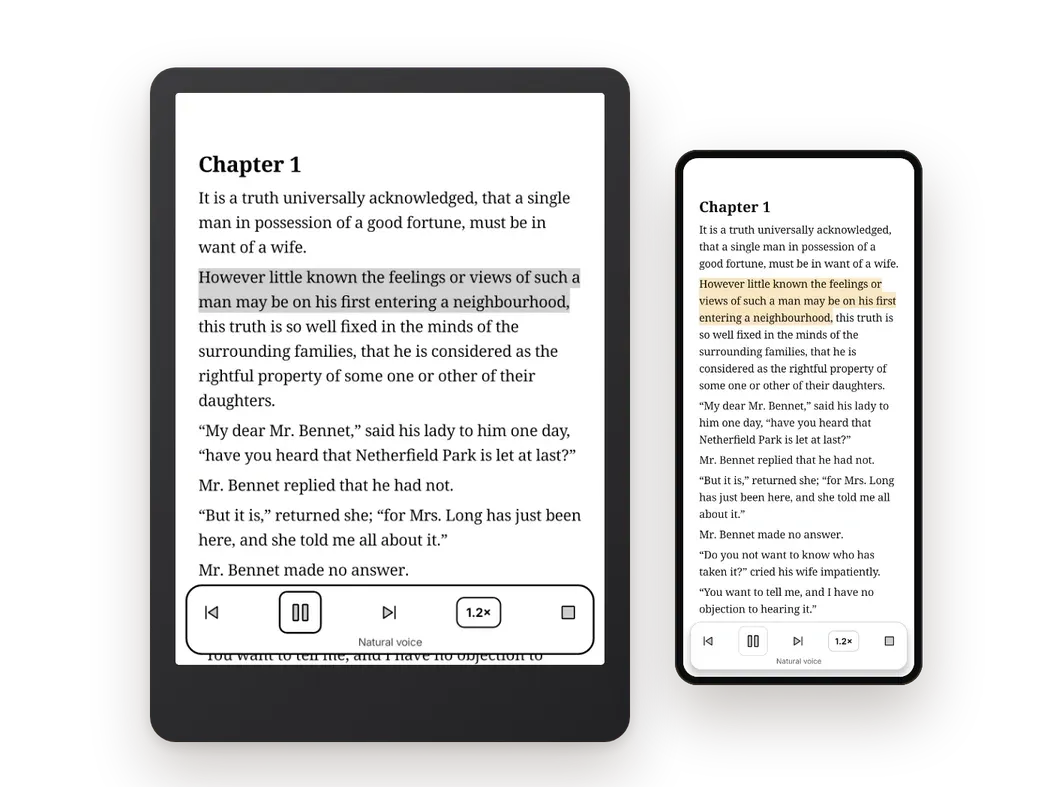
How much natural voice you get: the free plan includes about 15 minutes a month, Pro includes 1.5 hours a month, and Voice Packs add 5 hours for $14.99 that never expire. Lifetime ($129 once) uses Voice Packs for natural voice. The device voice is always free.
Where it falls short: if you want to listen to many hours of natural voice every month, the included minutes won't stretch far, and a subscription like Speechify may suit you better. Bookbeam also can't open DRM books, such as Kindle store purchases.

Listen to any e-book. Bookbeam reads aloud with natural voices and highlights each sentence as it goes.
@Voice Aloud Reader: the free workhorse
@Voice Aloud Reader, by Hyperionics, is built for listening rather than reading. It handles EPUB, PDF, AZW3, FB2, plain text and HTML, plus web pages you share to it from your browser. It strips ads and menus from articles before reading them.
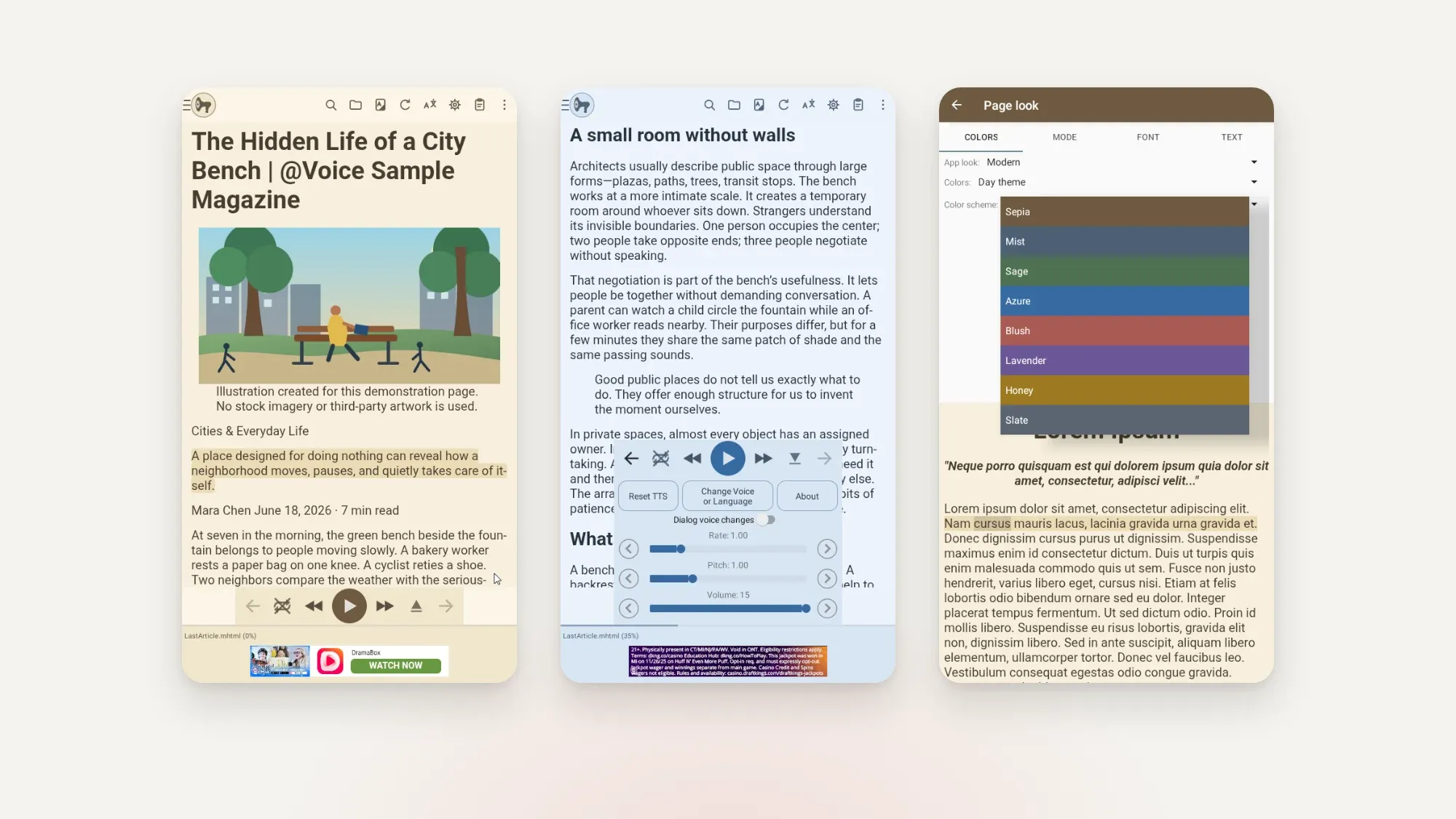
It uses whatever TTS engines you have installed: Google, Samsung, RHVoice, Acapela and others. That means voice quality is as good as your engine. It has a flexible sleep timer, from one minute to five hours, and Dropbox sync. The free version shows ads; a paid upgrade removes them and adds a few extras.
Best for: people who want to listen to a lot of text for free and don't mind setting things up. Weak spot: it isn't designed as a reading app, so it's less pleasant when you want to switch to the page.
Moon+ Reader: TTS inside a power-user reader
Moon+ Reader is one of the most popular Android reading apps, with support for a huge range of formats: EPUB, PDF, MOBI, AZW3, FB2, DJVU, CBZ, DOCX and more. It reads aloud through your installed TTS engine. The Pro version adds headset and Bluetooth key control, removes ads and unlocks extras like reading statistics.
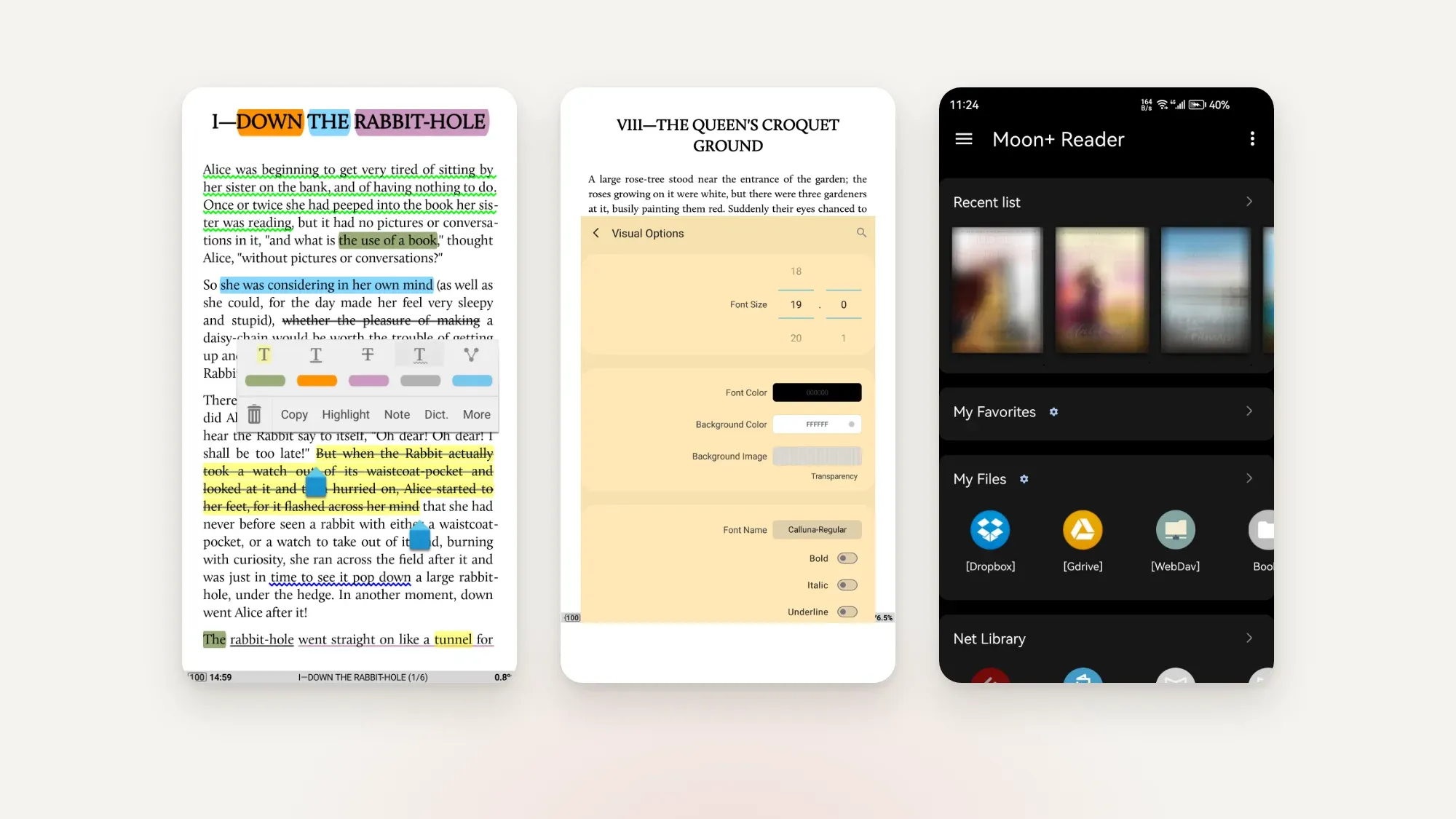
Best for: readers who already live in Moon+ and like tweaking every setting. Weak spot: the interface is dense, and voice quality depends on your device engine. We compare it in detail in Moon+ Reader vs ReadEra vs Bookbeam.
Speechify: the best AI voices, at a price
Speechify is a dedicated listening app with high-quality AI voices and supports PDFs, EPUBs, documents and web pages. Its free plan never expires but uses standard voices; the premium AI voices are in Premium, which costs $139 a year on annual billing.
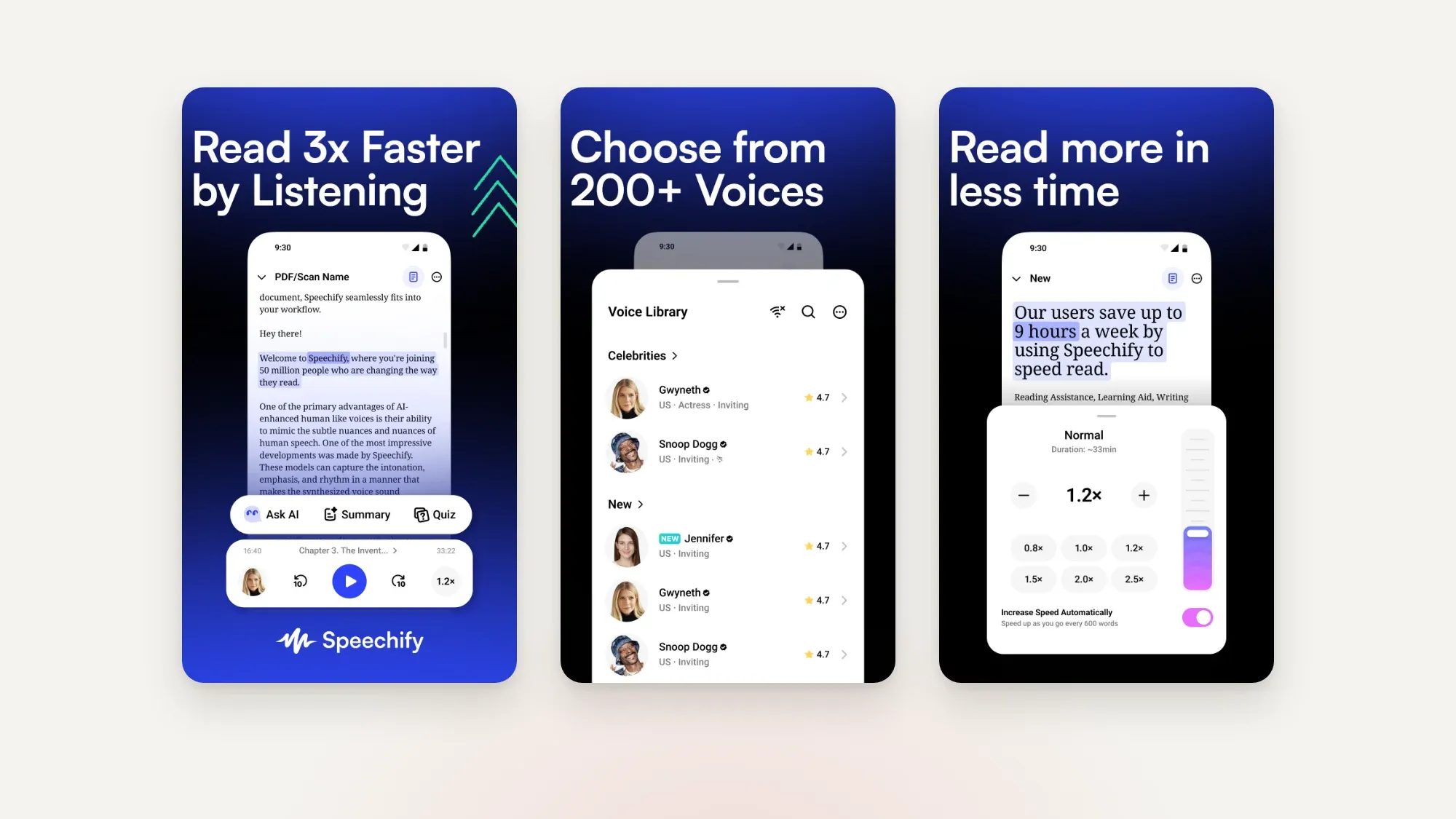
Best for: people who listen for hours every week and care most about voice quality. Weak spot: cost, and it's a listening app first. It's not where you'd go to read a novel on an e-ink screen.
ReadEra: simple reading with background TTS
ReadEra is a clean, simple reader for PDF, EPUB, MOBI, AZW3, DOCX, FB2, DJVU and more. The ReadEra Premium listing includes reading aloud in the background with TTS, even with the screen locked. It's a good pick if you want a calm reading app that can also read to you.
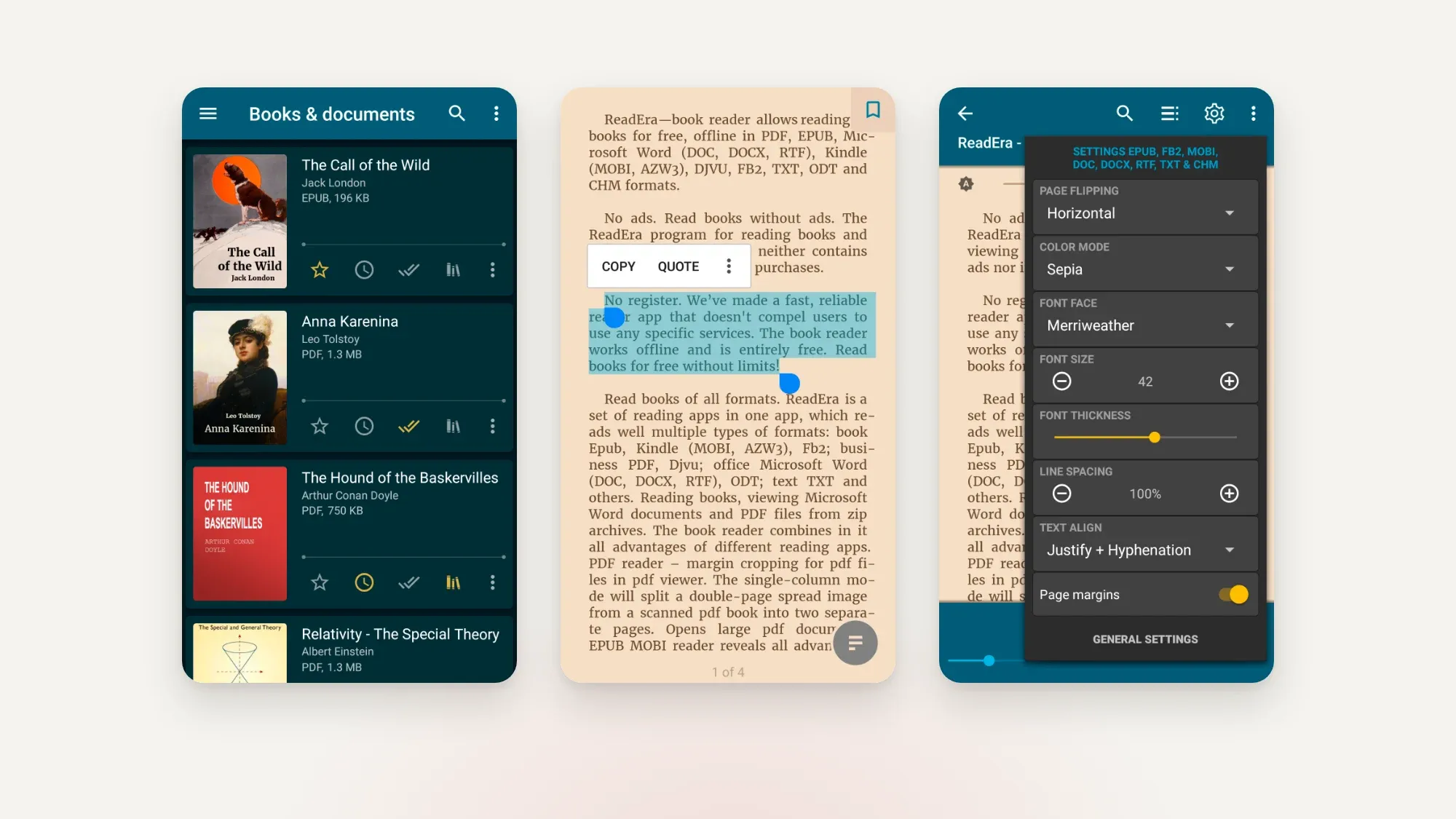
Weak spot: no natural cloud voices, so you're limited to your device engine.
Google Play Books
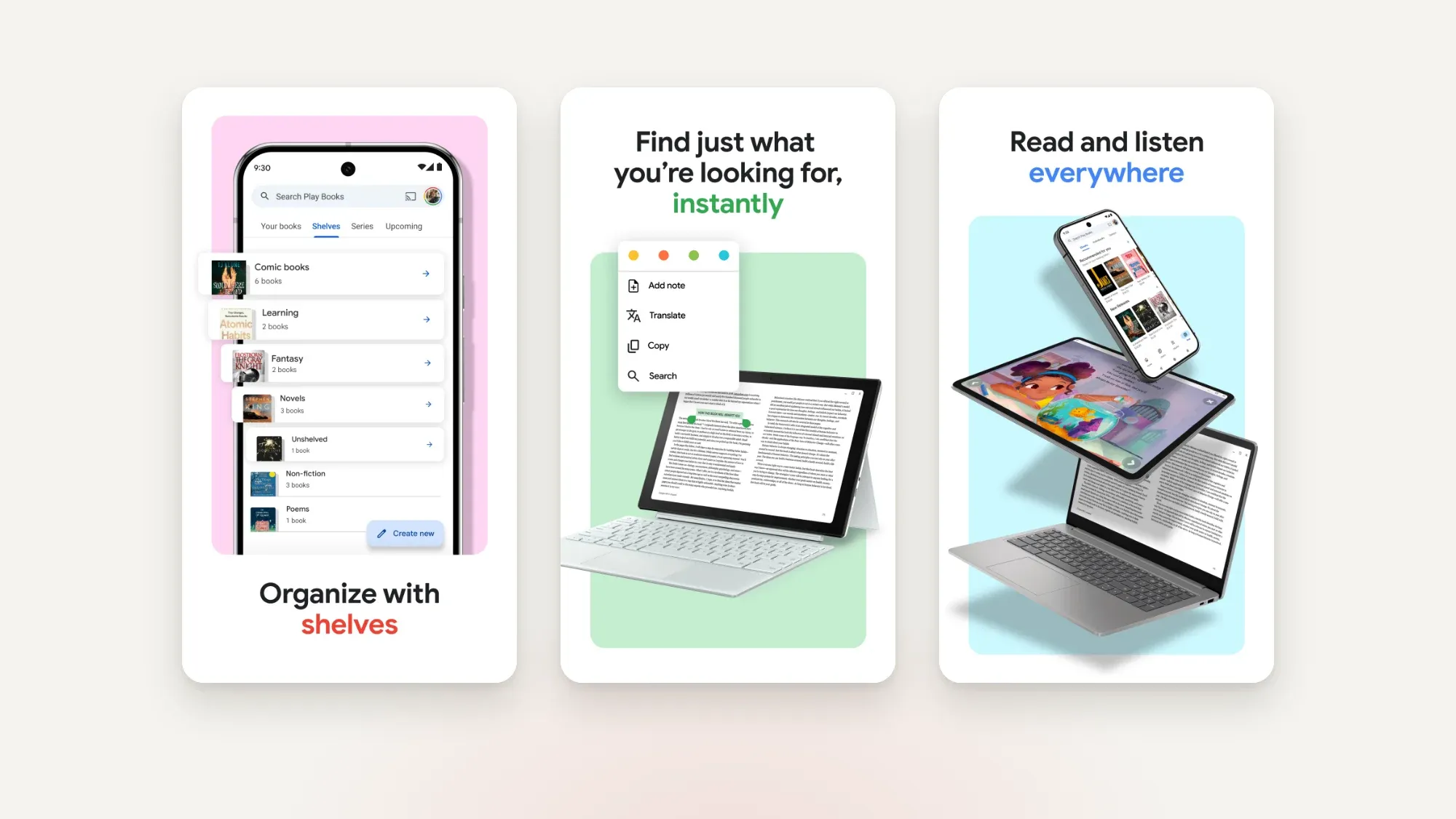
Google Play Books can read books aloud, including some books you upload yourself, though publishers can switch read-aloud off for their titles. It's an easy option if you mostly buy from Google, but it's built around Google's own store and library, and it isn't tuned for e-ink screens.
Android's built-in options
Android itself can read text in almost any app with Select to Speak, an accessibility feature. It's clunky for a whole book, but useful for a paragraph here and there. Whatever app you choose, it's worth installing a good TTS engine and picking it in your Android text-to-speech settings (usually under Accessibility), because every app that uses device voices will sound better.
Which one should you choose?
- You want to read and listen to the same book, especially on e-ink: Bookbeam Reader.
- You want to listen to lots of text for free: @Voice Aloud Reader.
- You already use Moon+ Reader: stay with it and add a better TTS engine.
- You listen for hours a week and voice quality is everything: Speechify.
- Your books are in Google Play Books: use its built-in read aloud.
For a full look at reader apps, not just TTS, see our guide to the best e-book reader apps for Android and the best EPUB reader for Android. Language learners might also like how to learn a language by reading, since listening while you read helps with pronunciation.
Read better on e-ink. Bookbeam Reader turns pages without ghosting, reads aloud and translates as you read.
Tips for better TTS listening
- Use DRM-free books. Most third-party apps can't read DRM files at all. See where to get DRM-free e-books.
- Turn web articles into e-books. Long reads are great for listening. See how to send web articles to your reader.
- Slow down for dense books. 1.0x or a little slower helps with non-fiction and foreign languages.
- Use a page turner or headset buttons to control reading without touching the screen.
FAQ
What is the best free text-to-speech e-book reader for Android?
@Voice Aloud Reader is the most capable free option. Bookbeam's device voice is also free and offline, with about 15 minutes of natural voice a month on the free plan.
Can Android read EPUB books aloud?
Yes. Apps like Bookbeam, @Voice Aloud Reader, Moon+ Reader and ReadEra read EPUB files aloud using your device's text-to-speech engine or cloud voices.
Does text-to-speech work offline?
Device voices work offline. Natural cloud voices, like Bookbeam's or Speechify's AI voices, need a connection.
Can I listen to Kindle books in these apps?
No. Kindle store books are DRM-protected and only open in Amazon's apps. These apps work with DRM-free files.
Does read-aloud work on BOOX e-readers?
BOOX devices run Android, so Android TTS apps can work there. Bookbeam is built e-ink first, with paged screens and no ghosting while it reads.
Listen, then keep reading
The best TTS reader is the one that fits how you switch between eyes and ears. If you want natural voices, sentence highlighting and a free offline fallback in an app that's also a great e-ink reader, try Bookbeam. Every new account gets 7 days of Pro, no card needed. See what's included on the features page.
Start reading with Bookbeam. Free to download, no ads, and a 7-day Pro trial on every new account.
Written by
Keep reading
Moon+ Reader vs ReadEra vs Bookbeam
Three popular Android e-book readers, three different philosophies. We compare Moon+ Reader, ReadEra and Bookbeam on price, formats, e-ink, sync, read aloud and language tools, including where each one wins.
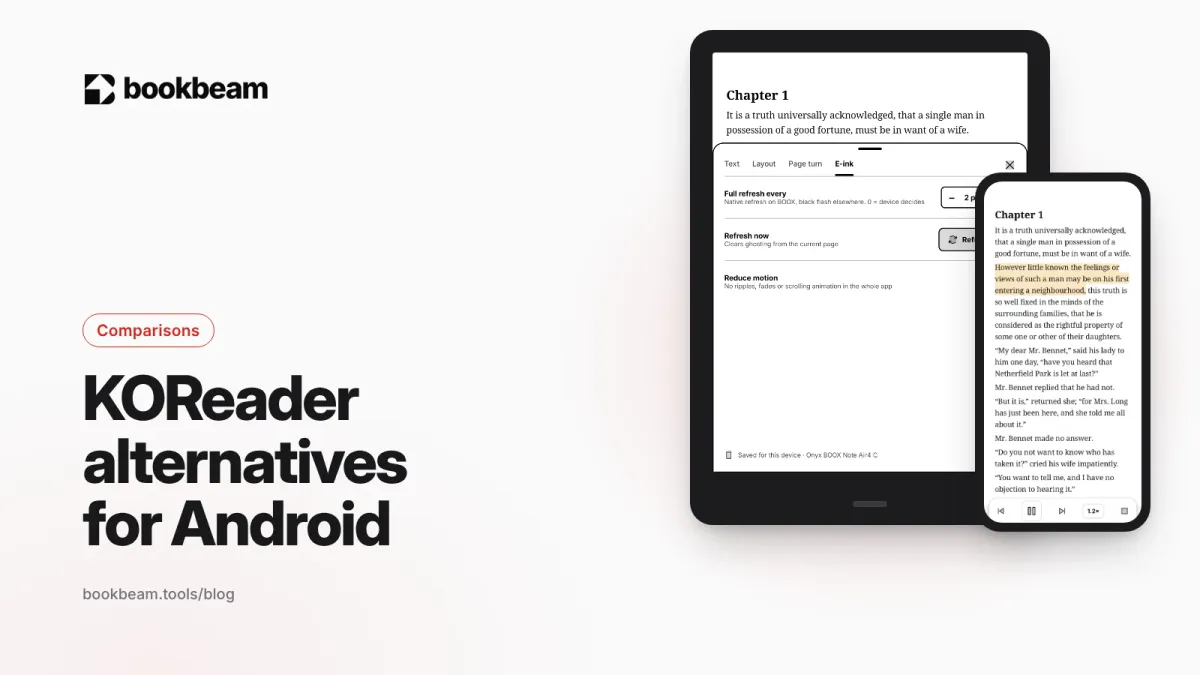
KOReader alternatives for Android
Love KOReader's e-ink focus but not its learning curve? Here are the best Android alternatives in 2026, including two that sync with KOReader, plus an honest look at where KOReader still wins.
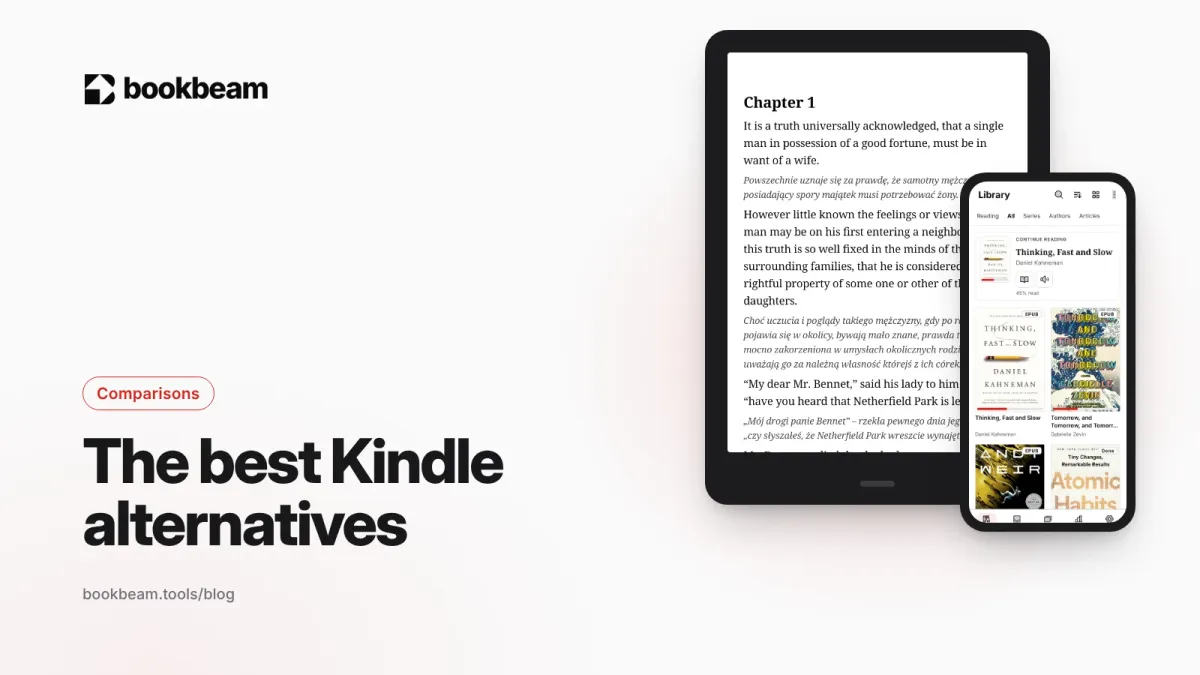
The best Kindle alternatives in 2026
Want to leave Kindle without losing your books? We compare Kobo, BOOX, PocketBook and Android reading apps on price, EPUB support, stores, page-turn buttons and openness, and explain what happens to the Kindle books you already own.
Questions or thoughts? Share them below.