
The best Kindle alternatives in 2026
Want to leave Kindle without losing your books? We compare Kobo, BOOX, PocketBook and Android reading apps on price, EPUB support, stores, page-turn buttons and openness, and explain what happens to the Kindle books you already own.

Michal Wlosik
· 7 min read
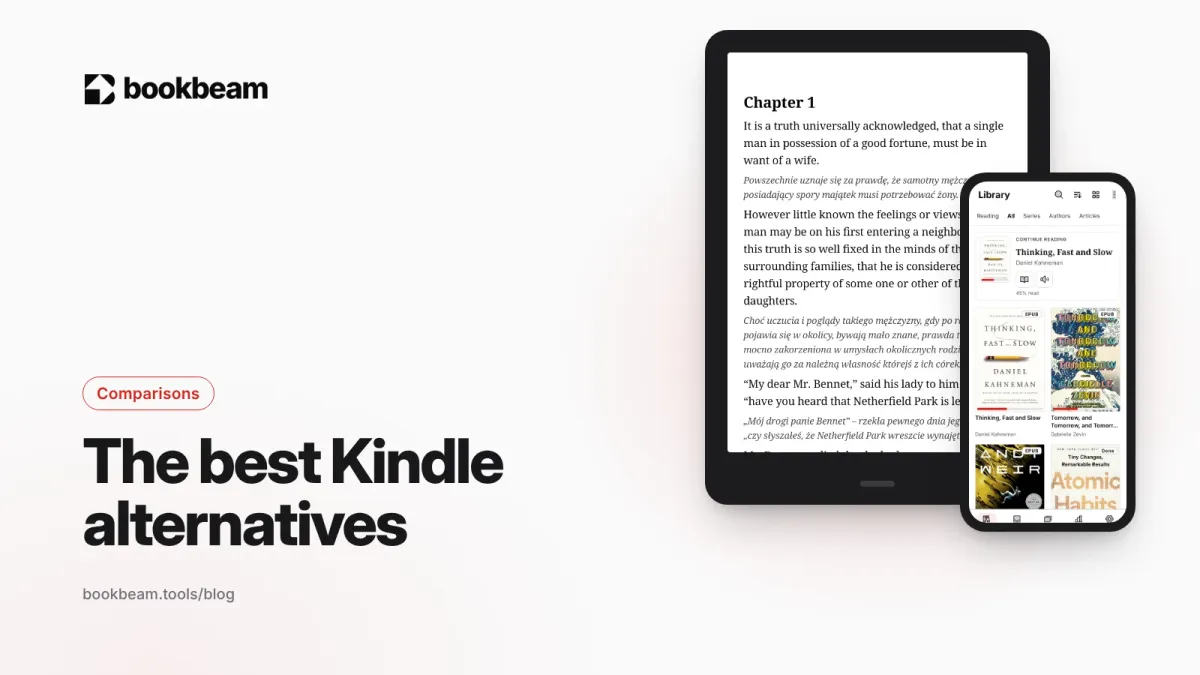
Short answer: the best Kindle alternative for most people in 2026 is a Kobo if you want a simple e-reader that reads EPUB and borrows library books, and a BOOX if you want an open Android e-reader that runs any reading app. PocketBook is the pick for format-heavy European readers, and a phone or tablet with a good reading app is the free alternative you already own.
Below we compare them on price, formats, stores, buttons and openness, with current list prices. Full disclosure: we make Bookbeam Reader, an Android reading app, so we'll show you where it fits, but most of this guide is about hardware you can buy from someone else.
Why people look for a Kindle alternative
Kindles are good devices. Amazon refreshed the lineup in October 2026, and the base Kindle starts at $149.99. But a few things push readers elsewhere:
- Lock-in. Kindle Store books carry DRM and live in Amazon's ecosystem. You can't buy from Kobo or Google Play and read on a Kindle.
- EPUB. Kindles don't open EPUB files copied over USB. Send to Kindle accepts them and converts them, which works but adds a step.
- Library books outside the US. Libby loans to Kindle are a US feature.
- Buttons. The 2026 Kindles have no built-in page-turn buttons. You can add the $34.99 Kindle Click remote, or the $79.99 Page Turn Cover on Signature Editions.
- No apps. A Kindle runs Amazon's software and nothing else.
If none of that bothers you, a Kindle is still a fine choice. Our BOOX vs Kindle comparison covers who should stick with Amazon.
The best Kindle alternatives at a glance
| Alternative | Example model and US list price | EPUB | Other stores | Runs apps | Best for |
|---|---|---|---|---|---|
| Kobo | Clara BW $159.99, Clara Colour $179.99, Libra Colour $259.99 | Native | Kobo Store, library loans | No | A Kindle-like experience without Amazon |
| BOOX | Go 7 $249.99, Go Color 7 Gen II $279.99, Palma 3 $339 | Native | Any store with an Android app | Yes (Google Play) | Readers who want every store and app |
| PocketBook | Varies by region | Native | PocketBook store, Adobe DRM books | No | Wide format support, physical buttons |
| Phone or tablet + reading app | Device you already own | With the right app | Any | Yes | Trying a switch without buying hardware |
Prices are list prices at the time of writing and change often. Kobo raised its US prices in 2026, which narrowed its price advantage over Kindle.
1. Kobo: the closest thing to a Kindle, minus Amazon
Kobo is the most direct swap. The devices are simple, the software is polished, and EPUB is the native format, so files from most stores and your own collection just work. Kobo also has library borrowing built into the device in many countries, and its own subscription, Kobo Plus.
Where Kobo is better than Kindle:
- EPUB and Adobe DRM EPUBs from other stores open directly.
- The Libra Colour has physical page-turn buttons built in.
- Kobo devices work with Bluetooth page turners. Kobo launched its own Kobo Remote at $44.95, and many readers use cheaper controllers like the 8BitDo Micro.
Where it falls short: no apps, so you're limited to Kobo's own reader and features. And after the 2026 price rises, the Clara BW ($159.99) costs slightly more than the base Kindle ($149.99).
Pick Kobo if you want a Kindle-style device and the freedom of EPUB, and you don't need apps.
2. BOOX: the open, Android alternative
BOOX devices run Android with Google Play. That one fact changes everything. You can install the Kindle app and keep reading your Amazon books, then add Kobo, Libby, Google Play Books and any reading app you like, all on the same e-ink screen.
Current reading-focused models include:
- BOOX Go 7 ($249.99): 7-inch, 300 ppi black and white, page-turn buttons, microSD slot.
- BOOX Go Color 7 Gen II ($279.99): the same body with a Kaleido 3 color screen.
- BOOX Palma 3 ($339): a phone-sized e-reader running Android 16.
- BOOX Note Air6 C and Note Mini C ($579 each): 10.3-inch and 8.5-inch color note-takers that are also excellent for PDFs.
The trade-offs are real. BOOX devices cost more, battery life is shorter because they're Android devices, and you'll spend a little time on settings like refresh modes. Our guide to reducing ghosting on BOOX helps with the last one.
Pick BOOX if you buy from several stores, have your own e-book collection, or want to choose your reading app. See the best Android e-ink tablets in 2026 for more models.
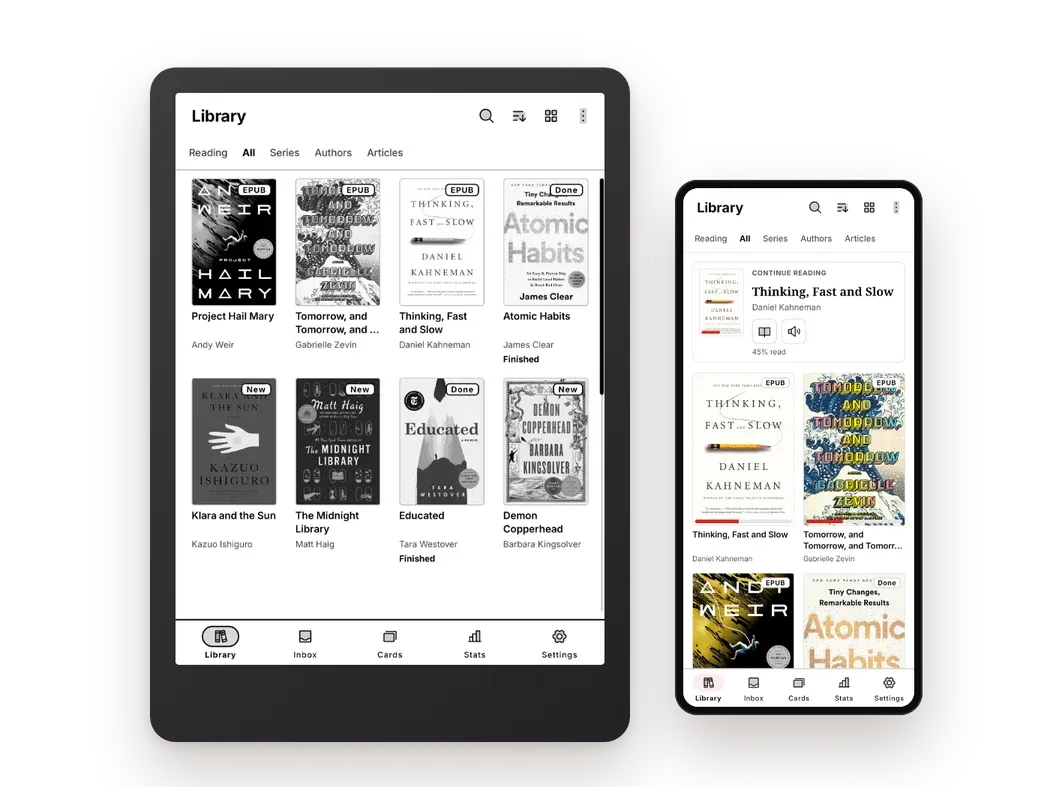
A Kindle alternative for your own books. Bookbeam Reader syncs across devices and reads aloud with natural voices.
3. PocketBook: format support and buttons
PocketBook is popular in Europe and is known for reading almost any format out of the box, including EPUB, PDF, FB2, MOBI and DjVu, plus Adobe DRM books from other stores. Many models have physical page-turn buttons, and several support audiobooks over Bluetooth.
The software looks less modern than Kobo's or Amazon's, and availability and prices vary a lot by country, so check your local store. Like Kobo and Kindle, PocketBook devices don't run Android apps.
Pick PocketBook if you read in many formats, especially FB2 or DjVu, and want buttons without paying BOOX prices.
4. Your phone or tablet, with a better reading app
The cheapest Kindle alternative is the device in your pocket. If you're mainly unhappy with the Kindle app, or you want to try reading your own EPUBs before buying new hardware, an Android phone or tablet with a proper reader is a good start.
This is also the setup we built Bookbeam for. Bookbeam Reader opens EPUB, PDF, DRM-free MOBI and AZW3, FB2, TXT and CBZ comics, and it's built e-ink first, so the same app works on a phone today and on a BOOX later. It syncs your progress, highlights and notes across devices, so you can read on your phone at lunch and pick up on an e-reader at night.
For more options, our hub compares every major app: the best e-book reader apps for Android in 2026.
What about Kindle books you already own?
This is the question that keeps most people on Kindle. Your options:
- Keep reading them in the Kindle app. On a BOOX or any Android device, the Kindle app from Google Play reads your existing library. This is the main reason BOOX works so well as a Kindle replacement.
- Check for DRM-free downloads. Since January 2026, self-published authors on Amazon can let buyers download DRM-free EPUB or PDF copies. It's per title and up to the author, so many books won't have it.
- Buy DRM-free from now on. Many publishers and stores sell DRM-free books that open in any reader. Our guide to DRM-free e-books lists where to look.
Note that Kobo and PocketBook devices can't read Kindle books at all. Bookbeam can't open DRM-protected Kindle purchases either; it's for DRM-free books, your own files and library sources.
How Bookbeam fits on a Kindle alternative
If you choose BOOX or another Android e-reader, the reading app matters as much as the hardware. Here's what Bookbeam adds. Again, full disclosure: we make it.
- E-ink settings: "Full refresh every N pages", "Refresh now", text weight and contrast boost, publisher styles on or off.
- Page turning: tap zones, volume keys, headset buttons and Bluetooth remotes, with "One page per press" and a "Test your buttons" screen.
- Your library, wherever it is: device folders, Audiobookshelf, KOReader sync, a Bookbeam Inbox, and a web library at books.bookbeam.tools for books you upload.
- Reading tools: long-press dictionary and translation, highlights and notes, and a spoiler-free Book guide to people, places and terms.
- Web reading: the Send to Bookbeam Chrome extension turns articles and YouTube videos into readable e-books, and can also send them to Kindle, Kobo or PocketBook. See Send to Bookbeam.
The free plan covers 2 devices and 1 GB of library storage. Pro is $6.99 a month or $59.99 a year, and Lifetime is $129 once. There are no ads and no third-party analytics SDKs in the app.
One library, every device. Bookbeam syncs your books, progress, highlights and notes between phone, tablet and e-reader.
How to choose
- Where are your books? Mostly Amazon: stay with Kindle, or get a BOOX and use the Kindle app. Mostly EPUB from other stores: Kobo or PocketBook. A mix: BOOX.
- Do you want apps? If yes, only BOOX (or another Android e-reader) will do.
- Do you want buttons? Kobo Libra Colour, BOOX Go 7 series and many PocketBooks have them built in.
- What's your budget? Kobo Clara BW at $159.99 is the cheapest dedicated alternative here. BOOX starts around $250.
- Do you read PDFs? A 10-inch BOOX is far better than any 6- or 7-inch reader. See EPUB vs PDF for why.
FAQ
What is the best Kindle alternative in 2026?
For a simple reader, Kobo. For an open device that runs every reading app, BOOX. For format support and buttons at a mid price, PocketBook.
Can I read Kindle books on a Kobo?
No. Kindle Store books are protected by Amazon's DRM and only open in Kindle devices and apps. A BOOX can read them through the Kindle Android app.
Is there a Kindle alternative with page-turn buttons?
Yes. The Kobo Libra Colour, the BOOX Go 7 and Go Color 7 Gen II, and many PocketBook models have physical buttons. Most can also pair a Bluetooth page turner.
Are Kindle alternatives more expensive?
Slightly, in most cases. Kobo's entry model is $159.99 against the base Kindle's $149.99, and BOOX starts around $250. You pay for openness.
The bottom line
Leaving Kindle doesn't mean losing your books. Pick Kobo for simplicity, PocketBook for formats, or BOOX if you want everything, including the Kindle app itself. On any Android device, Bookbeam gives you an e-ink-first reader for the rest of your library. Every new account gets a 7-day Pro trial, no card needed.
Give it a week. Run Bookbeam alongside your current app and keep whichever you reach for.
Written by
Keep reading
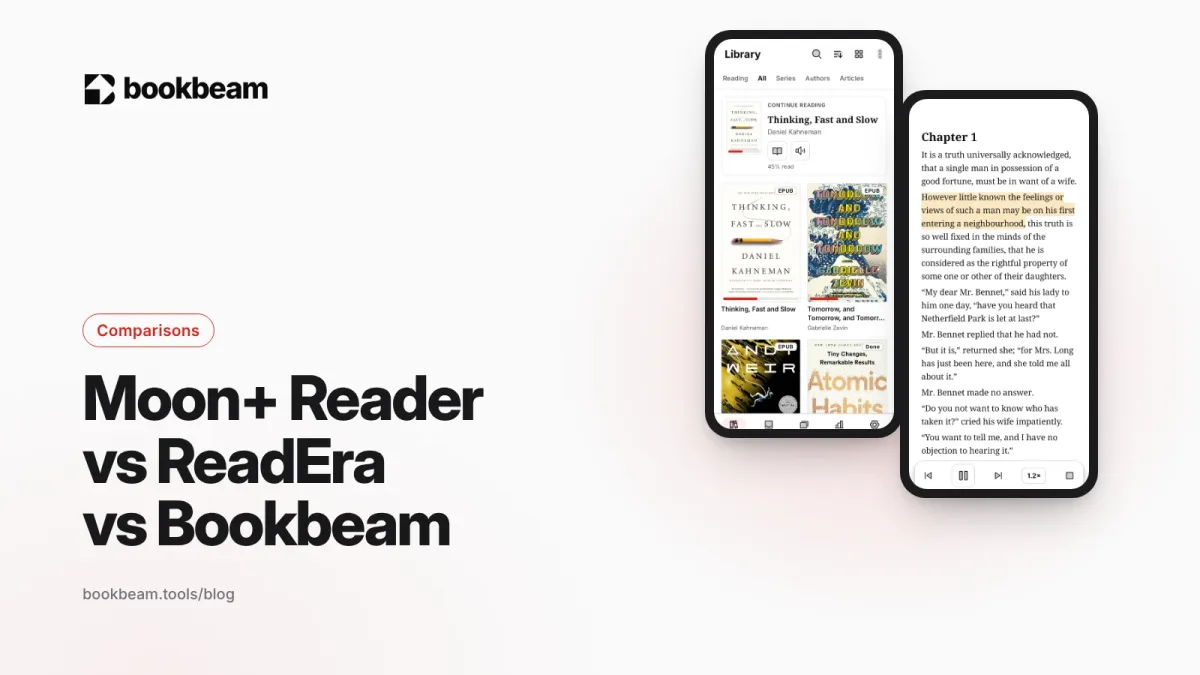
Moon+ Reader vs ReadEra vs Bookbeam
Three popular Android e-book readers, three different philosophies. We compare Moon+ Reader, ReadEra and Bookbeam on price, formats, e-ink, sync, read aloud and language tools, including where each one wins.
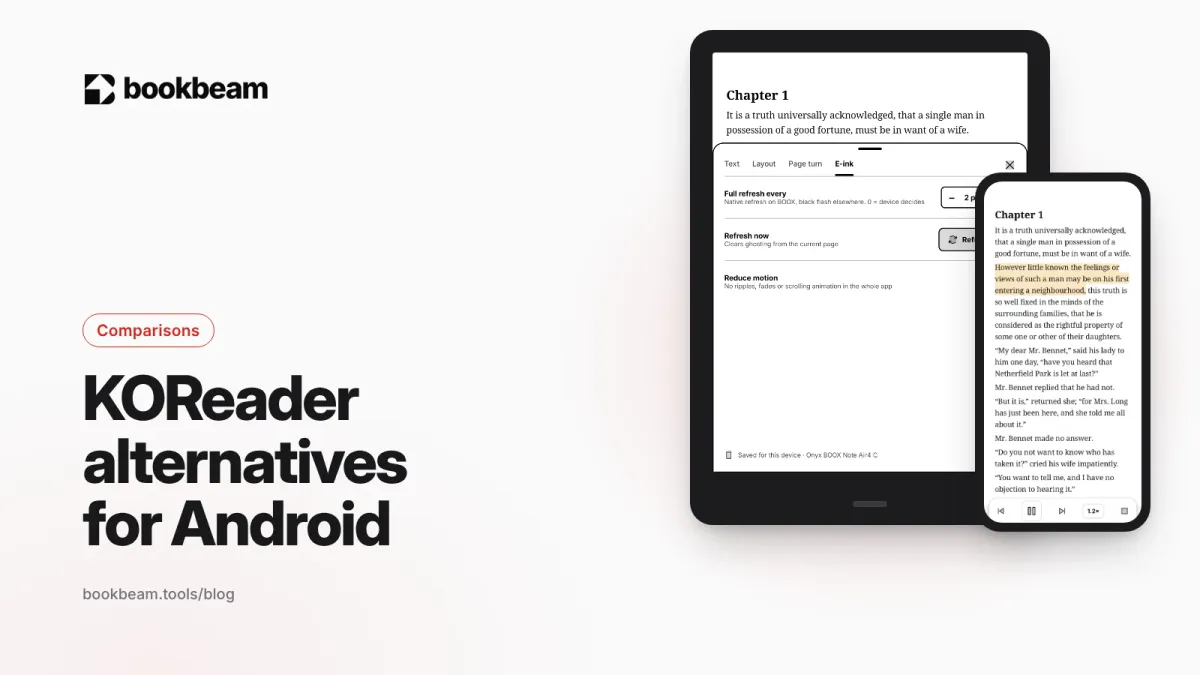
KOReader alternatives for Android
Love KOReader's e-ink focus but not its learning curve? Here are the best Android alternatives in 2026, including two that sync with KOReader, plus an honest look at where KOReader still wins.
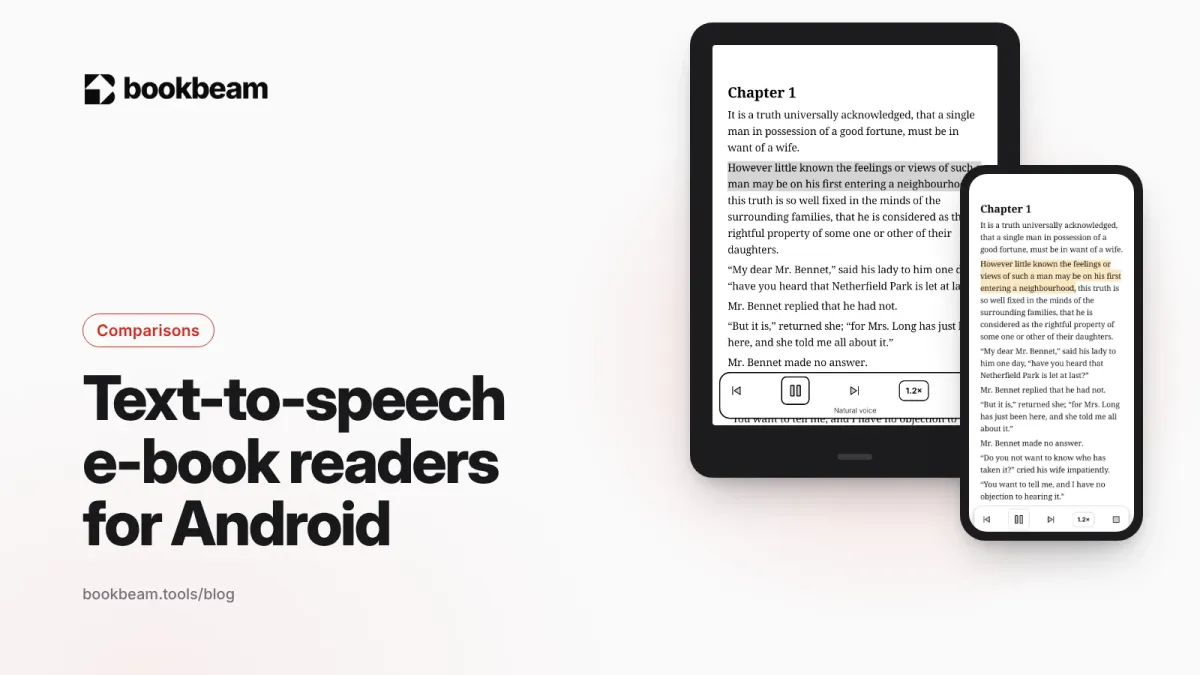
The best text-to-speech e-book readers for Android
Want your e-books read aloud on Android? We compare Bookbeam, @Voice Aloud Reader, Moon+ Reader, Speechify, ReadEra and Google Play Books on voices, formats, offline use and price, so you can pick the right one.
Questions or thoughts? Share them below.