
BOOX vs Kindle: which e-reader should you buy?
Kindle is the simplest way to read Amazon books. BOOX is an open Android e-reader that runs every reading app. Here is how they compare in 2026 on price, books, battery, buttons and PDFs, and which one fits how you read.

Michal Wlosik
· 8 min read
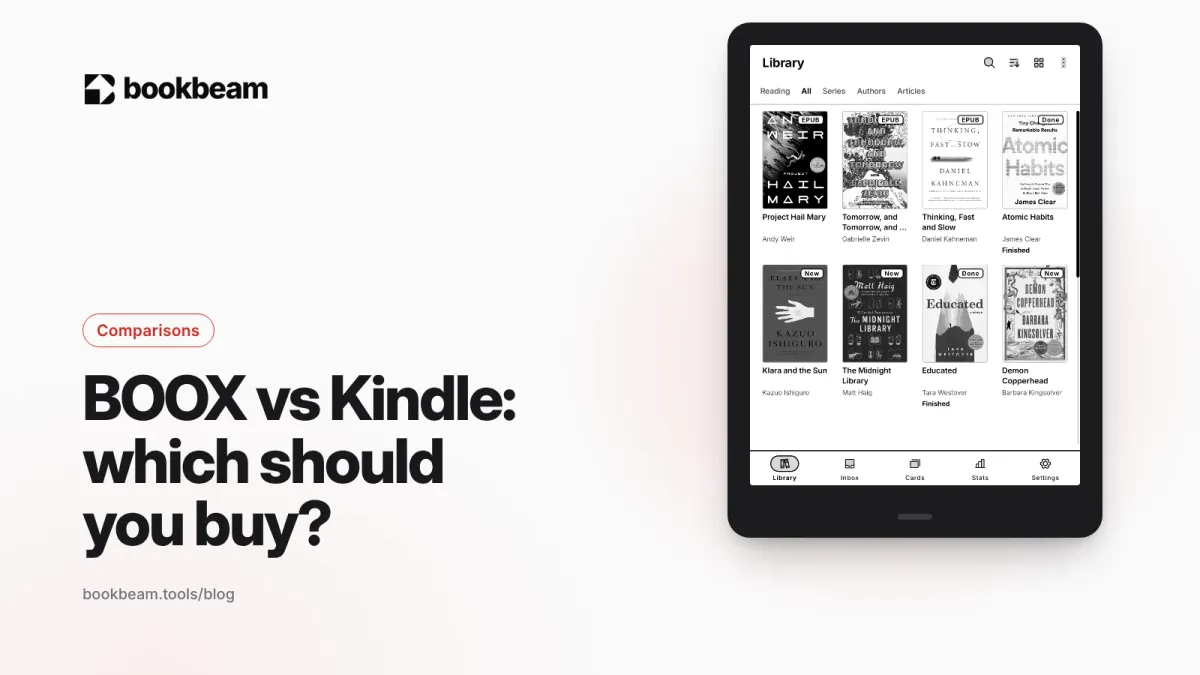
Short answer: buy a Kindle if you mostly read books from Amazon and want the simplest, cheapest, longest-lasting e-reader. Buy a BOOX if you want an open Android device that runs any reading app, reads every store's books and your own files, and doubles as a notebook or PDF reader. Below is how the two compare in November 2026, with current prices and the trade-offs nobody mentions in the product photos.
We make an Android reading app, Bookbeam Reader, so we spend a lot of time on BOOX devices. We'll say where Kindle is simply better, because for plenty of people it is.
BOOX vs Kindle at a glance
The biggest difference isn't the screen. It's the software. A Kindle runs Amazon's own system, built around the Kindle Store. A BOOX runs Android with the Google Play Store, so it can run the Kindle app, the Kobo app, Libby, Google Play Books and dedicated readers like Bookbeam, all on one e-ink screen.
| Kindle | BOOX | |
|---|---|---|
| Operating system | Amazon's Kindle software | Android, with Google Play |
| Where your books come from | Kindle Store, Send to Kindle, Libby loans (US) | Any store with an Android app, plus your own files |
| EPUB | Accepted through Send to Kindle, converted on Amazon's side | Opens natively in NeoReader or any EPUB app |
| Other apps | None | Anything on Google Play (with e-ink caveats) |
| Price range (list) | $149.99 to $679.99 | About $250 to $580 for current reading and note models |
| Physical page buttons | Not built in on 2026 models; optional cover or remote | Built in on several models, such as the Go 7 series |
| Best for | Amazon readers who want zero fuss | Readers who use several stores, PDFs, notes, or want control |
Current Kindle models and prices (2026)
Amazon refreshed most of its lineup in October 2026 with slimmer, flush-front designs. These are US list prices at the time of writing; Amazon discounts them often.
| Model | Screen | List price | Notes |
|---|---|---|---|
| Kindle (2026) | 6" black and white | From $149.99 | 16 GB, up to 6 weeks of battery per Amazon |
| Kindle Paperwhite (2026) | 7" black and white | From $199.99 ($219.99 without ads) | Waterproof, warm light |
| Kindle Paperwhite Signature Edition (2026) | 7" black and white | $249.99 | 32 GB, auto light, aluminum back, dock charging |
| Kindle Colorsoft (2026) | Color e-ink | From $289.99 | Color covers, comics and highlights |
| Kindle Scribe (no front light) | 11" | $429.99 | Writing with the included pen |
| Kindle Scribe | 11" | $499.99 | Front-lit writing tablet |
| Kindle Scribe Colorsoft | 11" color | $629.99 ($679.99 for 64 GB) | Color writing and reading |
One thing that changed this year: the new Kindles still have no built-in page-turn buttons, but Amazon now sells the Kindle Click, a $34.99 Bluetooth remote that works with Kindles released from 2024 onward, and a $79.99 Page Turn Cover with physical buttons for the Signature Editions.
Current BOOX models and prices (2026)
BOOX (made by Onyx) releases devices faster than Amazon and in more shapes: phone-sized, 7-inch, 8-inch, 10.3-inch and 13.3-inch. A few current models that matter for readers:
| Model | Screen | US price | Notes |
|---|---|---|---|
| BOOX Go 7 | 7" black and white, 300 ppi | $249.99 | Page-turn buttons, microSD slot, stylus support |
| BOOX Go Color 7 Gen II | 7" Kaleido 3 color | $279.99 | Same body as the Go 7, color screen |
| BOOX Palma 3 | 6.1" black and white, phone-sized | $339 | Android 16, 128 GB, aluminum frame |
| BOOX Note Mini C | 8.5" color | $579 | Stylus included, Android 16 |
| BOOX Note Air6 C | 10.3" color | $579 | Stylus included, Android 16 |
BOOX also sells larger and older models (the Go 10.3 Gen II and Note Max, for example). If you want the full picture, our guide to the best Android e-ink tablets in 2026 covers more of them.
Picked a BOOX? Bookbeam Reader gives it a Kindle-like reading experience, without the store lock-in.
Books and stores: the real dividing line
If all your books are in your Amazon account, a Kindle is the natural home for them. Kindle Store books carry Amazon's DRM and are meant to be read on Kindles or in Kindle apps.
A BOOX can read those same Kindle books, because the Kindle Android app installs from Google Play. It can also read Kobo and Google Play Books purchases through their apps, library loans through Libby, and any DRM-free EPUB, PDF or comic you own. That's why people who buy from several stores, or who have a big folder of their own e-books, tend to end up on BOOX.
Kindle has opened up a little. Send to Kindle accepts EPUB files and delivers them to your device. And since January 2026, authors who publish through Kindle Direct Publishing can let buyers download DRM-free books as EPUB or PDF, but only if the author switches that on for each title. It's a step, not a revolution. If owning portable files matters to you, our guide on where to get DRM-free e-books explains your options.
Screen and reading comfort
Both brands use E Ink panels, and at the same size and resolution the text looks very similar. The differences are in the tuning.
- Kindle controls everything, so page turns are tuned for one job: reading Kindle books. It just works. There's also a "Page Refresh" option if you want a full refresh on every turn.
- BOOX lets you choose refresh modes per app, from a crisp HD mode for reading to faster modes for scrolling apps. That flexibility is great, but it means a badly tuned app can show more ghosting than a Kindle ever would. Our guide on how to reduce ghosting on BOOX walks through the settings.
- Color: both have Kaleido-style color models (Kindle Colorsoft, BOOX Go Color 7 and the Note C models). Color e-ink is softer and lower-resolution in color than black and white, on either brand.
Battery, waterproofing and build
This is where Kindle wins clearly. A Kindle does one thing, so its battery lasts weeks. Amazon quotes up to 6 weeks for the 2026 base Kindle and up to 12 weeks for the new Paperwhite. A BOOX is an Android computer: Wi-Fi, background apps and a faster processor all drain power, so expect to charge it more often, especially if you install a lot of apps.
The Paperwhite and Colorsoft are waterproof. If you read in the bath or by the pool, check the spec sheet of any BOOX model before assuming the same.
Page turning and buttons
Many readers want physical buttons. On BOOX, several models have them built in, including the Go 7 and Go Color 7 Gen II, and any BOOX can pair a Bluetooth page turner such as BOOX's own Tappy remote. On Kindle, you'll need the new Kindle Click remote or the Page Turn Cover.
On Android, how a remote behaves depends on the reading app. In Bookbeam you can turn pages with tap zones, volume keys, headset buttons or Bluetooth remotes, and a "Test your buttons" screen shows you what each button sends. See our Bluetooth page turner setup guide for the details.
Notes, PDFs and everything else
If you read PDFs, papers or textbooks, BOOX is in a different league. A 10.3-inch Note Air6 C shows a PDF page at a usable size, and BOOX's built-in NeoReader can crop margins, reflow text and split columns. The Kindle Scribe handles PDFs and handwriting too, but you're limited to Amazon's software and its feature list.
BOOX also runs other apps: note apps, RSS readers, read-later services, language tools. Some run well on e-ink and some don't, but you have the choice.
Which reading app on BOOX?
A BOOX ships with NeoReader, which is good, especially for PDFs. But because it's Android, you can install a reader built around your habits. That's the gap we built Bookbeam Reader to fill. Full disclosure: we make Bookbeam.
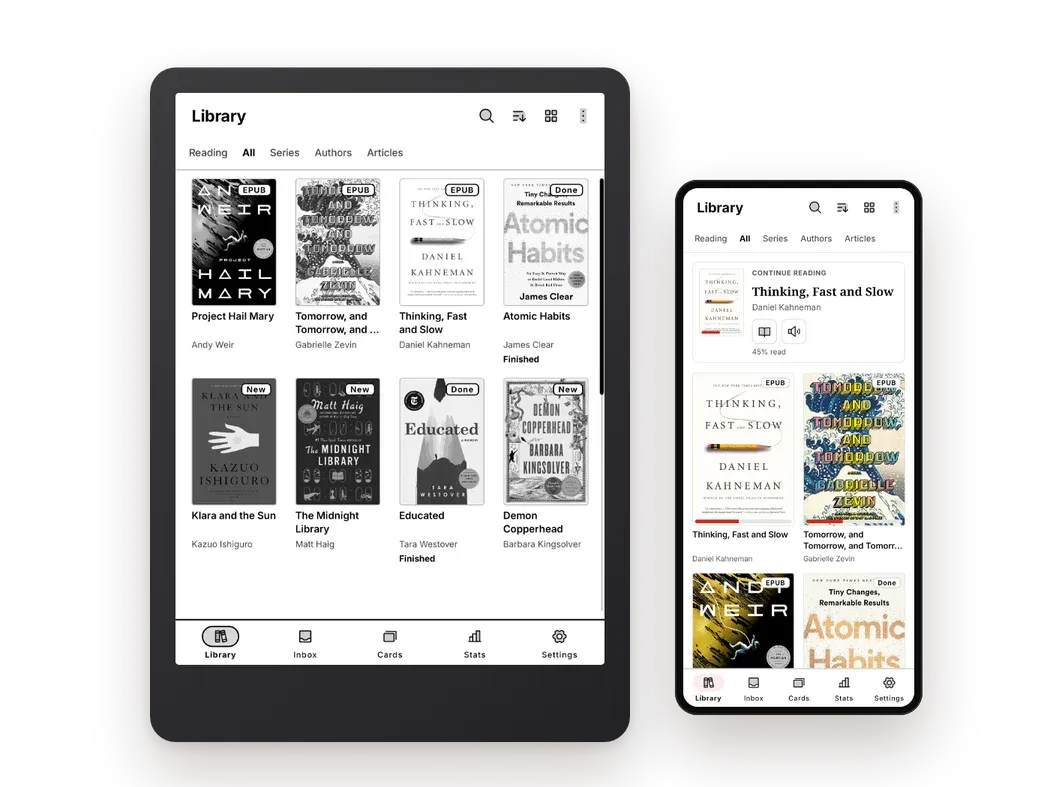
Bookbeam is e-ink first. Pages are paged, never scrolled. An E-ink settings tab offers "Full refresh every N pages" and "Refresh now", plus text weight and contrast boost for thin fonts. It opens EPUB, PDF, DRM-free MOBI and AZW3, FB2, TXT and CBZ comics, and it can add books from device folders, Audiobookshelf or its web library at books.bookbeam.tools, where you can upload books exported from Calibre. Your progress, highlights and notes sync to your phone and to a free web library.
Bookbeam can't open DRM books like Kindle Store purchases. For those, use the Kindle app on your BOOX. Bookbeam is for everything else.
We compare it with NeoReader and other options in the best reading app for BOOX, and with every major Android reader in our hub: best e-book reader apps for Android in 2026.
Read better on e-ink. Bookbeam Reader turns pages without ghosting, reads aloud and translates as you read.
So which should you buy?
Buy a Kindle if…
- Most of your books come from Amazon, or you use Kindle Unlimited.
- You want the longest battery life and a waterproof device.
- You don't want to touch a settings menu, ever.
- You're on a tighter budget: the base Kindle starts at $149.99.
Buy a BOOX if…
- You buy from more than one store or borrow from the library outside the US.
- You have your own EPUB, PDF or comic collection, or a Calibre library.
- You want physical page-turn buttons built in, or a phone-sized or 10-inch screen.
- You want to choose your reading app, and take notes or read PDFs on the same device.
Still undecided, or not keen on either? We cover Kobo, PocketBook and others in the best Kindle alternatives in 2026.
FAQ
Can I read my Kindle books on a BOOX?
Yes. Install the Kindle app from Google Play on your BOOX and sign in. Your Kindle Store books download as they would on a phone. Third-party readers such as Bookbeam can't open them, because they're protected by DRM.
Does a Kindle read EPUB files?
Not directly from a USB copy, but Send to Kindle accepts EPUB files and delivers them to your Kindle library in a format the device can read.
Is a BOOX harder to use than a Kindle?
A bit, at first. You'll make a few choices: which reading app, which refresh mode, which apps to install. Once that's set up, day-to-day reading is just as simple.
Which has better battery life?
Kindle, clearly. Amazon quotes weeks per charge. A BOOX is an Android device and needs charging more often, especially with Wi-Fi on and many apps installed.
Do BOOX devices work with Bluetooth page turners?
Yes. Any BOOX can pair a Bluetooth remote, and many reading apps, including Bookbeam, let you set what each button does.
The bottom line
A Kindle is the best appliance for Amazon books. A BOOX is the best e-ink device for everything else, and it gets better with a reading app built for e-ink. If you go with BOOX, try Bookbeam: every new account gets a 7-day Pro trial with no card needed, and the free plan stays free.
Ready to try it? Install Bookbeam Reader and start with a free 7-day Pro trial.
Written by
Keep reading
Moon+ Reader vs ReadEra vs Bookbeam
Three popular Android e-book readers, three different philosophies. We compare Moon+ Reader, ReadEra and Bookbeam on price, formats, e-ink, sync, read aloud and language tools, including where each one wins.
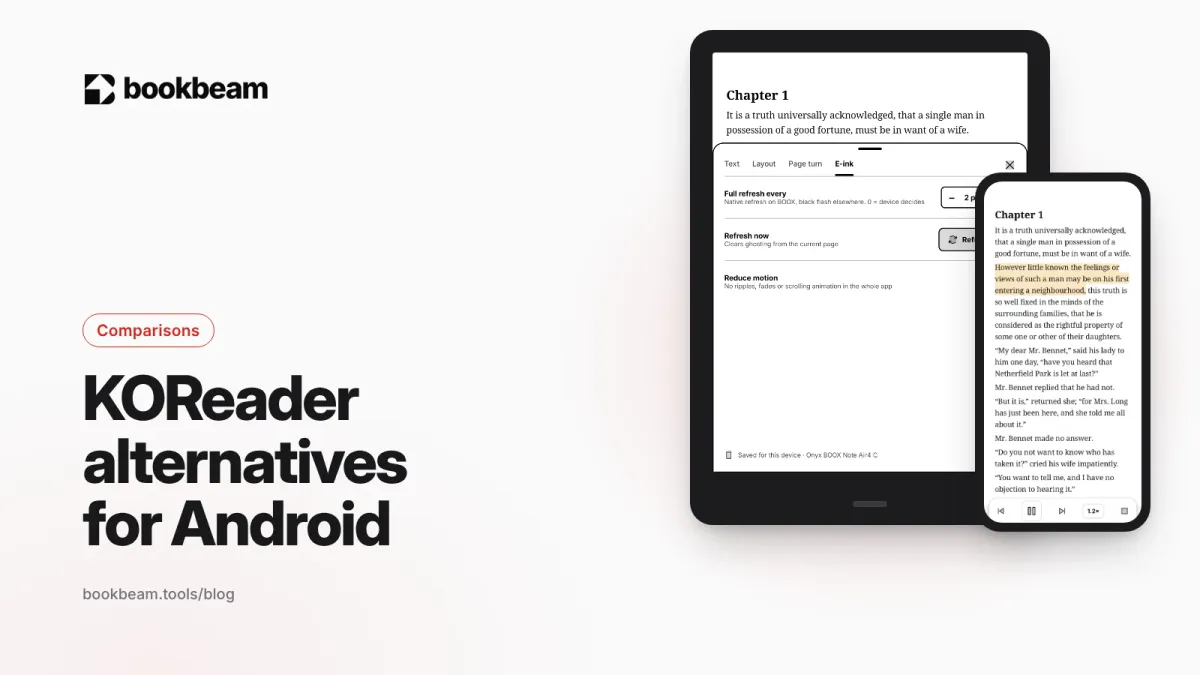
KOReader alternatives for Android
Love KOReader's e-ink focus but not its learning curve? Here are the best Android alternatives in 2026, including two that sync with KOReader, plus an honest look at where KOReader still wins.
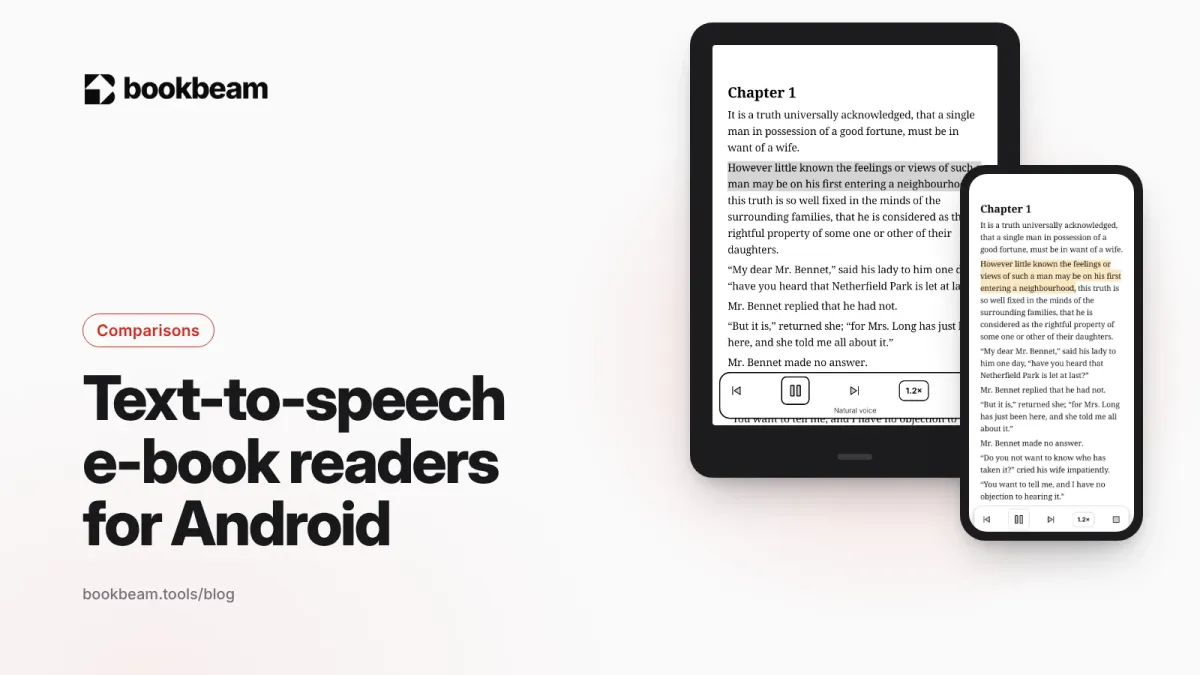
The best text-to-speech e-book readers for Android
Want your e-books read aloud on Android? We compare Bookbeam, @Voice Aloud Reader, Moon+ Reader, Speechify, ReadEra and Google Play Books on voices, formats, offline use and price, so you can pick the right one.
Questions or thoughts? Share them below.