
Best e-book reader apps for Android in 2026
The best e-book reader apps for Android in 2026, compared on price, formats, sync and e-ink support, with clear picks for phones, tablets and BOOX e-readers.

Michal Wlosik
· 11 min read
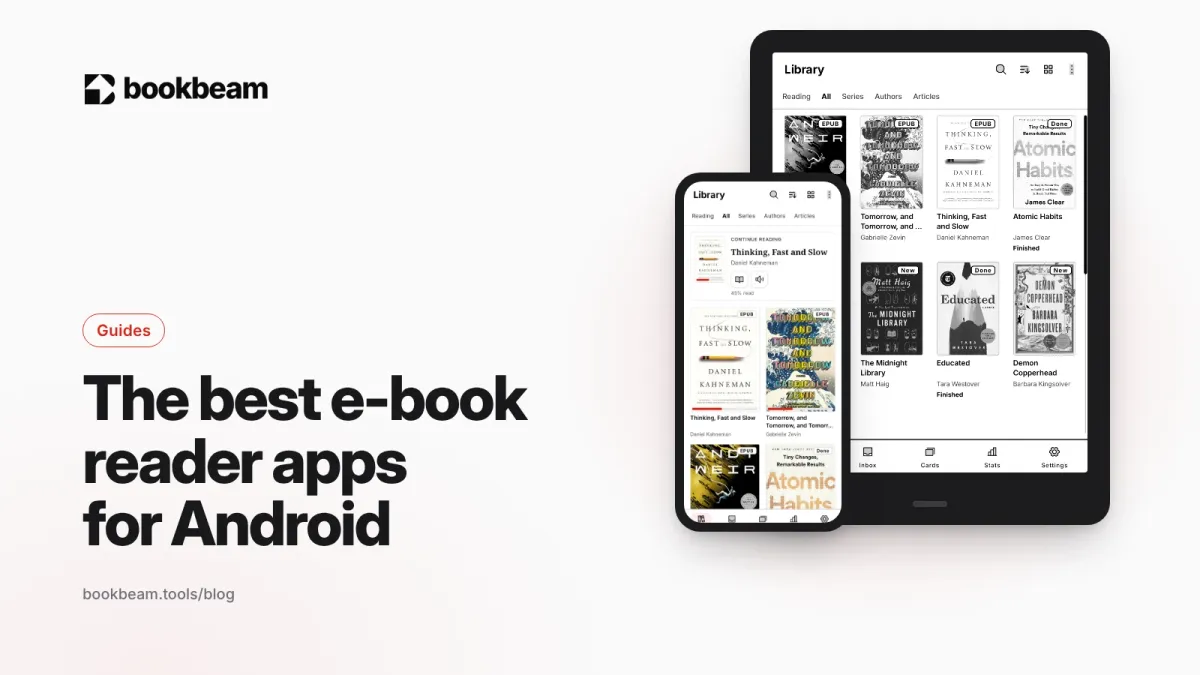
Short answer: for most people who read their own e-books (EPUB, PDF, MOBI) on an Android phone, tablet or e-ink device, Bookbeam Reader is the best all-round pick in 2026, with Moon+ Reader and ReadEra close behind and KOReader the choice for tinkerers. If you mostly buy from one store, the Kindle, Kobo or Google Play Books app is still the simplest way to read those purchases. Full disclosure: we make Bookbeam, so we've tried hard to be fair to everyone else below, including where they beat us.
This is the hub of our Android reading series. You'll find a quick comparison table, a short review of each app, advice by reader type, and links to deeper guides at the end.
The best e-book reader apps for Android at a glance
| App | Price | Main formats | Good on e-ink? | Best for |
|---|---|---|---|---|
| Bookbeam Reader | Free; Pro $6.99/month or $59.99/year; Lifetime $129 | EPUB, PDF, MOBI/AZW3 (no DRM), FB2, TXT, CBZ | Yes, built e-ink first | E-ink devices, sync across devices, language learners, read aloud |
| Moon+ Reader | Free with ads; one-time Pro upgrade | EPUB, PDF, MOBI, FB2, TXT, CBZ/CBR and more | Usable with tweaking | Power users who love customizing |
| ReadEra | Free, no ads; one-time Premium upgrade | EPUB, MOBI, AZW3, FB2, PDF, DjVu, DOC/DOCX, CBZ/CBR | Usable | A clean, no-fuss library of local files |
| KOReader | Free, open source | EPUB, PDF, DjVu, MOBI, FB2, CBZ and more | Yes, designed for e-ink | Tinkerers, PDFs and scanned documents |
| Librera | Free; paid PRO version | PDF, EPUB, MOBI, AZW3, DjVu, FB2, CBZ/CBR and more | Usable | Wide format support, auto-scroll for music |
| Google Play Books | Free app; pay per book | Store books; upload your own EPUB and PDF | Basic | Google store buyers |
| Amazon Kindle | Free app; pay per book | Kindle store books; your files via Send to Kindle | Basic | Kindle store libraries |
| Kobo Books | Free app; pay per book | Kobo store books; DRM-free EPUB import | Basic | Kobo store libraries |
A quick note on prices: Moon+ Reader Pro, ReadEra Premium and Librera PRO are sold through Google Play, and their prices vary by country and change often with sales, so check the listing in your region.
What makes a good e-book reader app on Android?
Before the reviews, here is what we weighed. Your priorities may differ, and that's fine.
- Formats. EPUB is the standard for reflowable e-books, but most people also have PDFs, a few old MOBI files and maybe comics. Not sure which format to keep? See EPUB vs PDF.
- Reading comfort. Good typography, margins, line spacing, and themes that don't fight you.
- E-ink behavior. On a BOOX or other Android e-reader, scrolling animations and page-curl effects cause smearing. A reader built for e-ink pages cleanly and lets you control screen refreshes.
- Getting books in. Local files are the minimum. Calibre (OPDS) catalogs, cloud sync and "send to device" tools save a lot of fiddling.
- Sync. Progress, highlights and notes that follow you from phone to tablet to e-reader.
- Extras. Dictionary, translation, text-to-speech, highlights export.
- Privacy and ads. Many free readers are ad-supported. That's a reasonable trade, but it's worth knowing.
1. Bookbeam Reader: best overall, and best for e-ink
Full disclosure again: this is our app. We built Bookbeam because we read on BOOX devices and phones and wanted one reader that felt native on both.
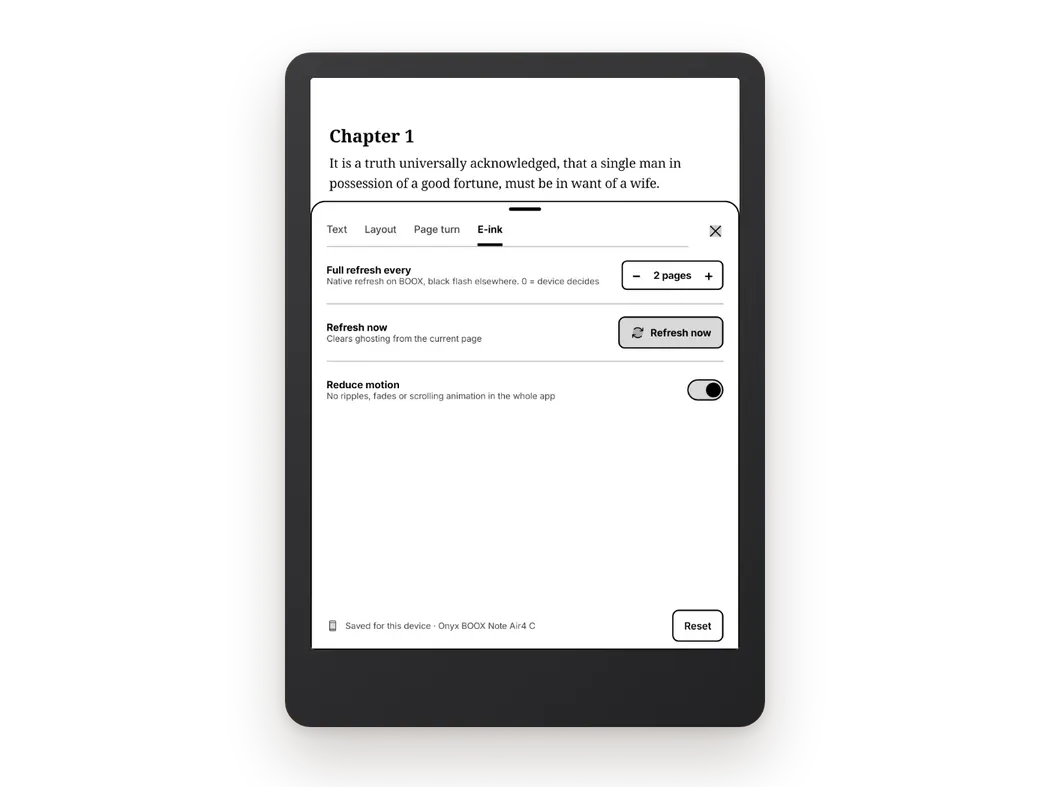
Bookbeam is e-ink first. Pages are paged, never scrolled, and page turns are designed to avoid ghosting. An E-ink settings tab gives you "Full refresh every N pages", a "Refresh now" button, text weight and contrast boost, a switch for publisher styles, and a landscape side rail. On a phone or tablet the same app simply feels like a calm, uncluttered reader.
Page turning is flexible: tap zones, volume keys, Bluetooth remotes and page turners, even headset buttons. There's "One page per press", "Reverse volume direction", "Mirror for left hand" and a "Test your buttons" screen to check your remote works.
Formats: EPUB, PDF, MOBI and AZW3 without DRM, FB2, TXT and CBZ comics. Bookbeam can't open DRM-protected books, such as Kindle store purchases.
Getting books in: Settings → Sources lets you add books from the device, device folders, your Bookbeam Inbox, Audiobookshelf and KOReader sync. You can also upload books to the free web library at books.bookbeam.tools, or send web articles and YouTube videos with the Send to Bookbeam Chrome extension. OPDS catalogs aren't supported yet; if you use Calibre, export the books and upload them.
Reading tools: long-press for dictionary and translation, with "Add to flashcards" and "Save looked-up words" (it can also hand off to GoldenDict, ColorDict or the BOOX dictionary). Highlights and notes, plus a Book guide that lists people, places and terms either "So far" (spoiler-free) or for "This chapter".
Bilingual reading (Pro and Lifetime) puts a translation under every paragraph in 50+ languages. It runs on-device, so it works offline, for EPUB, MOBI, FB2 and TXT. Read aloud offers natural cloud voices with "Follow along" sentence highlighting, or your device voice, which is free and works offline.
Sync covers progress, highlights, notes and your library across devices, and there's a free web library at books.bookbeam.tools. The Send to Bookbeam Chrome extension turns web articles and YouTube videos into readable e-books.
Price: Free covers 2 devices, 1 GB of library storage, about 15 minutes of natural voice a month, and 15 articles plus 5 YouTube videos a month. Pro is $6.99/month or $59.99/year (5 devices, 25 GB, 1.5 hours of natural voice a month, bilingual reading). Lifetime is $129 once. Every new account gets a 7-day Pro trial, no card needed. No ads, no third-party analytics SDKs, and your data is never sold.
Where it's weaker: no DRM support, so it won't replace the Kindle or Kobo apps for store purchases. Power users who want to tweak every gesture and animation will find more knobs in Moon+ Reader or KOReader. And the paid plans are subscriptions or a one-off Lifetime, not a small one-time unlock.
Our pick for 2026. Bookbeam Reader is built for e-ink first: clean page turns, natural read-aloud and translations under every paragraph.
2. Moon+ Reader: best for customization
Moon+ Reader has been a favorite on Android for over a decade, and it's still actively updated. Its strength is control: themes, fonts, line spacing, margins, page-turn animations, auto-scroll modes, and a long list of gestures and actions you can assign to taps, swipes and volume keys. It reads EPUB, MOBI, FB2, TXT, HTML, CHM and comics (CBZ/CBR), supports OPDS catalogs, and syncs reading position through Dropbox or Google Drive.
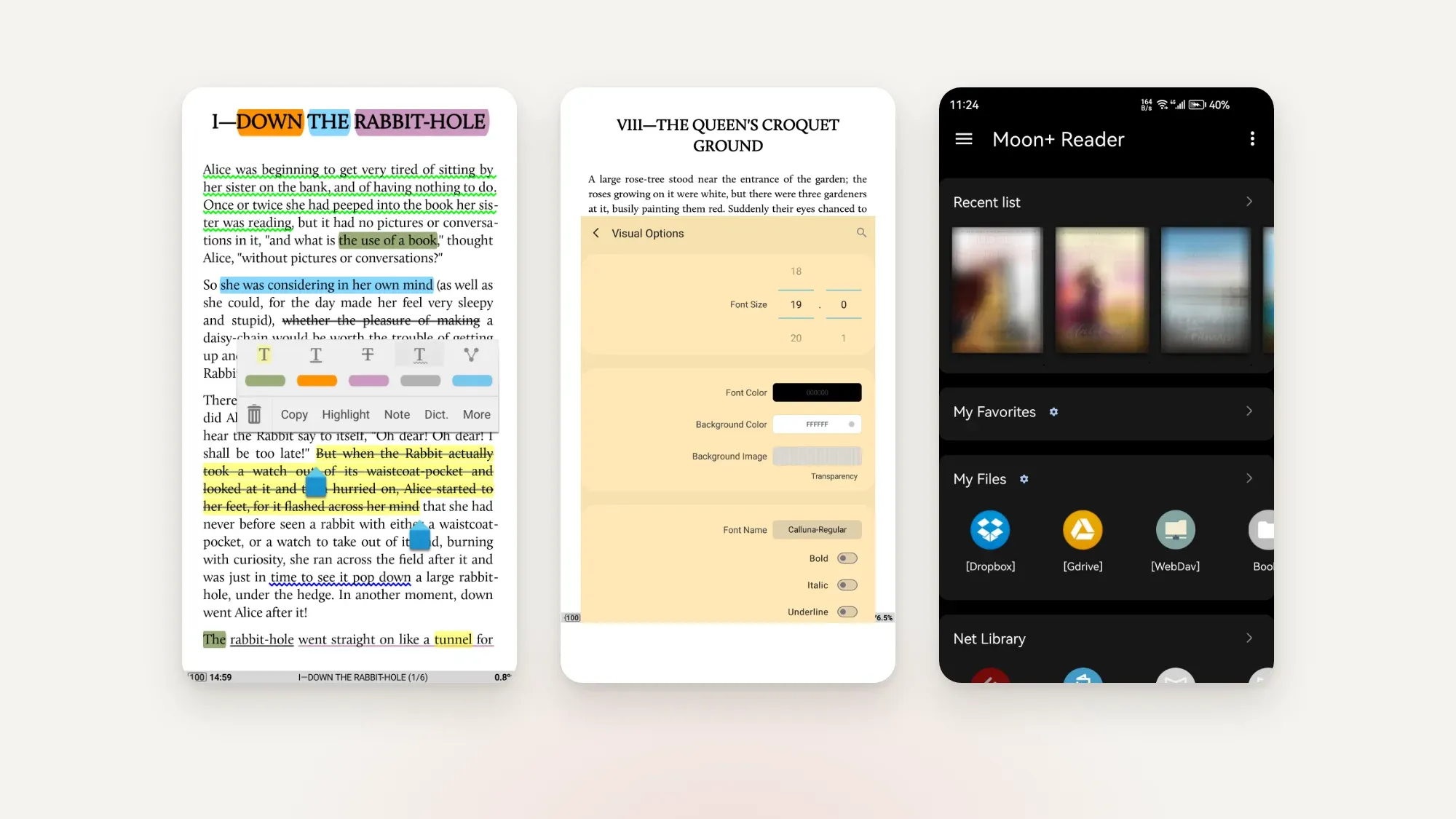
The free version shows ads. Moon+ Reader Pro is a one-time purchase that removes them and adds PDF support, text-to-speech, reading statistics and more themes.
Where it's weaker: the sheer number of settings can be overwhelming, and its defaults lean toward phone screens with animations. It works on e-ink devices, but you'll want to switch off effects. For a deeper head-to-head, read Moon+ Reader vs ReadEra vs Bookbeam.
3. ReadEra: best simple, ad-free free reader
ReadEra is free, has no ads and needs no registration. It scans your device and builds a tidy library from EPUB, MOBI, AZW3, FB2, PDF, DjVu, DOC/DOCX, RTF, ODT, TXT and comics, and it can open FB2 and PDF files straight from ZIP archives. You get bookmarks, quotes and notes, collections, grouping by author or series, and a split-screen mode for reading two documents side by side.
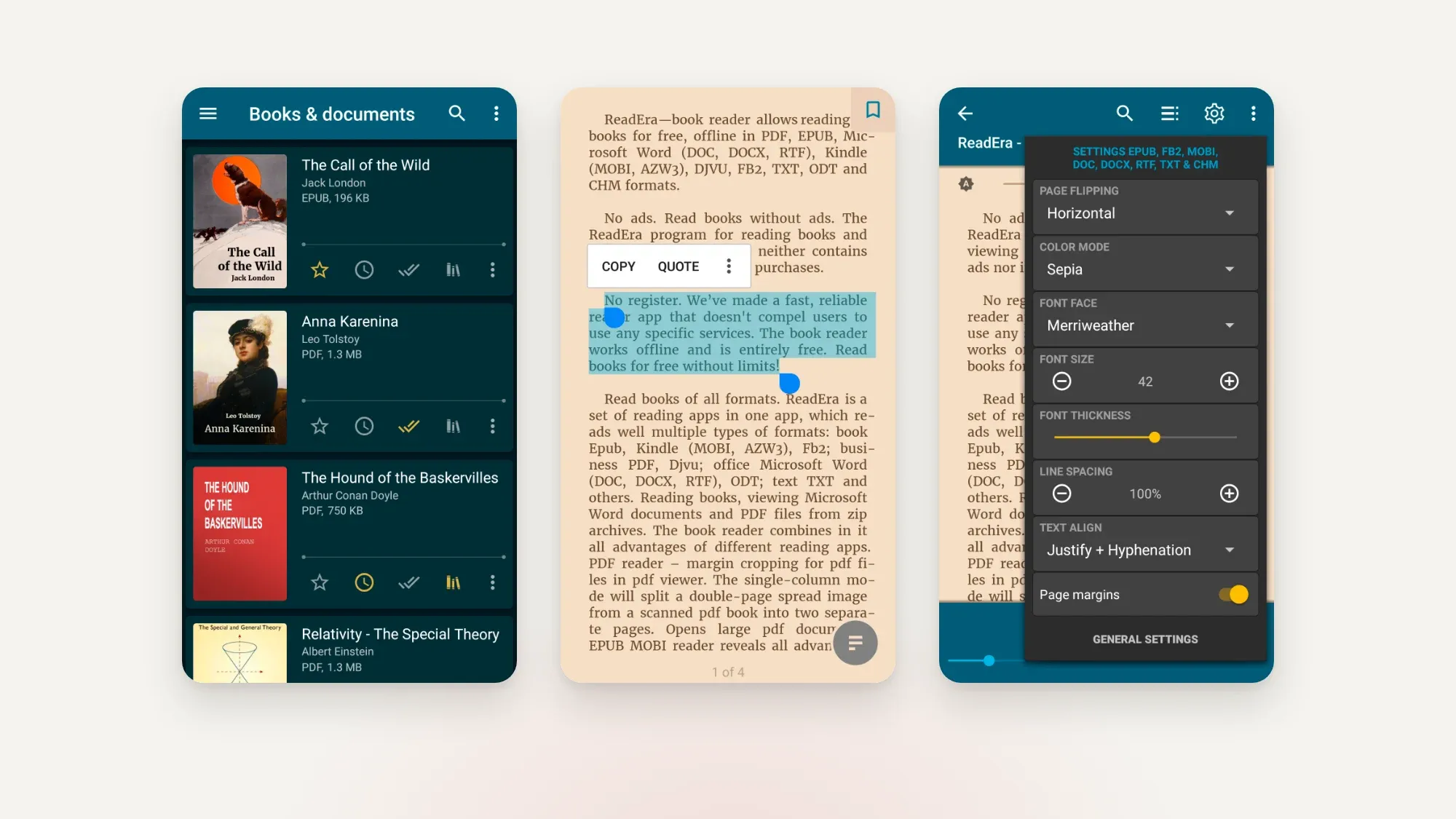
ReadEra Premium is a one-time payment (not a subscription) that covers all your devices. It adds Google Drive sync for books, progress, bookmarks and quotes, extra highlight colors, custom fonts and more library views.
Where it's weaker: sync is a paid extra, there's no catalog or Calibre integration to speak of, and it isn't tuned specifically for e-ink refresh behavior.
4. KOReader: best for tinkerers and PDFs
KOReader is free, open source (AGPL-3.0) and was designed from the start for e-ink screens. It's outstanding with PDFs and DjVu, including reflowing scanned pages and handling two-column layouts, and it covers EPUB, FB2, MOBI, DOC, CHM, TXT, HTML and comics too. It bundles dictionaries, syncs progress between KOReader devices, and connects to Calibre, Wallabag and more. Development is very active, with regular releases through 2026.
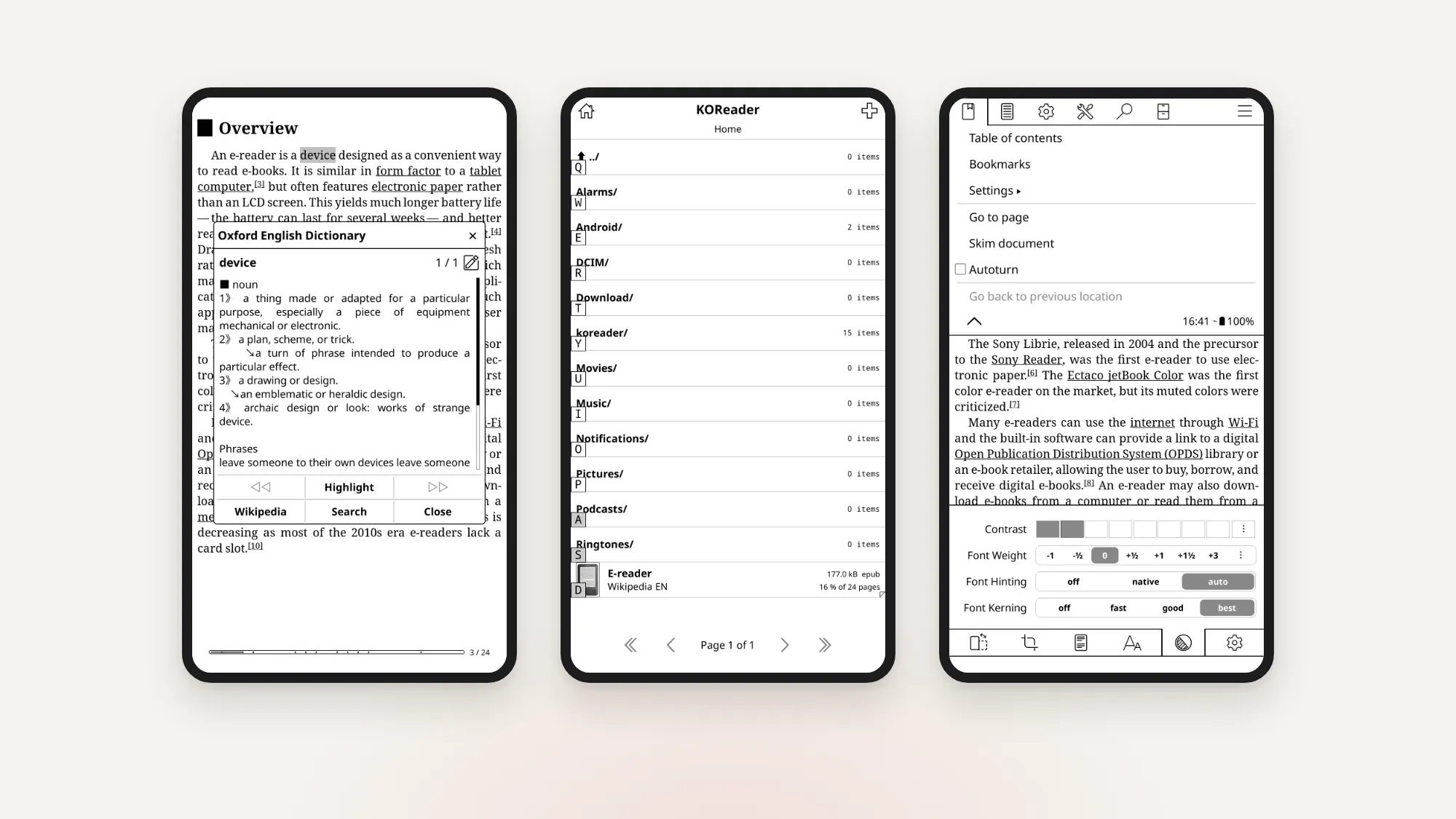
It isn't on Google Play. You install it from F-Droid or from the project's GitHub releases, which means allowing installs from unknown sources.
Where it's weaker: the interface is dense and menu-heavy, and setup takes time. If you love it, great. If you bounced off it, see our KOReader alternatives for Android.
5. Librera: best for format coverage
Librera reads almost anything: PDF, EPUB, MOBI, AZW, AZW3, DjVu, FB2, TXT, RTF, HTML, CBZ and CBR, plus books inside ZIP archives. It has dictionary lookups, text-to-speech, custom CSS, cloud and online catalog support, Google Drive sync for progress and bookmarks, and a hands-free auto-scrolling "Musician's mode" that's handy for sheet music.
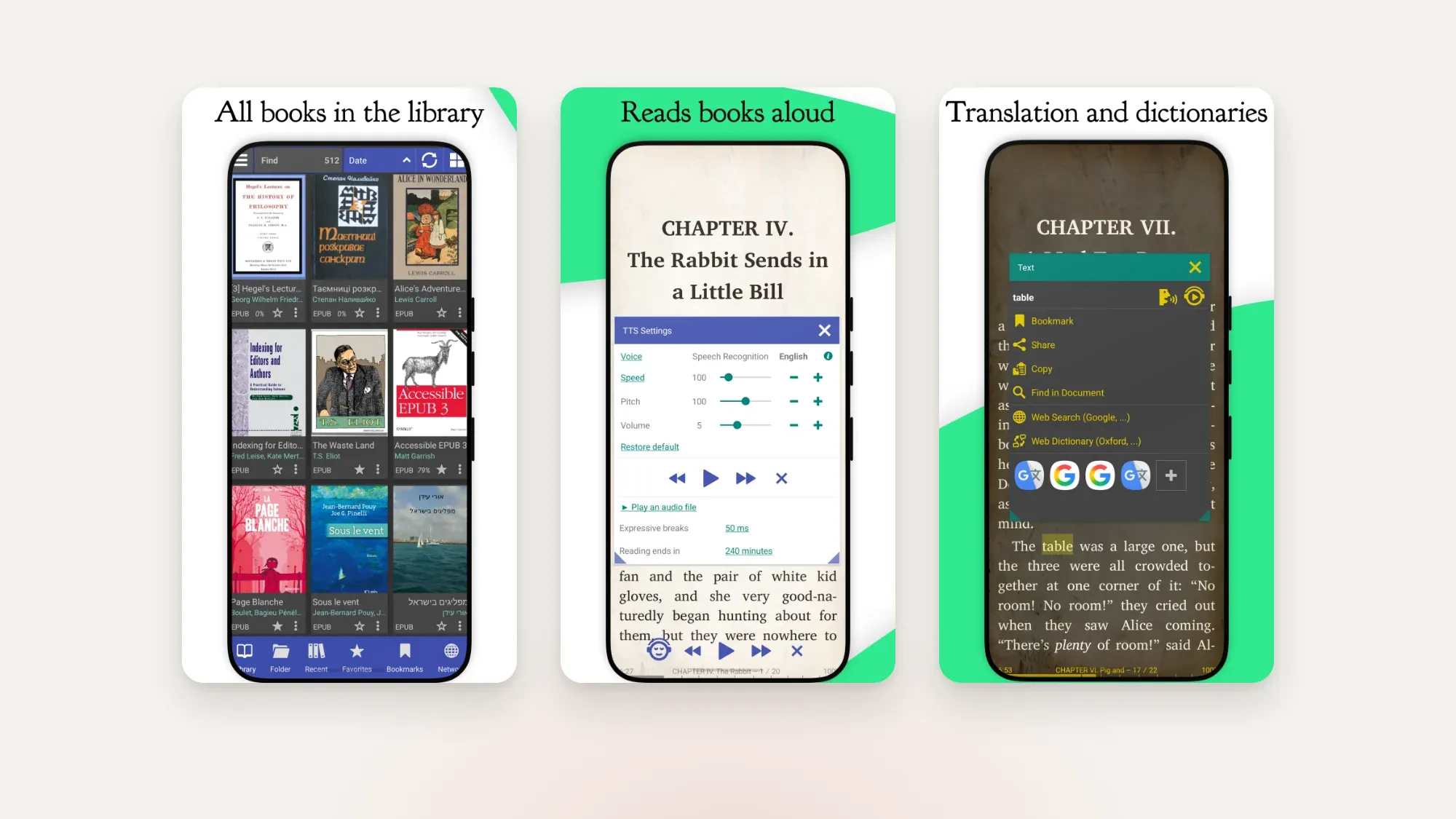
There's a free version and a paid Librera PRO that supports the developer.
Where it's weaker: the interface is busy, and it's more of a do-everything document viewer than a polished book reader.
6. Google Play Books: best if you buy from Google
Play Books is free and often preinstalled. It's the natural home for books you buy from Google, and you can upload your own DRM-free EPUB and PDF files (PDF uploading has to be switched on in settings). Uploads then show up under Library → Uploads on your other devices.
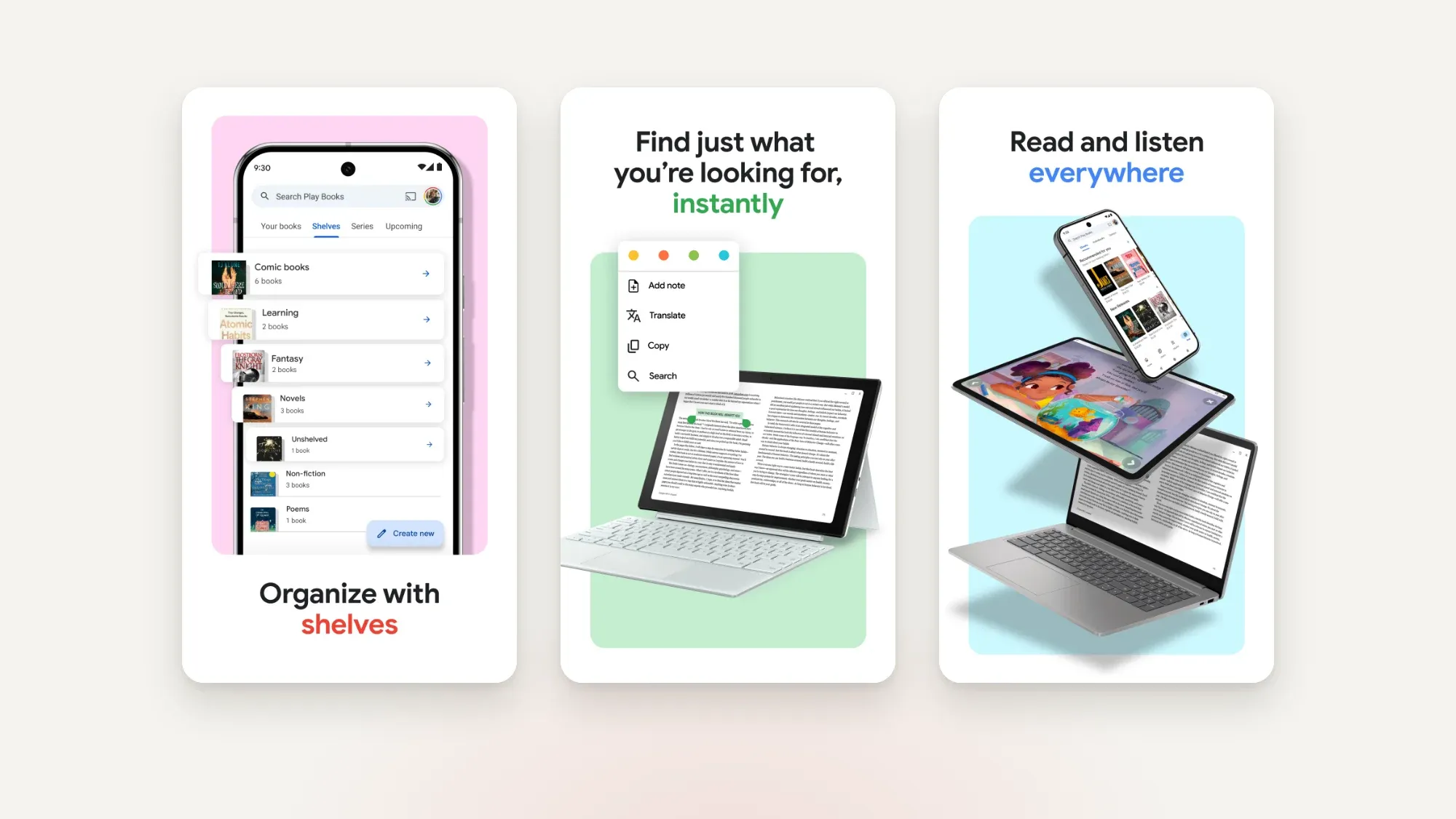
Where it's weaker: limited typography controls, no MOBI, FB2 or comic formats, and no e-ink-specific settings.
7. Amazon Kindle: best if your library lives on Amazon
The Kindle app is the only practical way to read Kindle store purchases on Android, since they're DRM-protected. It syncs with Kindle e-readers and has Amazon's huge store behind it. For your own files, Amazon's Send to Kindle service accepts EPUB, PDF, TXT, RTF, HTML and images, and they appear in your Kindle library.
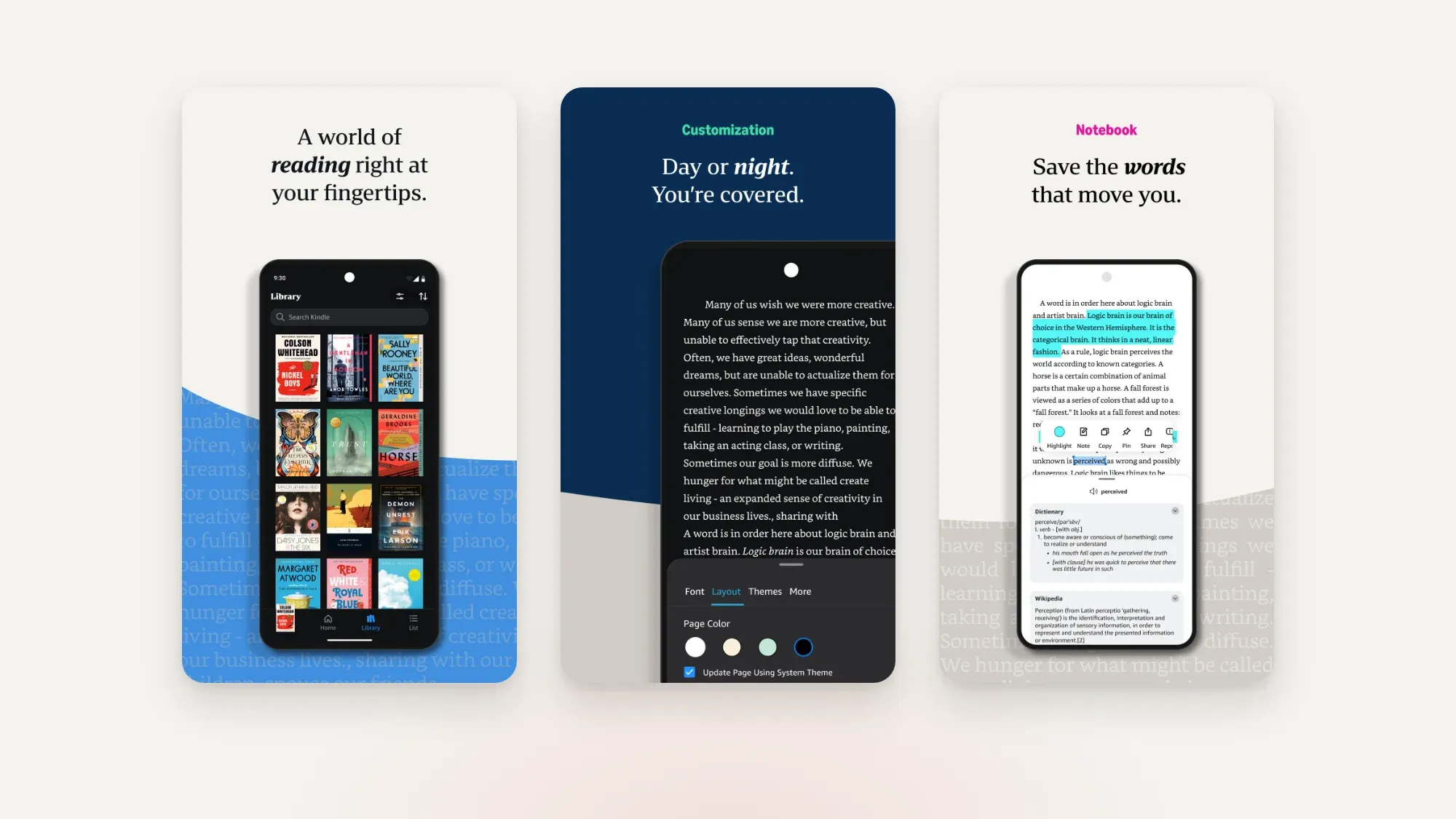
Where it's weaker: it's built around Amazon's ecosystem. You can't point it at a folder of EPUBs or a Calibre catalog, and customization is basic. Thinking about leaving? Here are the best Kindle alternatives.
8. Kobo Books: best if you buy from Kobo
The Kobo Books app is the reading companion to Kobo's store and e-readers, with audiobooks and sync for store purchases. You can import your own DRM-free EPUBs, but Kobo's help pages say PDFs can't be imported, and imported files only appear on the device you imported them on.
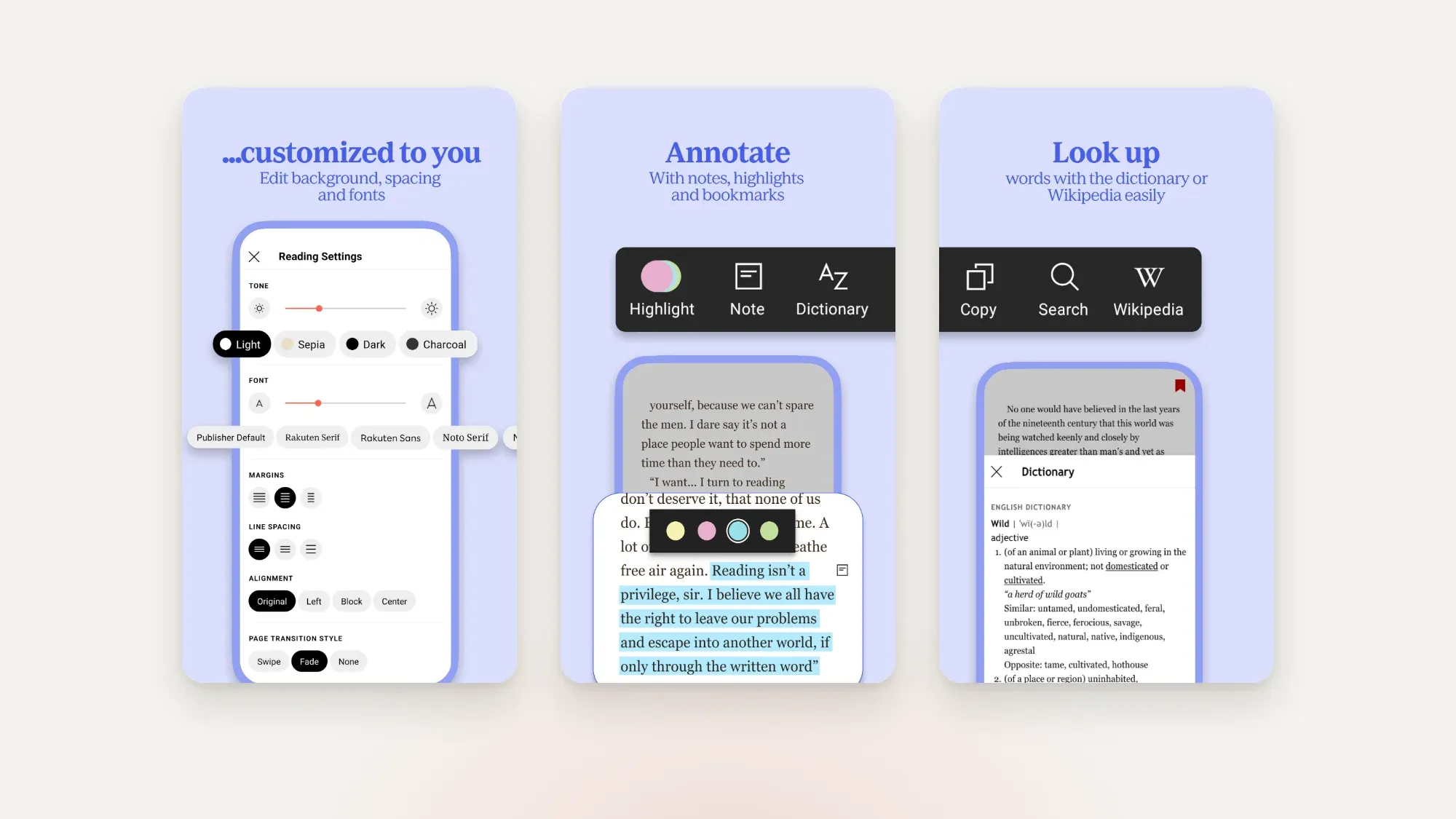
Where it's weaker: it's really a store app with a reader attached; side-loaded books are second-class citizens.
Other apps worth knowing
- Lithium. A minimal, ad-free EPUB-only reader with a loyal following. Its Google Play availability has been patchy, so check whether it's offered in your region.
- PocketBook Reader. A free app from the e-reader maker, notable for supporting Adobe DRM books from many bookstores.
- Libby. Not a general reader, but the easiest way to borrow e-books from your public library.
Which e-book reader app should you choose?
You read on a BOOX or another Android e-reader
Pick a reader that pages cleanly and gives you refresh control: Bookbeam or KOReader. NeoReader, the app BOOX ships, is good for PDFs and notes, and we compare it in the best reading app for BOOX. If you're still choosing hardware, start with the best Android e-ink tablets in 2026 or BOOX vs Kindle.
You mostly read EPUBs on your phone
Bookbeam, Moon+ Reader and ReadEra are all excellent. Our best EPUB reader for Android guide goes deeper, and how to read EPUB files on Android covers the basics step by step.
You're learning a language
Bookbeam's bilingual reading, long-press translation and flashcards are built for this. Moon+ Reader and ReadEra offer dictionary lookups, but not paragraph-by-paragraph translation.
You listen as much as you read
Bookbeam (natural voices with sentence highlighting), Moon+ Reader Pro and Librera all offer text-to-speech. See the best text-to-speech e-book readers for Android.
You buy from one store
Use that store's app for purchases. Many people run the Kindle or Kobo app alongside Bookbeam or ReadEra for everything else.
No ads, no tracking SDKs. Bookbeam Reader is free to start, with sync across 2 devices and a free web library.
Go deeper: the full Android reading series
Choosing an app
- The best EPUB reader for Android
- Moon+ Reader vs ReadEra vs Bookbeam
- KOReader alternatives for Android
- The best text-to-speech e-book readers for Android
- The best reading app for BOOX (and how it compares to NeoReader)
Formats and getting books
- How to read EPUB files on Android
- EPUB vs PDF: which is better for reading?
- Where to get DRM-free e-books (and why it matters)
- How to use your Calibre library on Android (OPDS)
E-ink devices
- The best Android e-ink tablets in 2026
- BOOX vs Kindle: which e-reader should you buy?
- The best Kindle alternatives in 2026
- How to reduce ghosting on BOOX and other e-ink screens
- Bluetooth page turners for Android e-readers: a setup guide
Web reading
- How to send web articles to Kindle, Kobo, BOOX and PocketBook
- How to turn a YouTube video into an e-book
Language learning
- Bilingual books: how to read in two languages at once
- How to learn a language by reading books
- How to build your vocabulary from the books you read
FAQ
What is the best free e-book reader for Android?
ReadEra is the best fully free, ad-free option for local files. Bookbeam's free plan adds sync across 2 devices, e-ink settings and read aloud with your device voice. KOReader is free and open source if you don't mind a steeper learning curve.
Can I read Kindle books in other Android reader apps?
Not Kindle store purchases. They're DRM-protected and only open in Amazon's apps and devices. DRM-free files you own, including MOBI and AZW3 without DRM, open in Bookbeam, ReadEra, Moon+ Reader and others. More in where to get DRM-free e-books.
Which reader app is best for BOOX and other Android e-readers?
Apps designed for e-ink, such as Bookbeam and KOReader, page without animations and let you manage refreshes, which reduces ghosting. General phone readers work too once you turn off page effects.
Does Android have a built-in EPUB reader?
Not as part of Android itself. Many phones come with Google Play Books, which can open EPUBs you upload, but a dedicated reader gives you far more control.
Is Bookbeam free?
Yes. The free plan covers 2 devices and 1 GB of library storage, and the web library is free. Pro and Lifetime add more devices, storage, natural voice time and bilingual reading. Every new account gets a 7-day Pro trial with no card needed. See all features.
The bottom line
There's no single reader that's perfect for everyone, and that's the nice thing about Android: you can install two and see. If you read your own books, especially on an e-ink screen, we think Bookbeam is the most complete option in 2026. Moon+ Reader is the tinkerer's playground, ReadEra is the best simple free choice, KOReader is unbeatable for PDFs, and the store apps remain the easiest way to read store purchases. Try Bookbeam for a week alongside your current app and keep whichever you reach for.
Give it a week. Run Bookbeam alongside your current app and keep whichever you reach for.
Written by
Keep reading
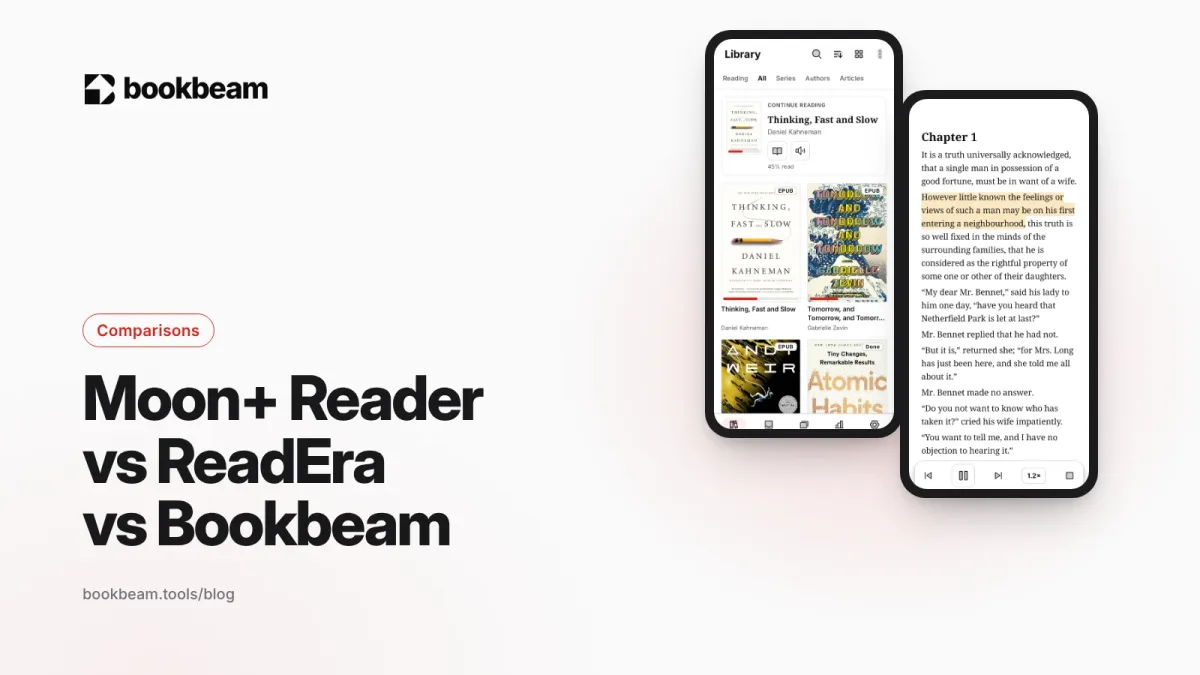
Moon+ Reader vs ReadEra vs Bookbeam
Three popular Android e-book readers, three different philosophies. We compare Moon+ Reader, ReadEra and Bookbeam on price, formats, e-ink, sync, read aloud and language tools, including where each one wins.
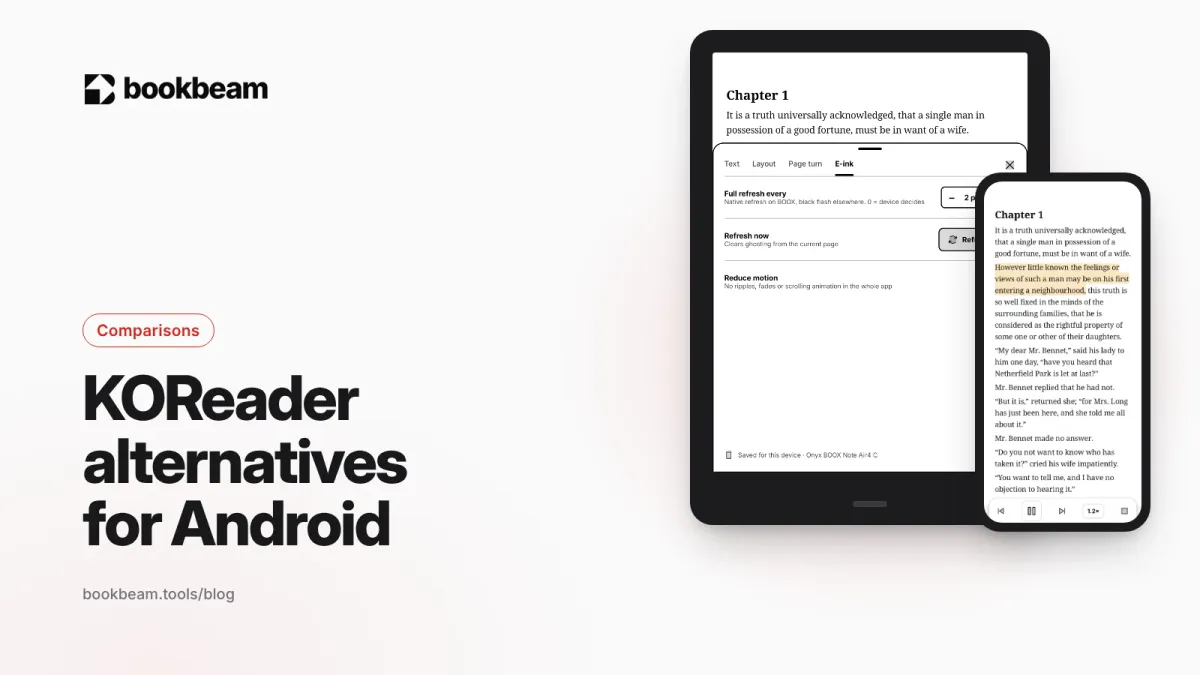
KOReader alternatives for Android
Love KOReader's e-ink focus but not its learning curve? Here are the best Android alternatives in 2026, including two that sync with KOReader, plus an honest look at where KOReader still wins.
The best text-to-speech e-book readers for Android
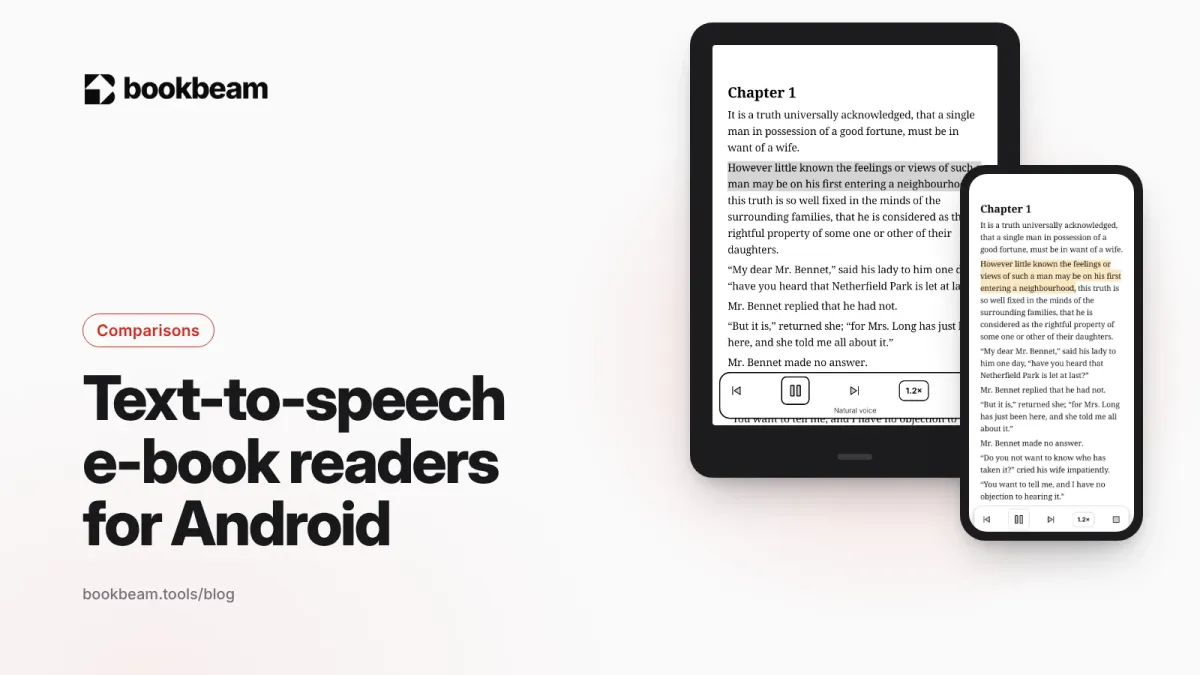
Want your e-books read aloud on Android? We compare Bookbeam, @Voice Aloud Reader, Moon+ Reader, Speechify, ReadEra and Google Play Books on voices, formats, offline use and price, so you can pick the right one.
Questions or thoughts? Share them below.