
Gemini vs on-device translation: which should you use for reading?
Bookbeam can translate books on your device or with Gemini. We compare the two on quality, offline use, speed, privacy and price, and explain when each one is the better choice.

Michal Wlosik
· 3 min read
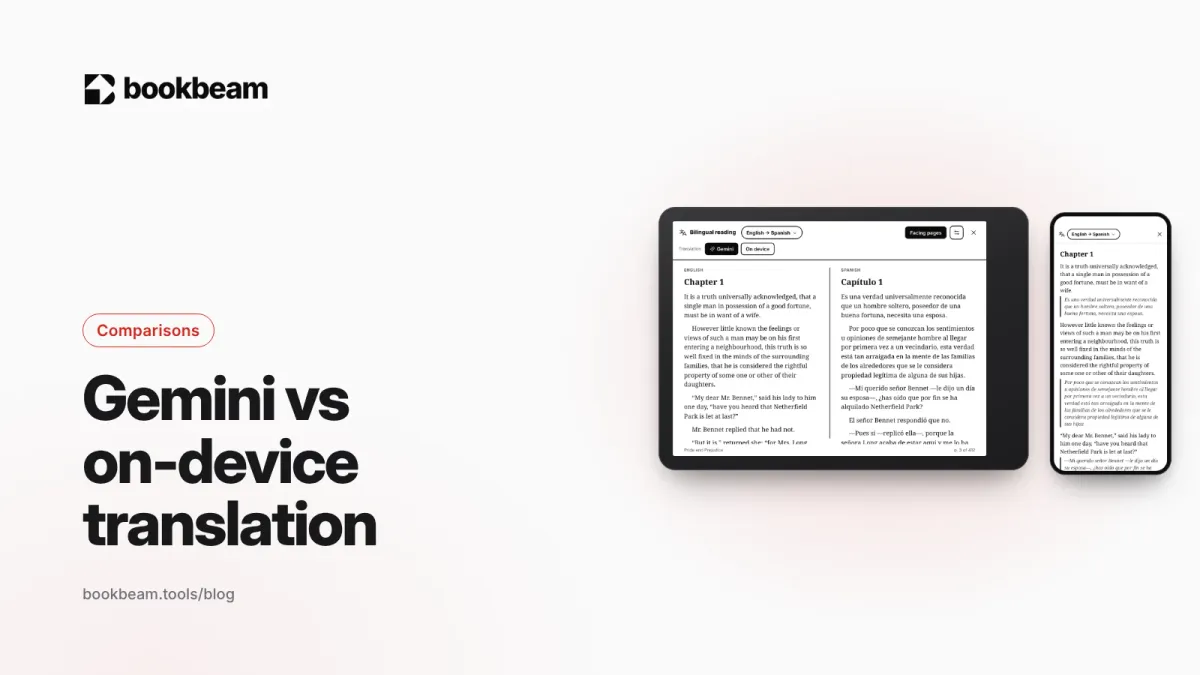
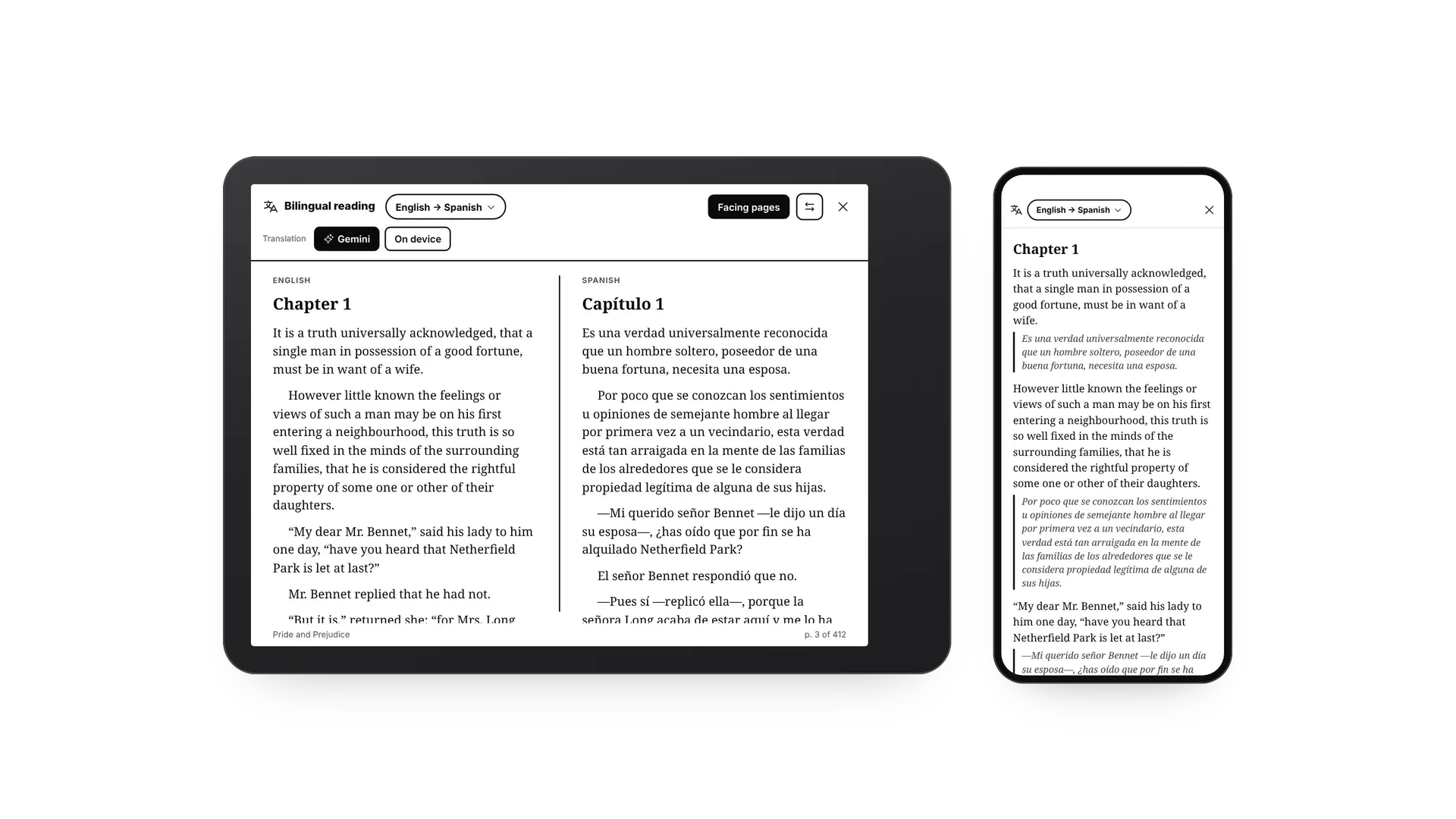
Short answer: use on-device translation when you're offline, want everything to stay on your device, or just need a quick check. Use Gemini when you read the translation as prose, on facing pages or under each paragraph, because it reads each paragraph in the context of the book and the result sounds much more natural. In Bookbeam, on-device translation of words and sentences in the look-up card is free. Bilingual reading, with either one, and Gemini come with Pro, and you can switch between them at any time.
At a glance
| On device | Gemini | |
|---|---|---|
| How it works | Google ML Kit translation models on your phone or e-reader | Google's Gemini model, through Bookbeam's server |
| Quality | Clear and literal, sentence by sentence | Natural, keeps names, tone and idioms |
| Context | One sentence at a time | Whole paragraphs, with the book's title and author |
| Offline | Yes, after a one-time language pack (about 30 MB) | Needs a connection; translated pages are saved |
| Speed | Instant once the pack is on the device | About a second for the page on screen |
| Privacy | Text never leaves your device | Paragraphs you read are sent to be translated |
| Price | Free in the look-up card; bilingual reading needs Pro | Included in Pro and Lifetime |
On-device translation
On-device translation uses the same family of models as Google's offline translation. Each language pair downloads once, about 30 MB, and from then on everything happens on your phone or e-reader. There's no account to create and nothing is sent anywhere, which makes it the right choice on a plane, on an e-reader with Wi-Fi turned off, or for anything you'd rather keep private.
The trade-off is quality. It translates sentence by sentence, so it can't see that "she" in one sentence is the character named two lines earlier, and idioms often come out word for word. For checking what a sentence means, that's usually fine. For reading a page of translation as prose, it can feel stiff.
Gemini translation
Gemini reads each paragraph together with the ones around it and knows which book it's translating. Names stay consistent, dialogue sounds like people talking, and idioms are translated by meaning. Here's the opening line of Pride and Prejudice as Gemini puts it into Spanish:
Es una verdad universalmente reconocida que un hombre soltero, poseedor de una buena fortuna, necesita una esposa.
Bookbeam doesn't translate whole books in advance. Gemini translates the page you're on and the next couple, and fetches more as you turn pages, so even a jump to a chapter far ahead fills in within a second or two. Everything it translated is saved on your device, so rereading costs nothing and works offline. With Pro, Gemini also translates words in the dictionary card in the sense of their sentence, selected sentences, and the word glosses above harder words.

Compare them on your own book. Start a 7-day Pro trial and switch between Gemini and On device in the bilingual bar.
Which should you use?
- Beginners checking the odd sentence: on device is enough, and free.
- Intermediate readers using bilingual reading: Gemini, because you read whole paragraphs of translation and quality shows.
- Travelling or reading offline: on device. Pages Gemini already translated stay available too.
- Literary fiction, dialogue-heavy novels, older books: Gemini handles archaic words and long sentences much better.
- Private documents: on device, so nothing leaves your device.
If Gemini can't be reached, Bookbeam quietly switches to on-device translation, so the page never stays blank.
FAQ
Does Bookbeam train AI on my books?
No. Paragraphs are sent only to be translated, and translations are stored on your device.
Is there a limit on Gemini translation?
Pro covers normal reading, several novels a month. Pages you've already translated never count again.
Do both support the same languages?
Both cover the 50+ languages in Bookbeam's language list. Gemini also handles some language pairs that on-device models don't.
Bring articles in your target language. Send to Bookbeam saves any web page or YouTube video as an e-book for bilingual reading.
Next: how to look up words while you read, or the full language learning page.
Written by
Builder and product marketer. I make Bookbeam, an e-ink-first e-book reader for Android, and Penlo, which makes the handwritten notes on your e-ink tablet searchable. Co-author of The AdTech Book.
Keep reading
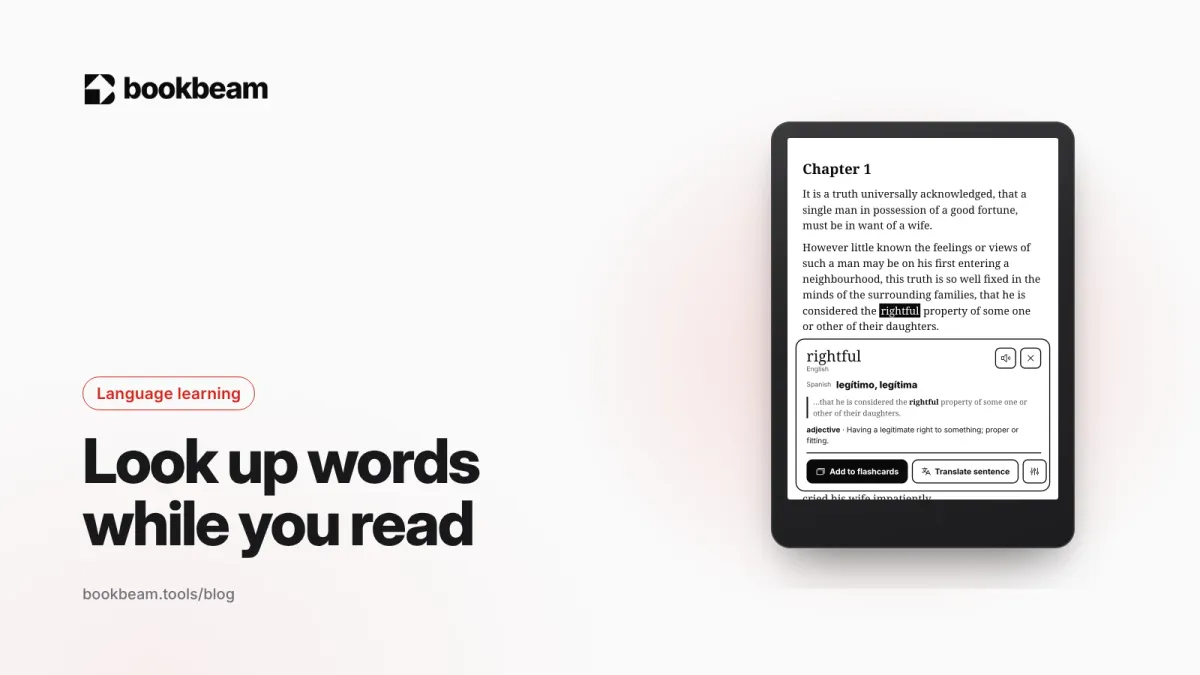
How to look up words and translate sentences while you read
Stopping to look up a word shouldn't mean leaving the book. Here's how to get a word's meaning, its translation in context and its pronunciation in one tap, translate a whole sentence, and keep the words as flashcards.
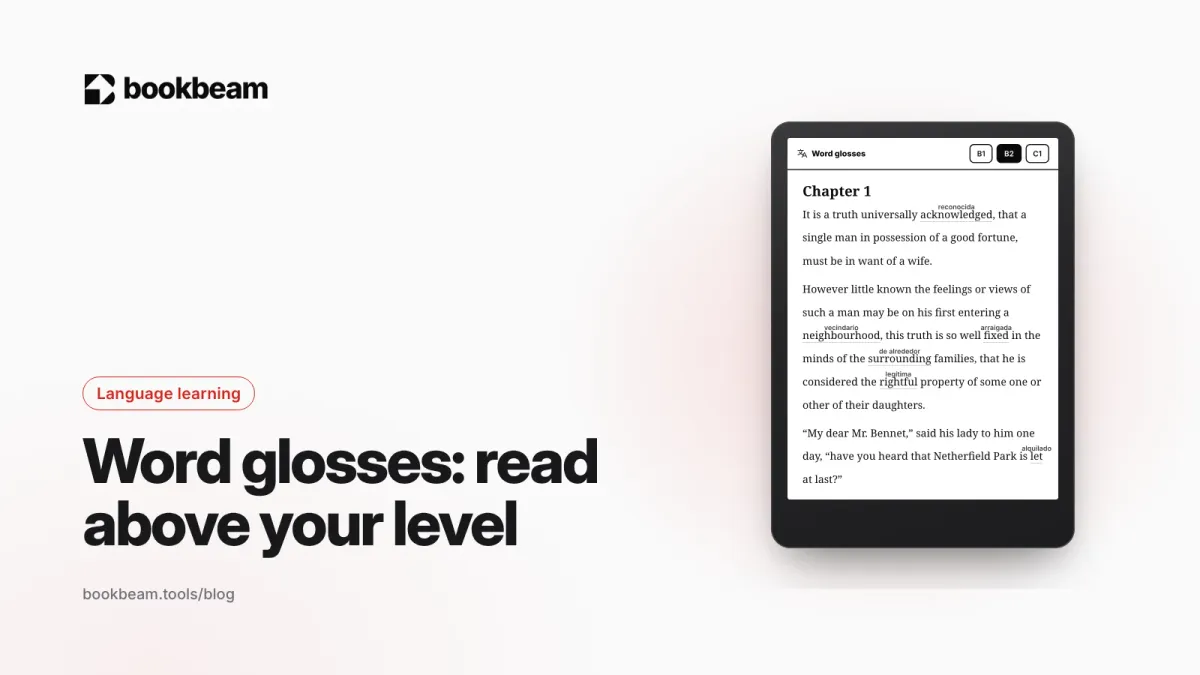
Word glosses: read above your level without stopping for a dictionary
Word glosses put a small translation above just the words that are likely new to you, in the sense they have in that sentence. Here's why glossing helps you learn, how to pick your level, and how glosses work in Bookbeam.
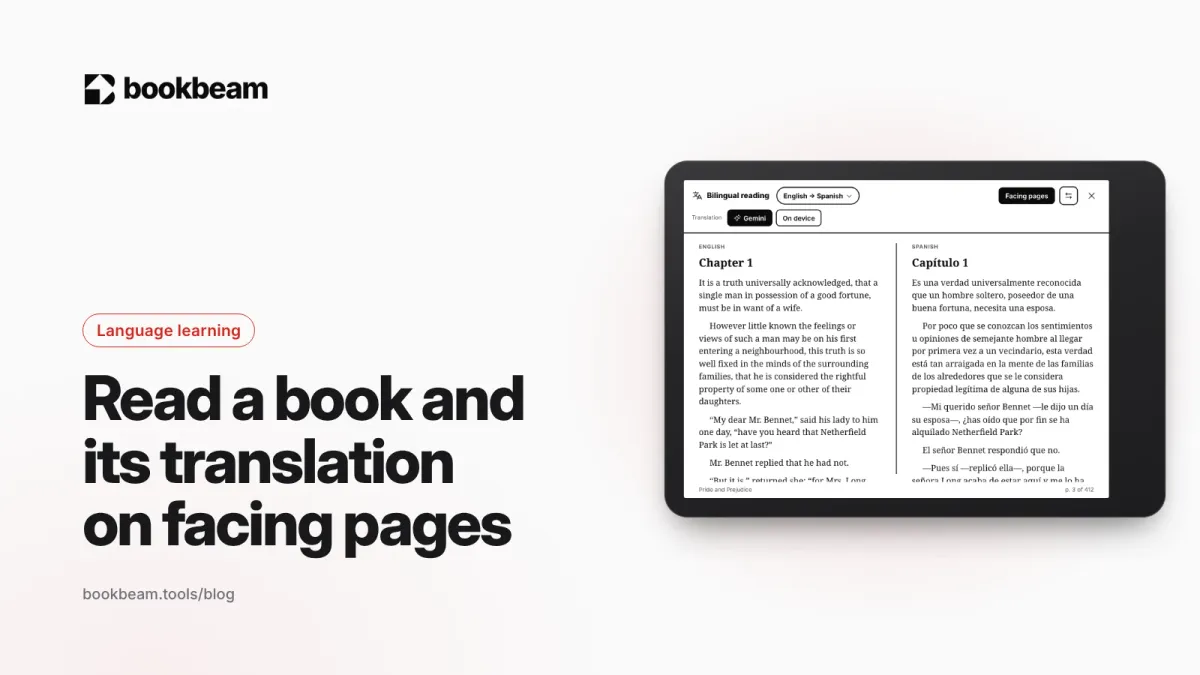
How to read a book and its translation on facing pages
Turn your tablet sideways and read like a parallel-text edition: the original on one page, the translation on the other. Here's how facing pages work, when they beat a translation under each paragraph, and how to set them up.
Questions or thoughts? Share them below.