
How to look up words and translate sentences while you read
Stopping to look up a word shouldn't mean leaving the book. Here's how to get a word's meaning, its translation in context and its pronunciation in one tap, translate a whole sentence, and keep the words as flashcards.

Michal Wlosik
· 4 min read
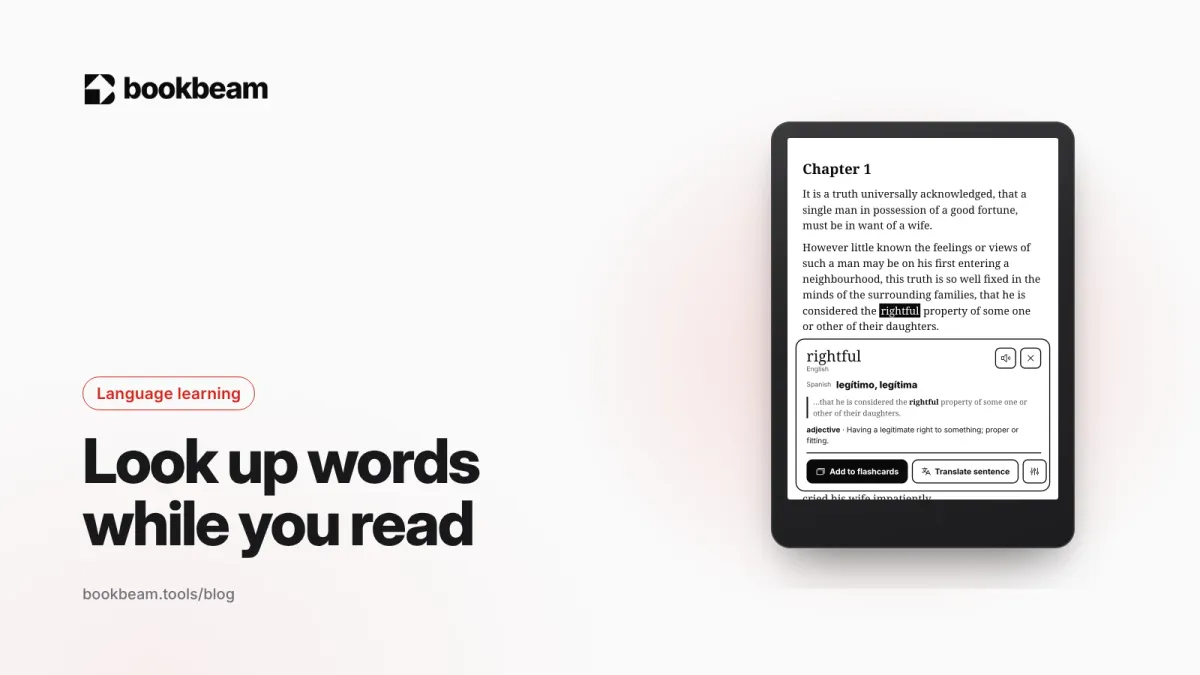
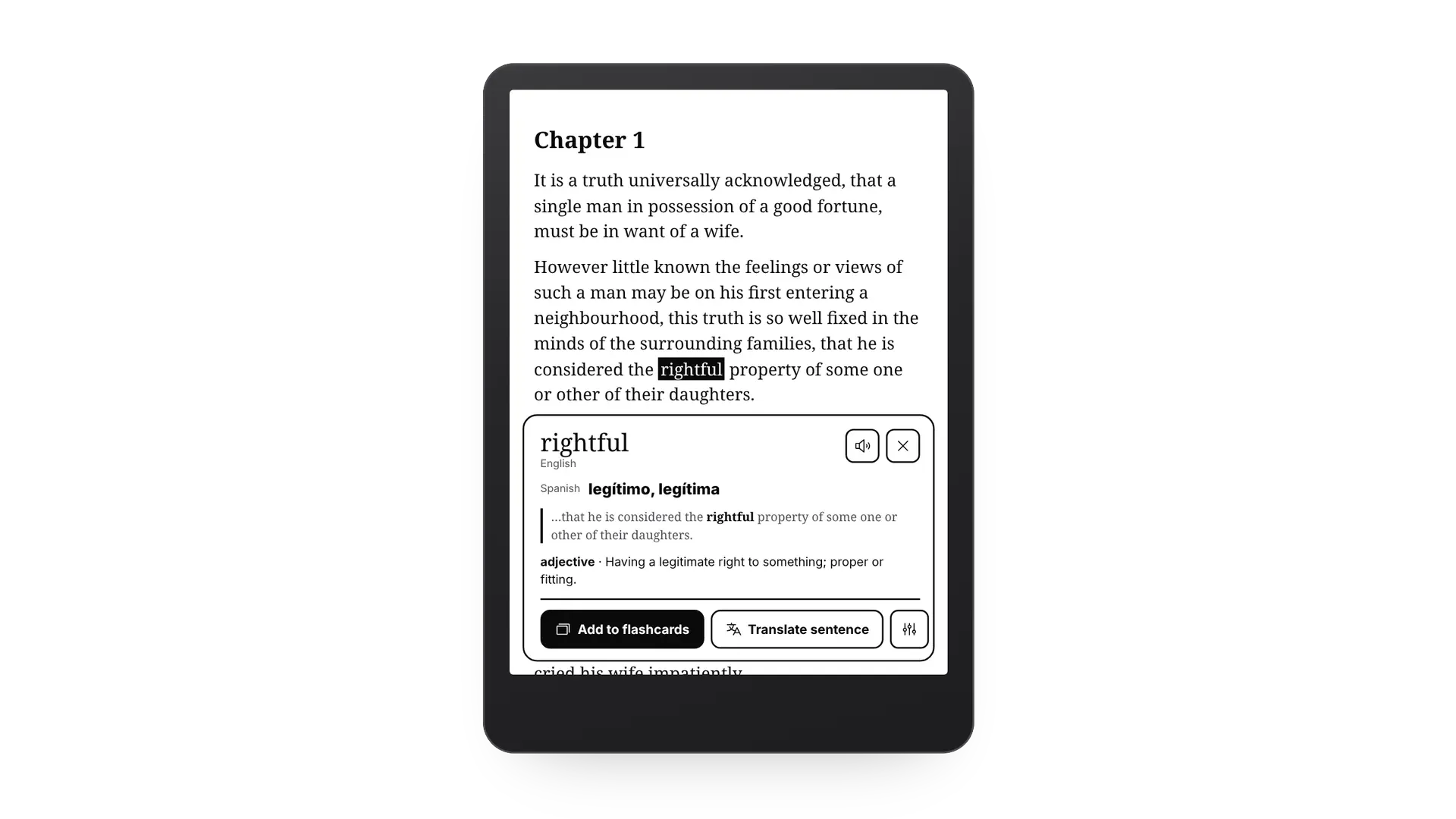
Short answer: the fastest way to look up words while reading is to do it inside your reading app, so you never leave the page. In Bookbeam, select a word and a card shows its translation, its meaning from Wiktionary and the sentence it came from. One tap plays the pronunciation, translates the whole sentence or saves the word as a flashcard. Select a longer passage and you get its translation right on the page.
Why the way you look words up matters
Every look-up is a small interruption. Switch to a dictionary app, type the word, pick the right sense, come back, find your place: that's half a minute, and enough to lose the thread of a scene. Do it twenty times a chapter and reading in a new language becomes a chore. That's why the best look-up is the one you barely notice.
It also matters which meaning you get. Most words have several, and a dictionary lists the most common one first. "Fixed" in "this truth is so well fixed in the minds of the surrounding families" isn't repaired or fastened; it means firmly established. A look-up that reads the sentence gets that right.
What the word card shows
- The translation in that sentence. With Pro, Gemini translates the word as it's used in the sentence. On Free, translation runs on your device and works offline.
- The meaning. Definitions come from Wiktionary, with the part of speech and the main senses.
- The sentence it came from, with the word in bold, so you remember where you met it.
- Pronunciation. Tap the speaker to hear the word in the book's language.
- Actions. Add to flashcards, Translate sentence, and look-up settings.
On e-ink the card appears with no animation and closes with a tap anywhere on the page. If you'd rather use a dictionary app you already know, Bookbeam can send look-ups to GoldenDict, ColorDict or the BOOX dictionary instead, and you can still save words as flashcards.

Look up any word in one tap. The dictionary, on-device translation and flashcards are free in Bookbeam Reader.
How to translate a sentence or a paragraph
Sometimes you know every word and still don't get the sentence. Select it, from a short phrase up to a whole paragraph, and choose Translate. The translation appears on the page under the original. With Pro it's Gemini, which keeps the book's names and tone; otherwise it's translated on your device.
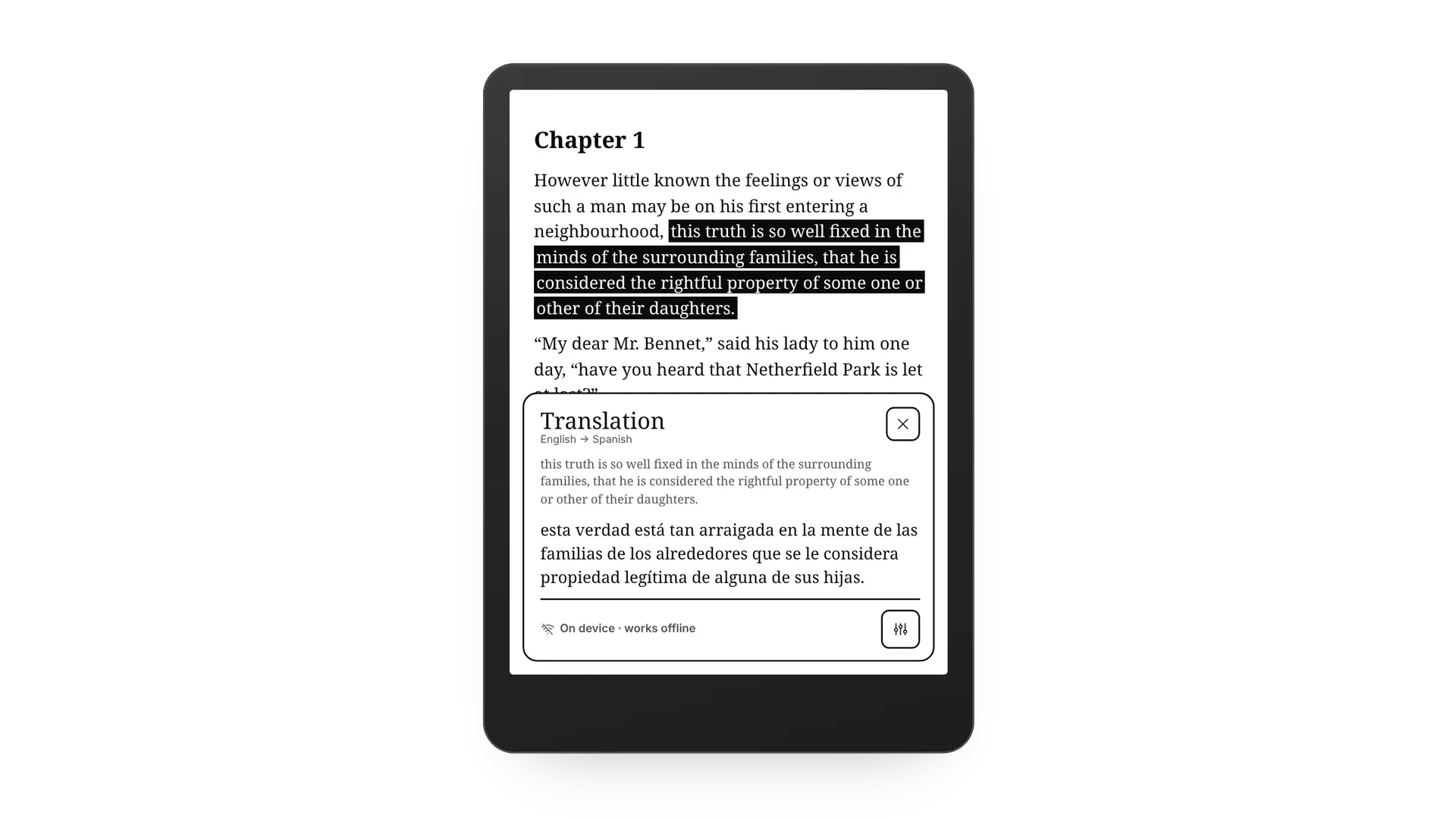
If you're translating sentence after sentence, the book may be a level too hard for now. That's fine: turn on bilingual reading for a few chapters, or try word glosses to get help only with the words you're likely missing.
Make look-ups even faster
- Long-press to define. In Settings › Dictionary & translation, set long-press to Define and the card opens straight away, with no selection menu in between.
- Save every word automatically. Turn on Add looked-up words to flashcards and each look-up becomes a card with its sentence.
- Pick your translation language once. It's shared by the word card, bilingual reading and glosses.
From look-up to flashcard
A word you look up once is easy to forget. Saved words become flashcards with their translation, meaning and the original sentence, and Bookbeam schedules reviews with spaced repetition: rate each card Again, Hard, Good or Easy, and it comes back just before you'd forget it.
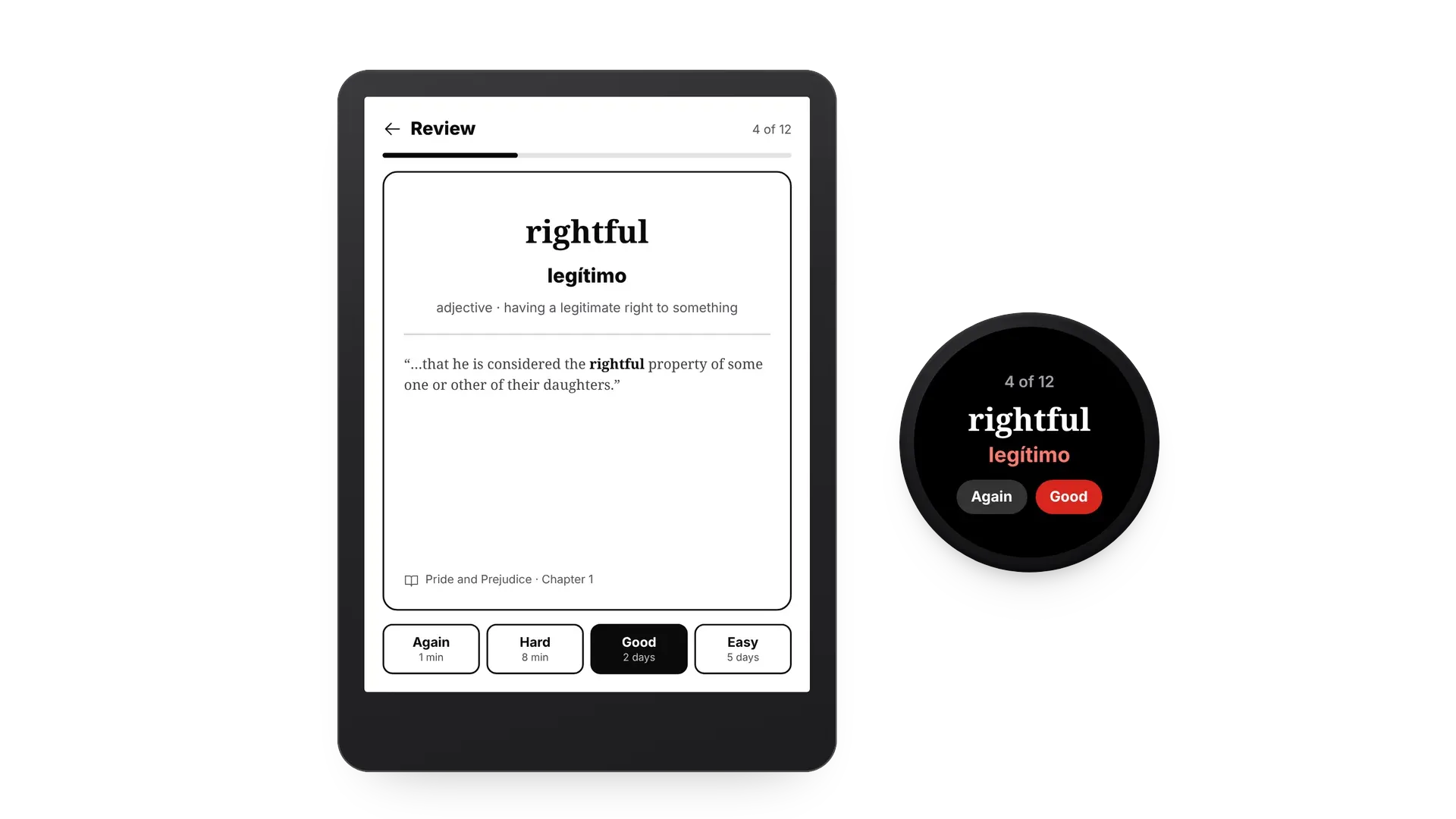
You can review on your e-reader, on your phone, from a home-screen widget or on a Wear OS watch. For a routine that works, see how to build your vocabulary from the books you read.
FAQ
Do look-ups work offline?
Translation does, with on-device translation once the language pack is downloaded. Wiktionary definitions and Gemini translation need a connection.
Which languages are supported?
Translation covers 50+ languages. Wiktionary has definitions for most major languages, and pronunciation uses the voices available on your device.
Is the dictionary free?
Yes. Look-ups, on-device translation and flashcards are free. Pro adds Gemini translation in context, and every new account starts with a 7-day Pro trial.
Look up words on the web too. Send an article to Bookbeam from Chrome and read it with the same dictionary and flashcards.
More tools for learners on the language learning page.
Written by
Builder and product marketer. I make Bookbeam, an e-ink-first e-book reader for Android, and Penlo, which makes the handwritten notes on your e-ink tablet searchable. Co-author of The AdTech Book.
Keep reading
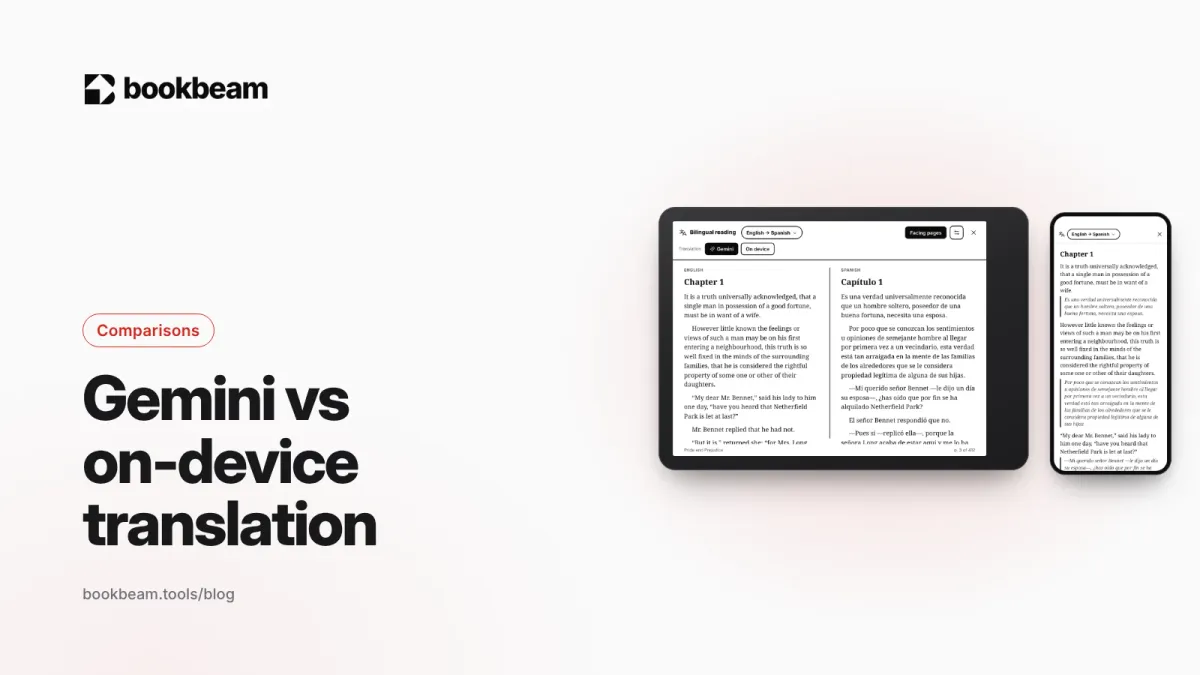
Gemini vs on-device translation: which should you use for reading?
Bookbeam can translate books on your device or with Gemini. We compare the two on quality, offline use, speed, privacy and price, and explain when each one is the better choice.
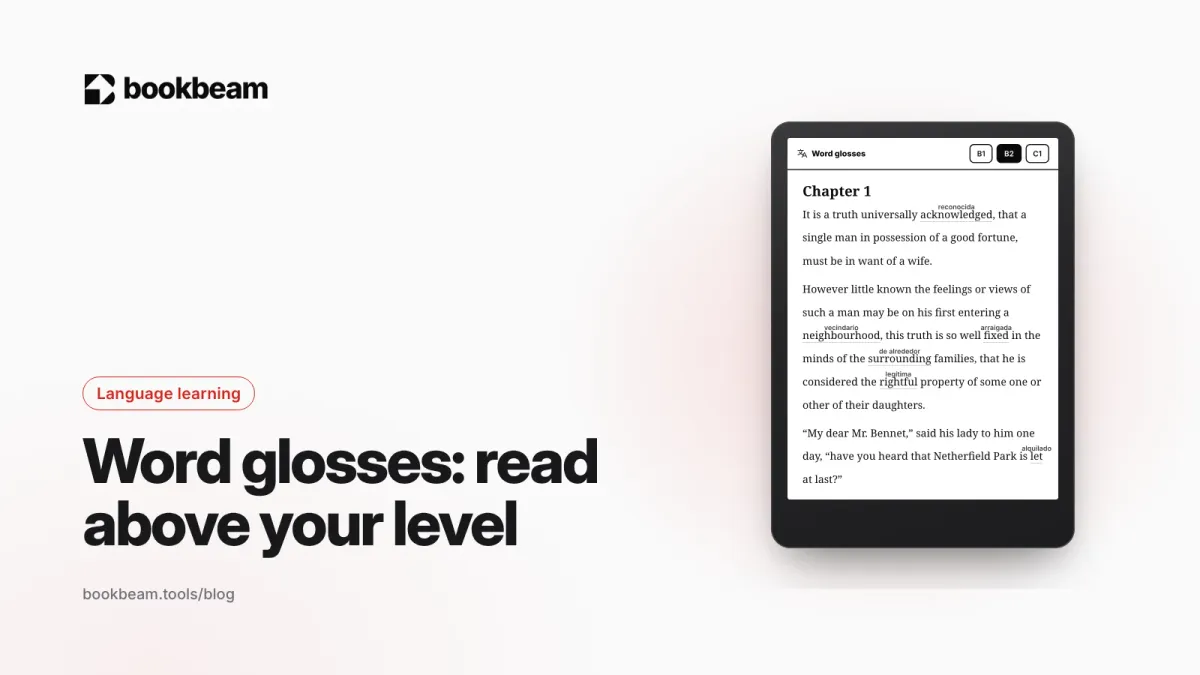
Word glosses: read above your level without stopping for a dictionary
Word glosses put a small translation above just the words that are likely new to you, in the sense they have in that sentence. Here's why glossing helps you learn, how to pick your level, and how glosses work in Bookbeam.
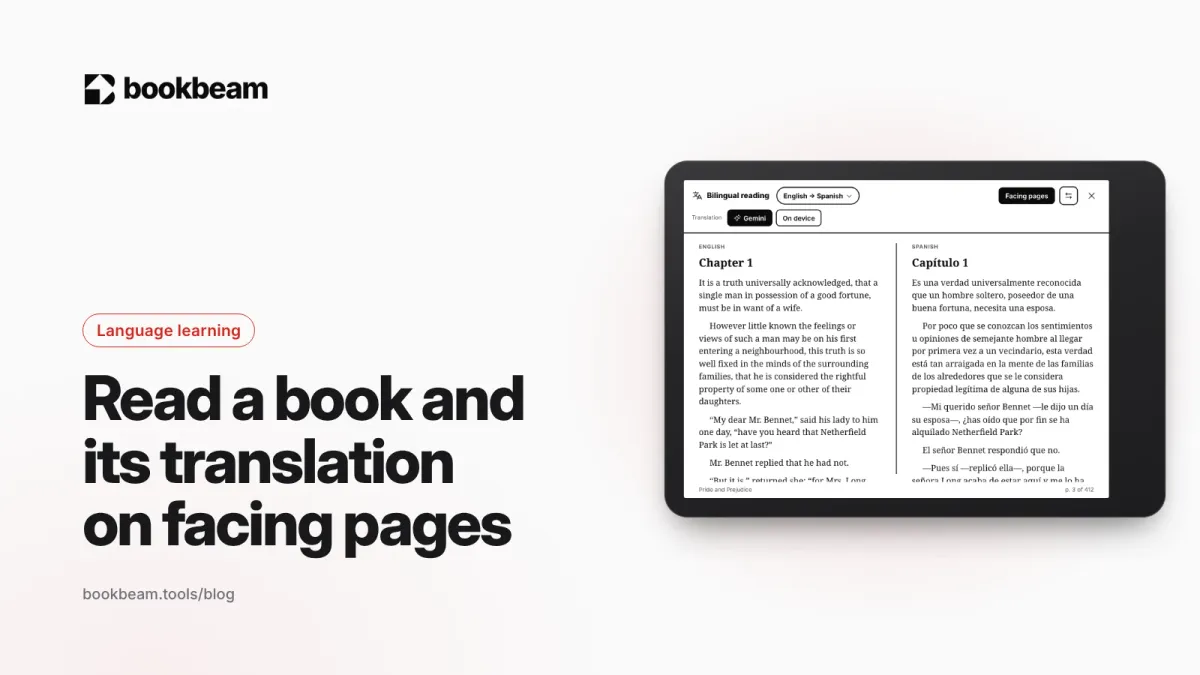
How to read a book and its translation on facing pages
Turn your tablet sideways and read like a parallel-text edition: the original on one page, the translation on the other. Here's how facing pages work, when they beat a translation under each paragraph, and how to set them up.
Questions or thoughts? Share them below.