
Word glosses: read above your level without stopping for a dictionary
Word glosses put a small translation above just the words that are likely new to you, in the sense they have in that sentence. Here's why glossing helps you learn, how to pick your level, and how glosses work in Bookbeam.

Michal Wlosik
· 4 min read
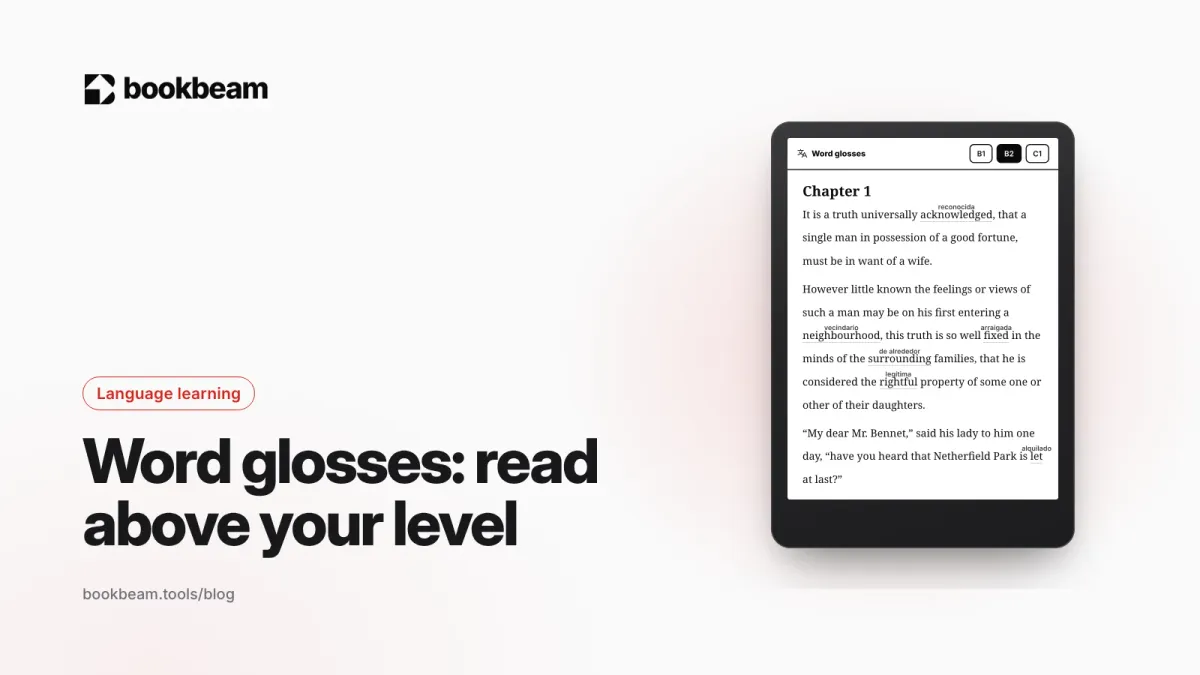
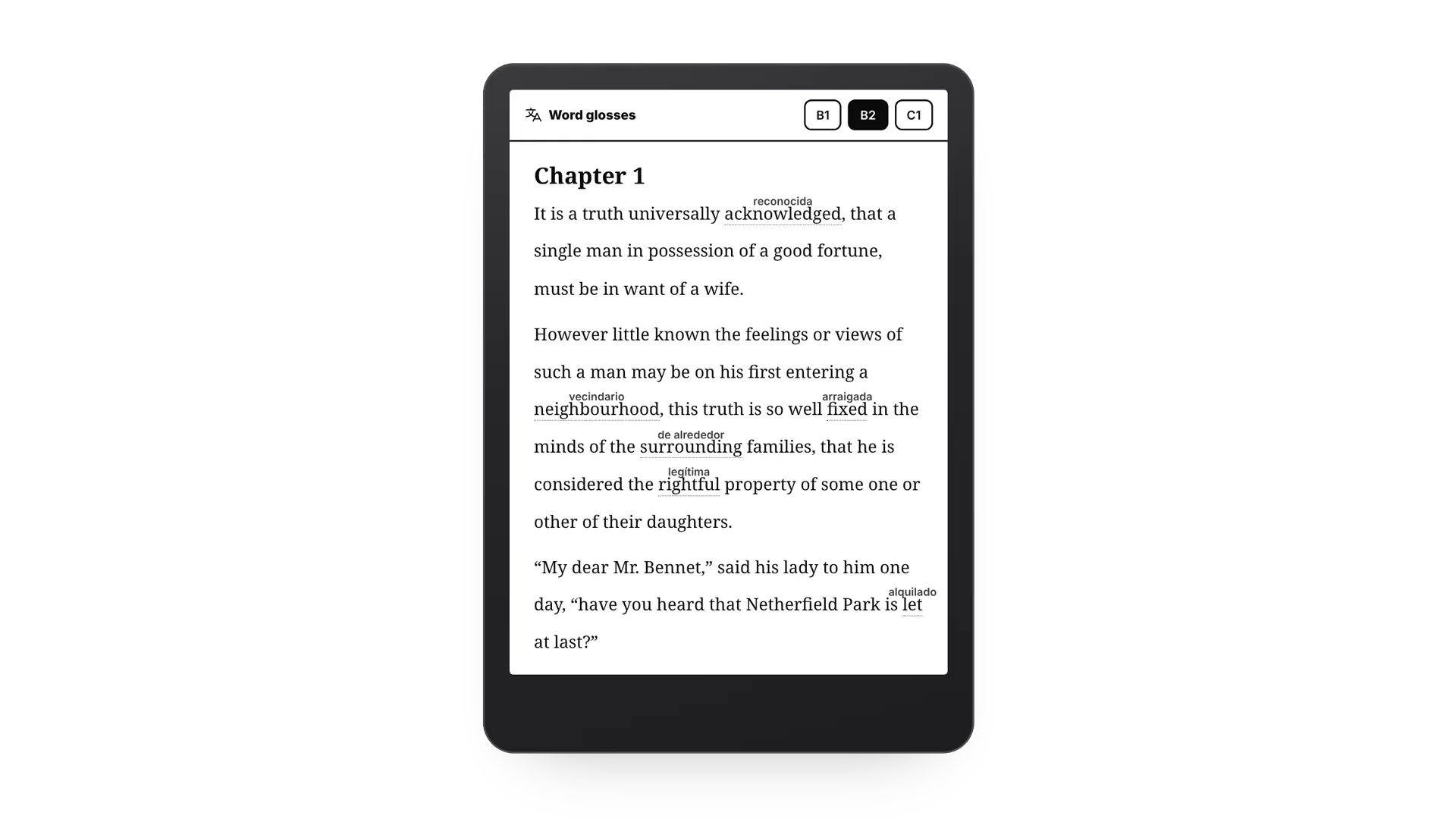
Short answer: word glosses are small translations written above the hard words in a text, so you can keep reading without opening a dictionary. Bookbeam adds them for you: set your level from A1 to C2 and it glosses only the words and phrases a reader at that level probably doesn't know, translated in the sense they have in that exact sentence. The rest of the page stays in the language you're learning.
What are word glosses?
A gloss is a short note that explains a word right where it appears. Textbooks for language learners have used them for a long time: a translation in the margin, at the foot of the page, or in small type above the line. The point is to remove the one thing that stops most learners from reading real books, which is hitting an unknown word every other sentence.
Research backs this up. Paul Nation's work suggests you need to know about 98% of the words in a text, roughly one unknown word in 50, to read it comfortably. Most learners reading a real novel are far below that. And in a study by Zhang and Webb, glossed reading helped learners keep new words about as well as reading with a full translation, and better than reading the original alone. We cover that research in more depth in bilingual books: how to read in two languages at once.
Glosses or a full translation?
A full translation, under each paragraph or on facing pages, is great while a book still feels hard. Its weakness is that your eyes drift to it. Glosses ask more of you: you read every sentence in the original, and only the words you'd likely miss get help. That makes them the natural next step once you understand most of a page on your own.
How word glosses work in Bookbeam
- Your level decides what gets a gloss. Pick A1 to C2. At A2 everyday words still get glosses; at B2 only harder and literary words do; at C1 almost nothing but rare and old-fashioned vocabulary.
- The meaning in that sentence, not the dictionary. Glosses are written by Gemini, which reads the whole sentence. "Let" in "Netherfield Park is let at last" is glossed as rented, not allowed. Phrasal verbs and idioms get one gloss for the whole phrase.
- The lines make room. Line spacing opens up so the small translations never sit on top of the line above.
- Above or below, fewer or more. Put glosses above the word or under it, and choose how many words get one.
- Words you know drop out. Tap a glossed word and choose I know this word. It won't be glossed again, in this book or any other.
- As you read, and offline after. Glosses are made for the page you're on and the next couple, then saved on your device, so a chapter you've read works without a connection.

Try word glosses on your own books. Every new account gets a 7-day Bookbeam Pro trial, no card needed.
How to turn on word glosses
- In Bookbeam, go to Settings › Dictionary & translation and pick the language you want glosses in and your level.
- Open a book and tap the glosses button in the top bar (the small superscript icon next to bilingual reading).
- Read. Glosses appear within a second or two and keep up as you turn pages.
Bookbeam remembers glosses per book, so you can have them on in a novel you're reading in Spanish and off in a book in your own language. If you want every new book to start with glosses, switch on Start books with word glosses in settings. Glosses and bilingual reading are one or the other: turning one on turns the other off.
How to choose your level
If you know your CEFR level from a course or test, start there. If not, pick B1, read a chapter and adjust:
- Too many glosses, and you find yourself reading the small text instead of the book? Go up a level or switch to Fewer.
- Still reaching for the dictionary every few lines? Go down a level or switch to More.
A page should feel like a bit of a stretch, not a puzzle. As you mark words as known, glosses thin out on their own, which is a nice way to see your progress.
Keep the words, not just the gloss
A gloss helps you understand a word once. To remember it, you need to meet it again. Tap any glossed word for the full card with its meaning, pronunciation and the sentence it came from, and add it to your flashcards in one tap. Our guide to looking up words while you read shows the card, and how to build your vocabulary from books covers which words are worth saving.
FAQ
Are word glosses free?
Glosses are part of Bookbeam Pro and Lifetime, because they're made by Gemini. Every new account can try them during the 7-day Pro trial.
Which languages do glosses work in?
Glosses work for books in most major languages and can be written in any of the 50+ languages Bookbeam translates into.
Do glosses work offline?
Glosses need a connection the first time a page is glossed. After that they're saved on your device with the book.
Do glosses work on e-ink?
Yes. They're plain text in the book's page, so they stay sharp on BOOX and other e-ink screens with no extra refreshes.
Find more to read in your new language. Send to Bookbeam turns web articles and YouTube videos into e-books, glosses included.
See everything Bookbeam does for language learners on the language learning page.
Written by
Builder and product marketer. I make Bookbeam, an e-ink-first e-book reader for Android, and Penlo, which makes the handwritten notes on your e-ink tablet searchable. Co-author of The AdTech Book.
Keep reading
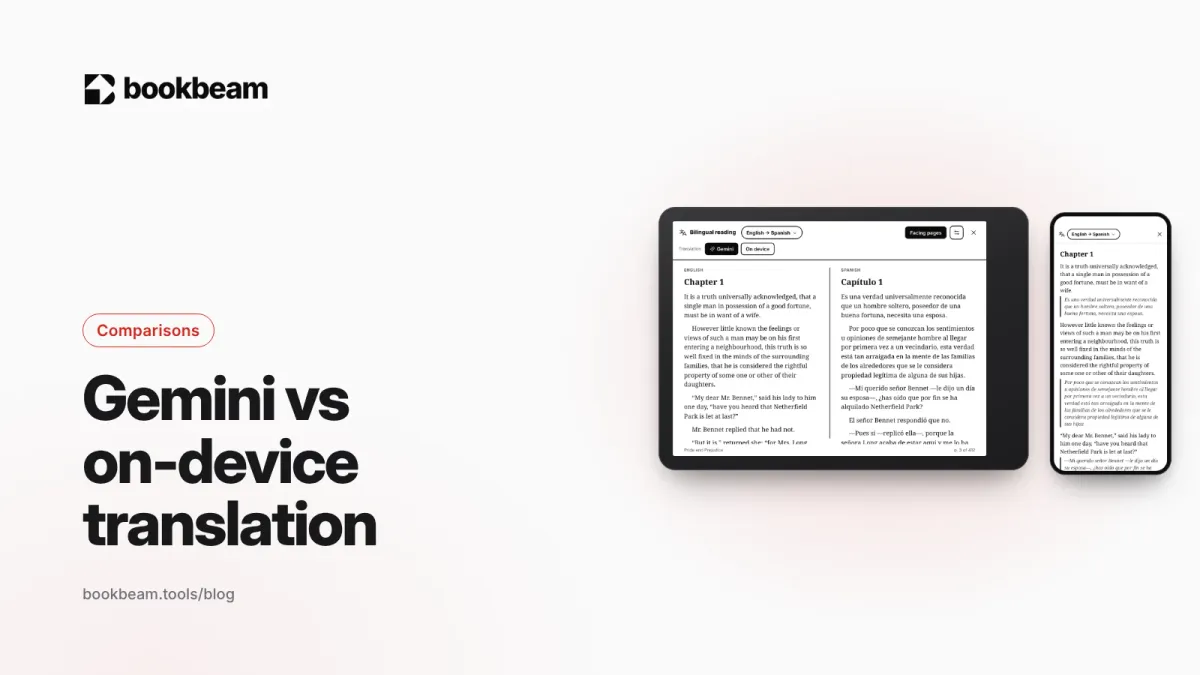
Gemini vs on-device translation: which should you use for reading?
Bookbeam can translate books on your device or with Gemini. We compare the two on quality, offline use, speed, privacy and price, and explain when each one is the better choice.
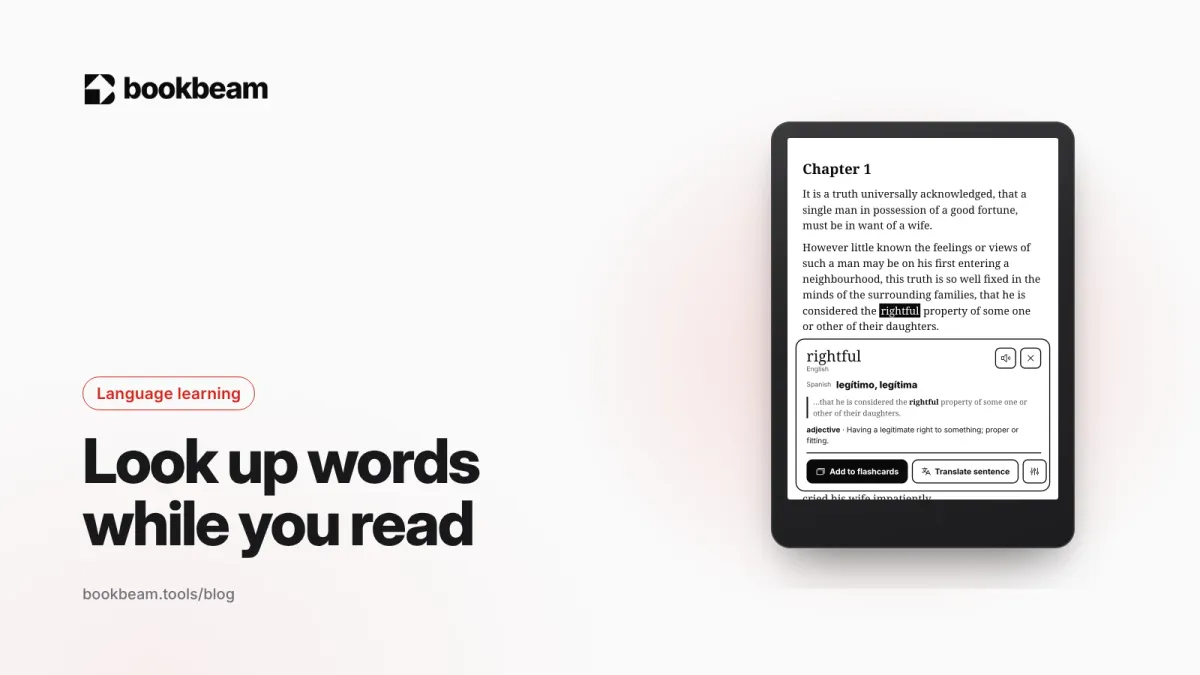
How to look up words and translate sentences while you read
Stopping to look up a word shouldn't mean leaving the book. Here's how to get a word's meaning, its translation in context and its pronunciation in one tap, translate a whole sentence, and keep the words as flashcards.
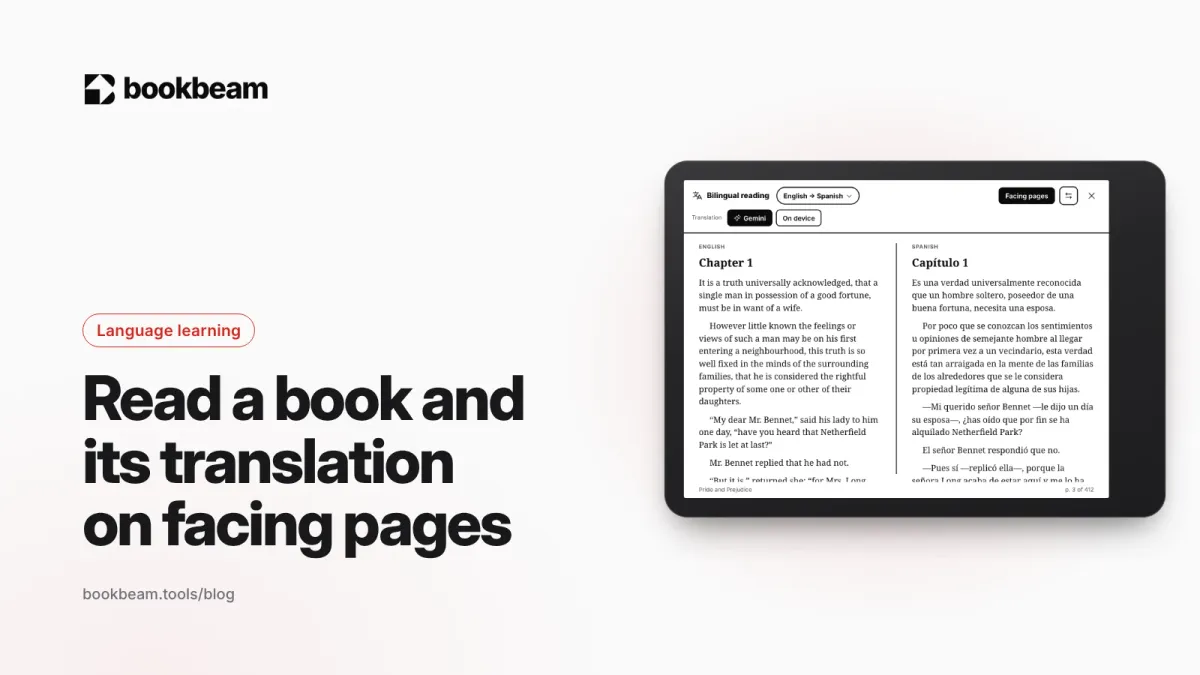
How to read a book and its translation on facing pages
Turn your tablet sideways and read like a parallel-text edition: the original on one page, the translation on the other. Here's how facing pages work, when they beat a translation under each paragraph, and how to set them up.
Questions or thoughts? Share them below.