
Full-cast audiobooks from your own e-books
Turn any DRM-free e-book into something close to a full-cast audiobook: hear the same Moby-Dick scene read by a narrator, performed by one expressive voice, and voiced by a full cast.

Michal Wlosik
· 6 min read
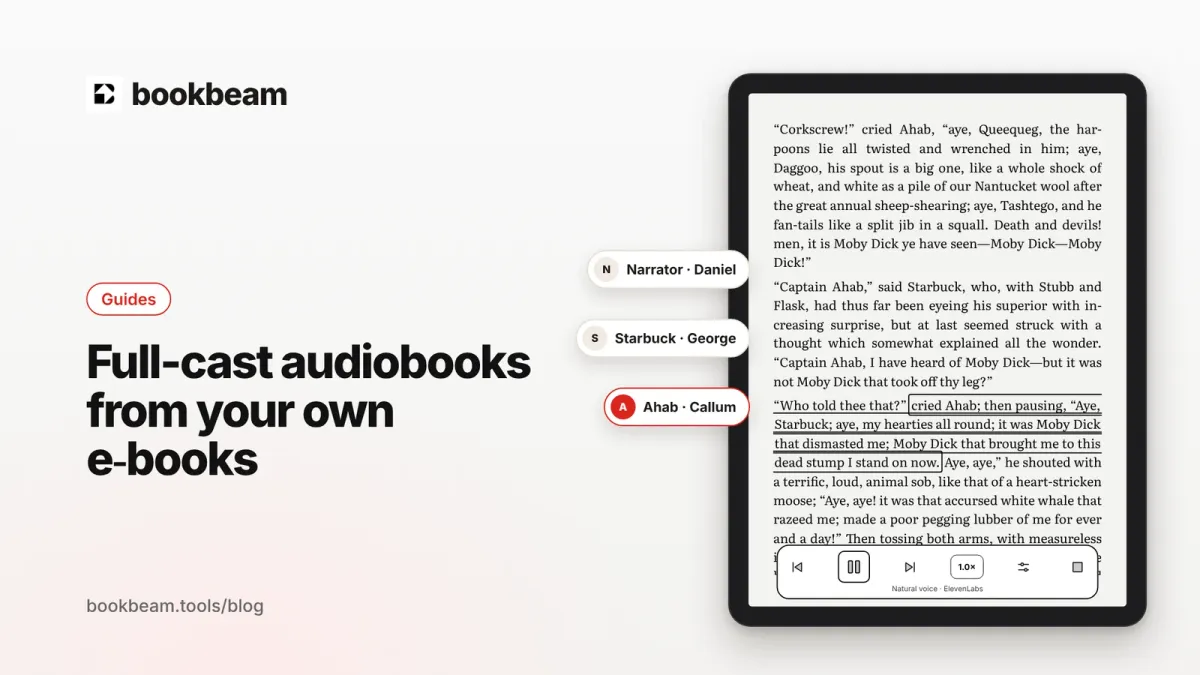
Short answer: you can turn an e-book you already own into something close to a full-cast audiobook. Bookbeam's natural voices from ElevenLabs have three ways to perform a book: Narrator reads everything in one even voice, Expressive acts the scene with one voice, and Full cast gives each character in the dialogue their own voice while a narrator reads the rest. You pick a default in Settings and can change it for any book.
Full disclosure: we make Bookbeam. This guide shows exactly how the three modes work, including what Full cast can't do yet.
Hear the difference
Below is the same scene from Moby-Dick (chapter 36, where Starbuck asks Ahab about his leg) in all three modes, on an e-ink tablet. The audio is real ElevenLabs output, and the player works like the one in the app: press play, skip by sentence, change the speed, or open the settings and switch the performance.
Listen to the same line in each mode: "he shouted with a terrific, loud, animal sob". Narrator just reads it. Expressive lets you hear the sob in Ahab's next words. Full cast hands those words to a different, rougher voice entirely.
Narrator, Expressive and Full cast
Narrator: one voice, even delivery
The default. One natural voice reads narration and dialogue alike, at a steady pace. It uses ElevenLabs' fast model, so audio is ready quickly and your voice time lasts longest. It's the right choice for non-fiction, articles, and long listening sessions where you want the voice to disappear.
Expressive: emotion and pacing from the text
Still one voice, but on ElevenLabs' most natural model (v3). It takes its cues from the words on the page: a whisper sounds like a whisper, a shout gets louder, and a pause in the text gets a pause in the voice. Use it for novels you'd rather hear performed than read.
Full cast: a voice for each character
Full cast also uses v3, and splits every paragraph into narration and dialogue. The narrator reads the narration in the voice you chose, and each character who speaks gets a voice of their own, kept for the whole book. It's the closest thing to a multi-voice audiobook you can make from a plain EPUB.
How Full cast decides who is speaking
Bookbeam doesn't guess at random. A line goes to a character only when the text says who's talking, and everything else stays with the narrator, because a line in the wrong voice is far more jarring than one in the narrator's voice.
- It finds the dialogue. Quoted speech (“…”, „…”, «…», "…") and dash-led dialogue, common in Polish and other European books.
- It reads the attribution. "said Starbuck", "cried Ahab", "Anna asked" or "powiedziała Ola" names the speaker. Whoever the paragraph names speaks all its lines, the way most novels are written.
- Pronouns get a generic voice. "he said" or "she whispered" goes to an Unnamed man or Unnamed woman voice rather than a guess.
- New characters get a new voice. Each one gets a voice different from the narrator's and, when possible, from everyone else's. The cast is saved with the book, so Ahab sounds like Ahab in chapter 1 and chapter 130.
- The hand-offs sound natural. There's a short beat of silence whenever the voice changes mid-paragraph, and characters' lines play a touch slower, because v3 tends to rush dialogue.
Speaker detection currently understands English and Polish attributions. In books in other languages, Full cast still reads everything with the expressive model, but the dialogue stays with the narrator.
Change any character's voice on the cast sheet
Characters appear on the book's cast sheet as they first speak. To change one, open the player's settings (the sliders button), tap Performance, and pick another voice under the character's name. The narrator's voice is marked, so you don't accidentally give a character the same one. Your choice is used from the next passage on and stays with that book.
The voices to choose from are George, Sarah, Alice, Brian, Daniel and Callum, from warm and steady to deep and gravelly.
How to turn it on
- Choose ElevenLabs as your voice. Go to Settings → Read aloud → Voice. Performance modes need ElevenLabs; the free device voice and Deepgram always read as a narrator.
- Pick a default performance. Under Performance, choose Narrator, Expressive or Full cast. This is what new books use.
- Change it for one book. While a book is playing, tap the sliders button on the player, then Performance, and pick a mode for this book only.
- Choose how sentences are marked. In Settings → Read aloud, "Highlight while reading" and "Mark with" set whether the current sentence gets an outline, a grey wash or an underline.

Hear your own books performed.
Try Narrator, Expressive and Full cast free for 7 days, no card needed.
In the car and on your watch
All three modes work with Android Auto. With Expressive or Full cast, Bookbeam prepares the next few passages while you listen, and if one isn't ready in time on a weak connection, the Narrator voice reads it so there's never a silence. Loudness is evened out too, so Ahab's shouting doesn't make you jump at the wheel. More in how to listen to your e-books in the car.
On a Wear OS watch you can pause, skip a sentence or go back without taking out your phone. See Bookbeam on Wear OS.
Which mode should you use?
- Non-fiction, articles, study: Narrator. Clear, fast to start, and your voice time lasts longest.
- Literary fiction with little dialogue: Expressive. One voice that follows the mood of the prose.
- Dialogue-heavy novels, classics, thrillers: Full cast. It shines when the book names its speakers, as most classic fiction does.
- Long books with big casts: Full cast plus the Book guide, which lists characters without spoilers, so voices and names stick together.
New to listening to e-books? Start with how to read your e-books just like audiobooks, which covers the free device voice, follow-along and BOOX tips. Comparing apps? See the best text-to-speech e-book readers for Android.
FAQ
Is Full cast free?
Performance modes use natural voices, which are part of Pro: 1.5 hours of natural voice a month, with Narrator, Expressive and Full cast. Voice Packs add 5 hours that never expire, on any plan. Every new account gets a 7-day Pro trial, no card needed.
Which languages does it work in?
ElevenLabs voices read more than 30 languages, and Narrator and Expressive work in all of them. Full cast's speaker detection understands English and Polish attributions today; in other languages, the dialogue stays with the narrator.
Does it work offline?
No. Natural voices are generated while you listen, so they need a connection. Audio you've already played is cached on your device, so replaying it is free. For offline listening, use the device voice.
Can I choose the voices?
Yes. You choose the narrator in Settings, and each character's voice on the book's cast sheet. The choices are saved per book.
What if a line gets the wrong voice?
Lines go to a character only when the text names the speaker, so mistakes are rare, but books that leave dialogue unattributed for long stretches will read those lines in the narrator's voice. If a character's voice doesn't suit them, change it on the cast sheet.
Give your books a cast
Most of the books on your shelf will never get a full-cast audiobook. With Bookbeam, any DRM-free novel can have one, voiced on your phone, your e-reader or in the car. Start with Narrator, then try Full cast on the most dialogue-heavy book you own.
Your books, performed. Install Bookbeam free and press play on the book you're reading now.
Written by
Builder and product marketer. I make Bookbeam, an e-ink-first e-book reader for Android, and Penlo, which makes the handwritten notes on your e-ink tablet searchable. Co-author of The AdTech Book.
Keep reading
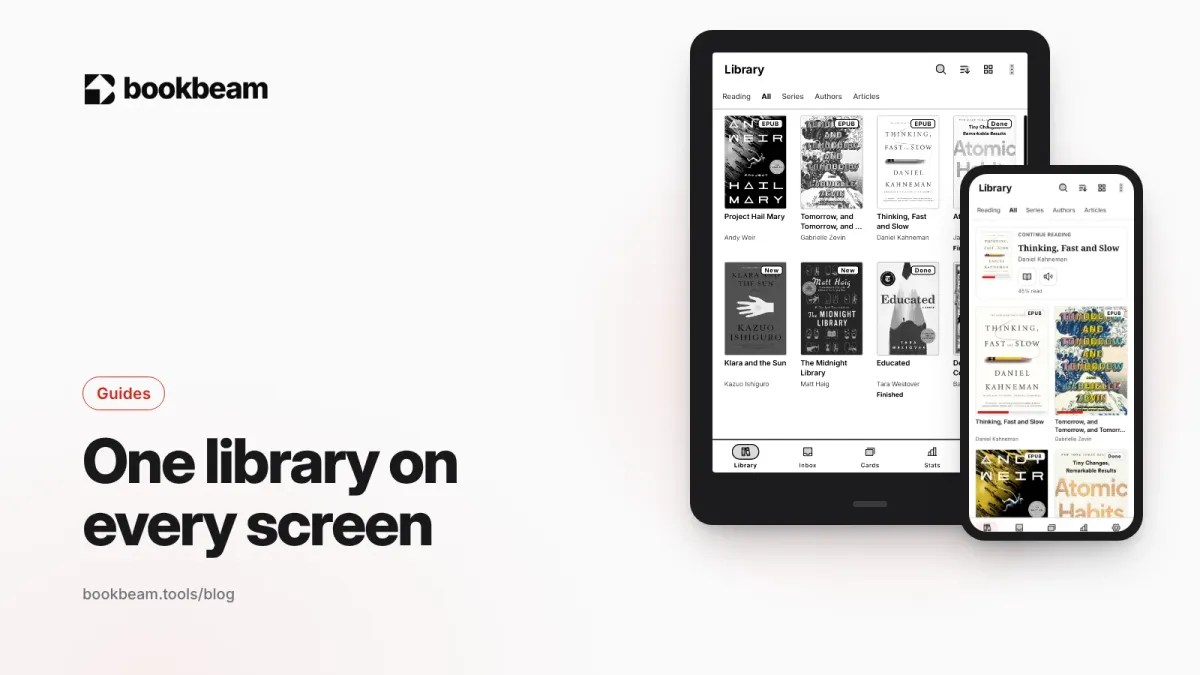
One library on your BOOX, phone and the web: how to sync your e-books
Stop copying files between devices. Keep one synced library on your BOOX, phone and the web, with progress, highlights and notes that follow you.
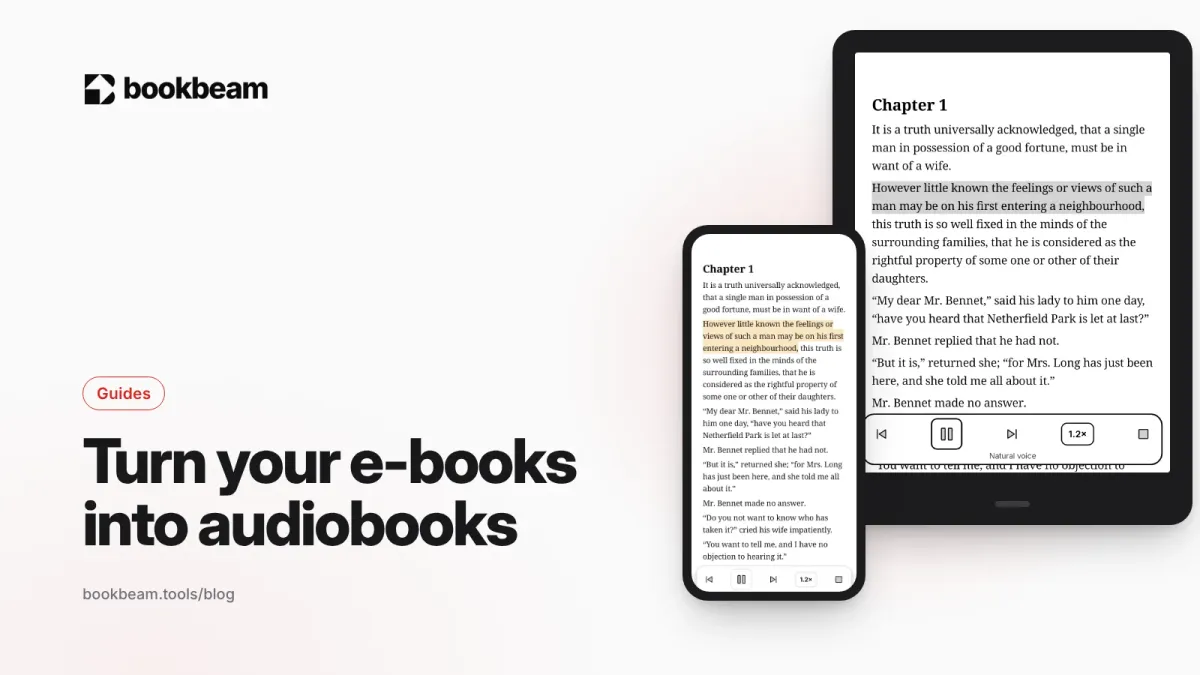
How to read your e-books just like audiobooks
Turn the e-books you already own into audiobooks on your BOOX, e-reader or phone, with a free offline voice or natural voices that follow along on the page.
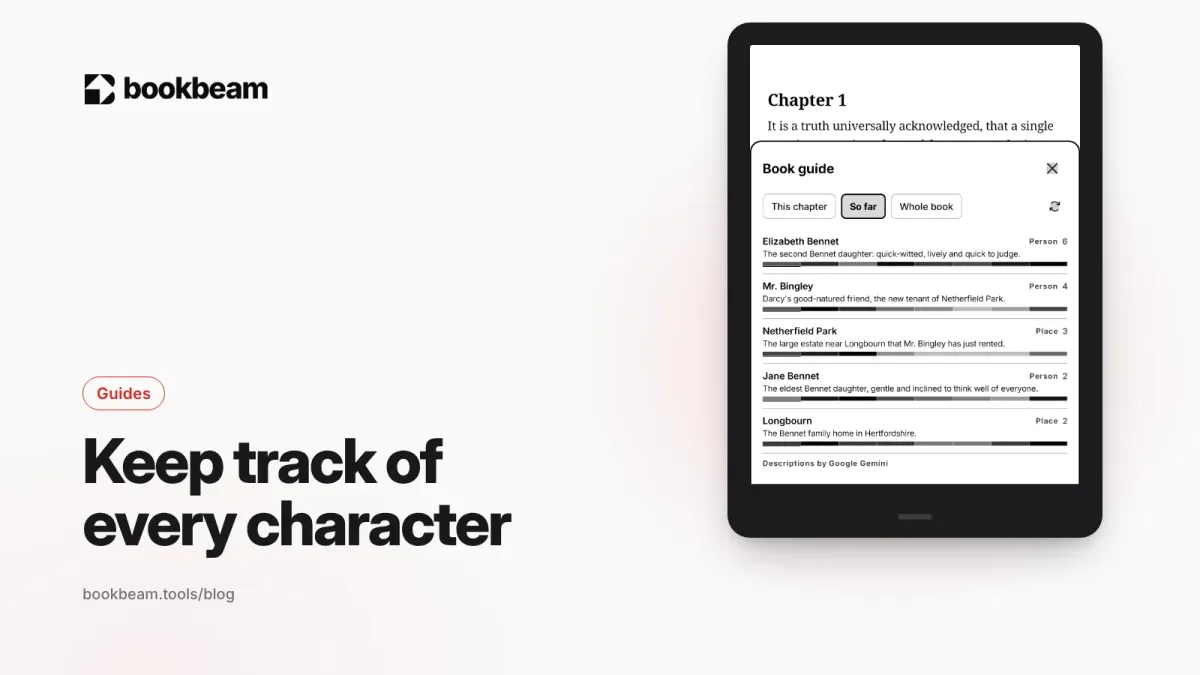
How to keep track of characters in long novels (without spoilers)
A spoiler-free way to keep track of characters, places and terms in long novels, with Bookbeam's Book guide and simple habits that work in any app.
Questions or thoughts? Share them below.